
Simplify VDI Solutions with Application Workspace

VDI delivers secure, centralized desktops and apps from your datacenter or the cloud, so people can work from almost any device. Recast keeps applications current across Citrix, Omnissa Horizon, Azure Virtual Desktop, and Windows 365, with the same control and consistency you expect on physical devices.

Centralized application delivery across physical and virtual endpoints​

VDI solutions work best when applications keep up with them. Recast centralizes application delivery across physical devices, Cloud PCs, and virtual desktop environments, so one catalog covers local installs, web apps, and VDI sessions without separate workflows. 

Publish applications once and make them available wherever people need them.

Works across your virtual desktop platforms 

  • Citrix  
  • Omnissa Horizon  
  • Azure Virtual Desktop  
  • Windows 365 Cloud PCs 


Deploy as SaaS or self-hosted, and phase adoption by site, department, or image.

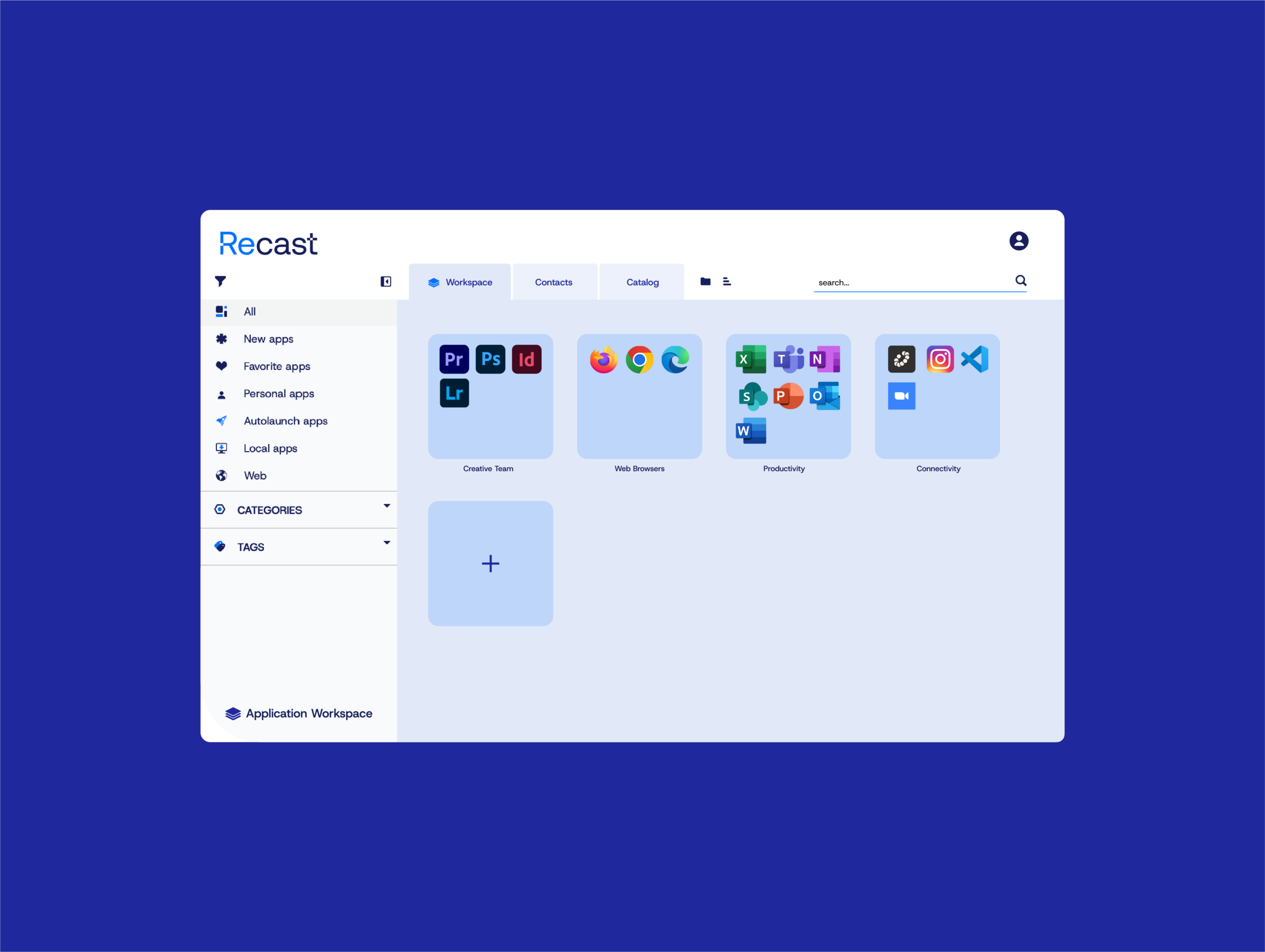
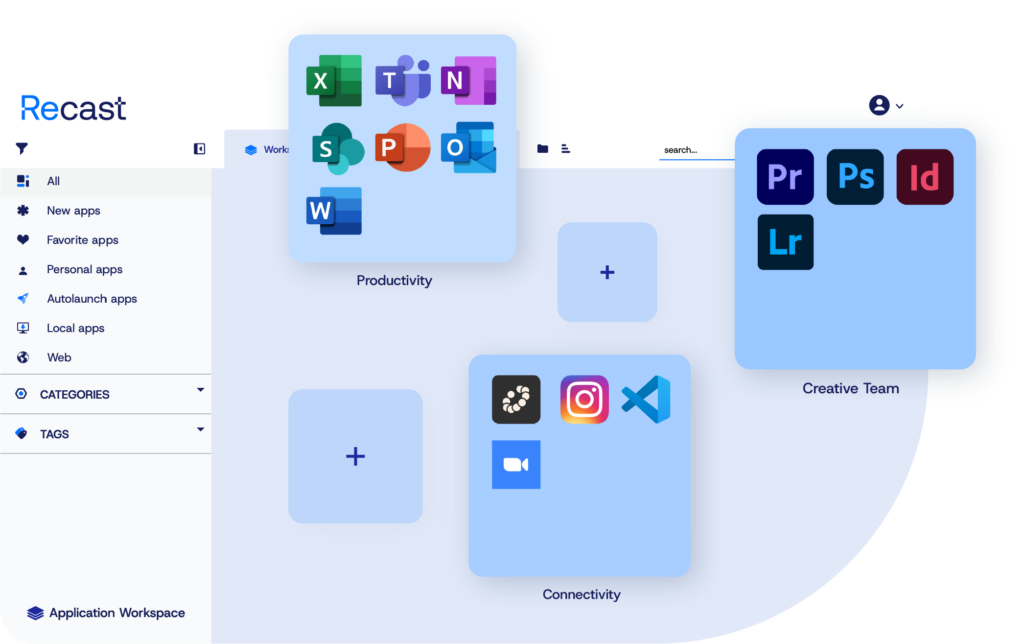
decorative image that mimics some of the UI from Application Workspace by Recast

Everything IT needs to simplify application delivery in VDI

Shrink the image. Move the logic.

Keep golden images lean and deliver apps and settings just-in-time after boot. 

Package once. Deliver everywhere.

Test once, then deliver the same package to laptops, Cloud PCs, and Citrix/AVD with no repackaging. 

Works with your existing environment

Add Application Workspace alongside Citrix, Omnissa, AVD, Intune, or ConfigMgr and expand at your own pace. No rip-and-replace required.

A consistent experience on every device

Catalogs and shortcuts tie to identity, so access remains consistent across physical and virtual endpoints.

Roll out updates with confidence

Promote versions through Dev/Test/Accept/Prod and phase production (canary → broad) with endpoint tags.

Updates that run themselves

Keep thousands of titles current without nightly marathons; customizations persist as applications update.

Launch the right app, every time

One Smart Icon picks local, remote, or streamed based on device, network, and policy. Fewer tickets, fewer misroutes.

How organizations are modernizing VDI

How organizations are modernizing VDI

Canterbury Christ Church University modernized application delivery and cut configuration, deployment, and update time by about 90% while halving total cost of ownership. More than 30,000 students got self-service access to 100+ apps through a browser-based App Store, with the environment being stood up in about two days.  

Read the full case study >

What IT teams told us about the future of VDI

VDI isn’t disappearingIt’s evolving. See how IT leaders are adapting to Cloud PCs, hybrid work, and modern application delivery in our latest industry survey.

Your VDI questions answered