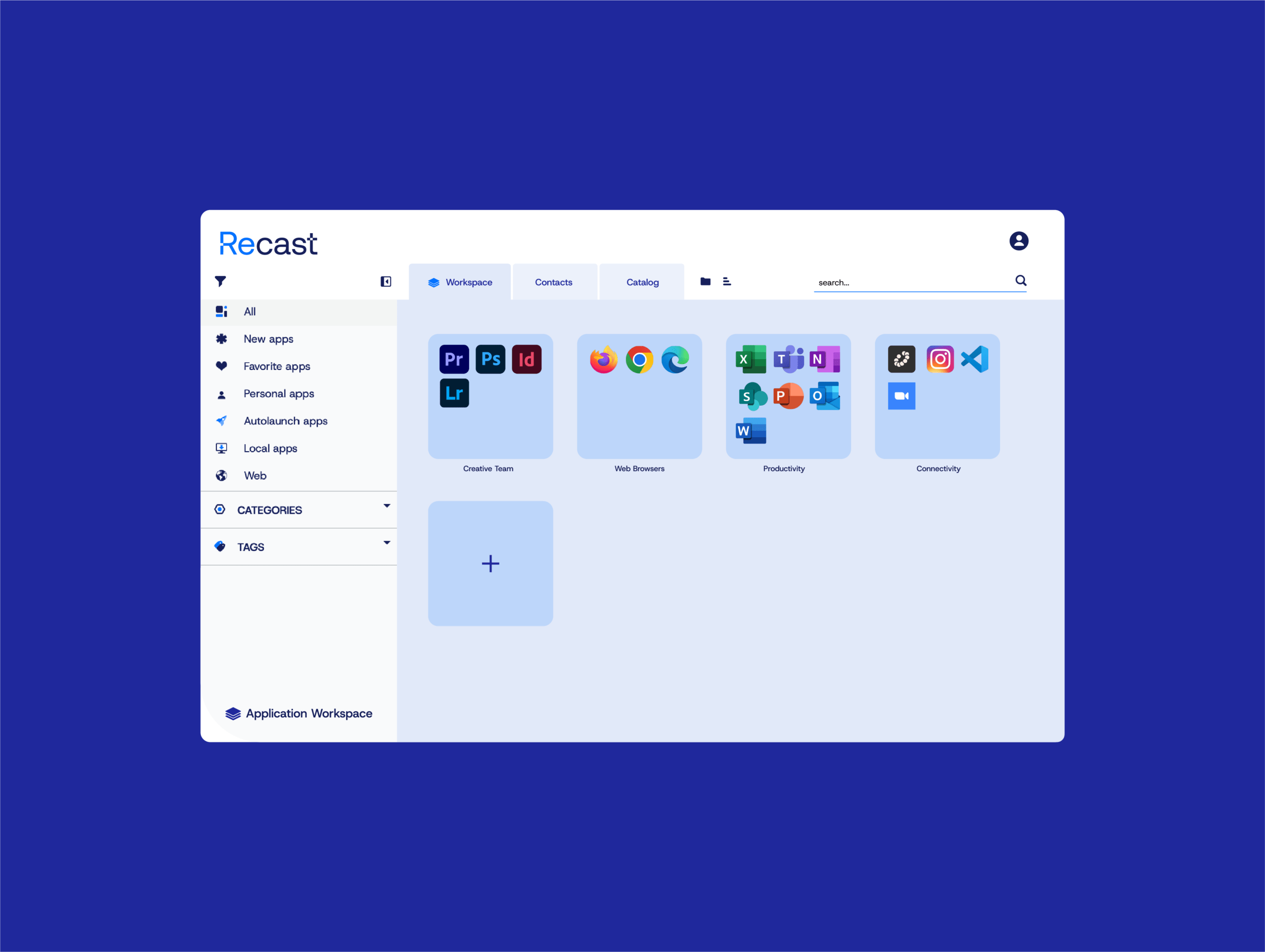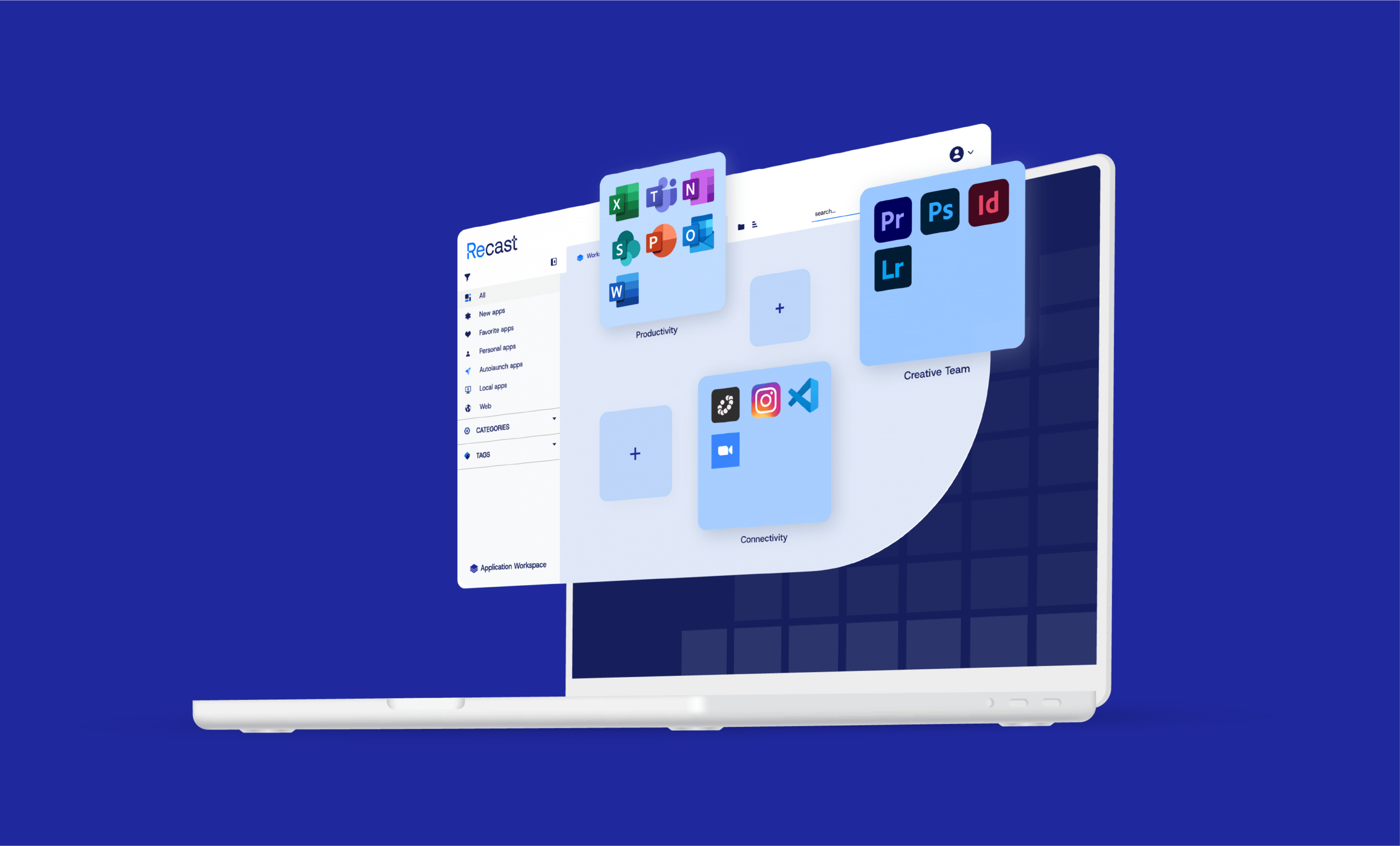




Application Workspace

Application Workspace: Your Modern Application Delivery Solution
Same package, any workspace: laptops, Cloud PCs, and virtual desktops (AVD, Citrix, Omnissa).

A proven application delivery solution

Put people at the center, not devices. Application Workspace, formerly Liquit Workspace, decouples software from hardware and ties access to identity, so users launch the right tools in one click on Windows, macOS, VDI, BYOD, or inside Teams. IT governs delivery, updates, and compliance from one console.

Results you can count on

Faster Application Delivery

Apps reach users in minutes, not days, even during Autopilot onboarding.

Fewer Support Tickets

Self-service gives users approved apps without helpdesk involvement.

Lower Operational Costs

Consolidated application management reduces IT workload.

Safer Application Releases

Staged deployment rings and easy rollback reduce risk.

Keep the Tools You Trust

Works with Intune, ConfigMgr, Citrix, VMware, and AVD—no rip-and-replace.

Proven Compliance

A single audit trail shows who did what, and when.

Get a personalized technical demo

Join a Recast solution expert to see how IT teams use Application Workspace to simplify packaging, speed up application delivery, and provide self-service access to software.
 

Application Workspace platform highlights

Get the benefits of a modern platform without disrupting your current environment. Complements Microsoft Intune, ConfigMgr, Citrix, VMware, AVD, and Windows 365—no rip-and-replace required.

Layers 1 Streamline Icon: https://streamlinehq.com layers-1

Smart Icons

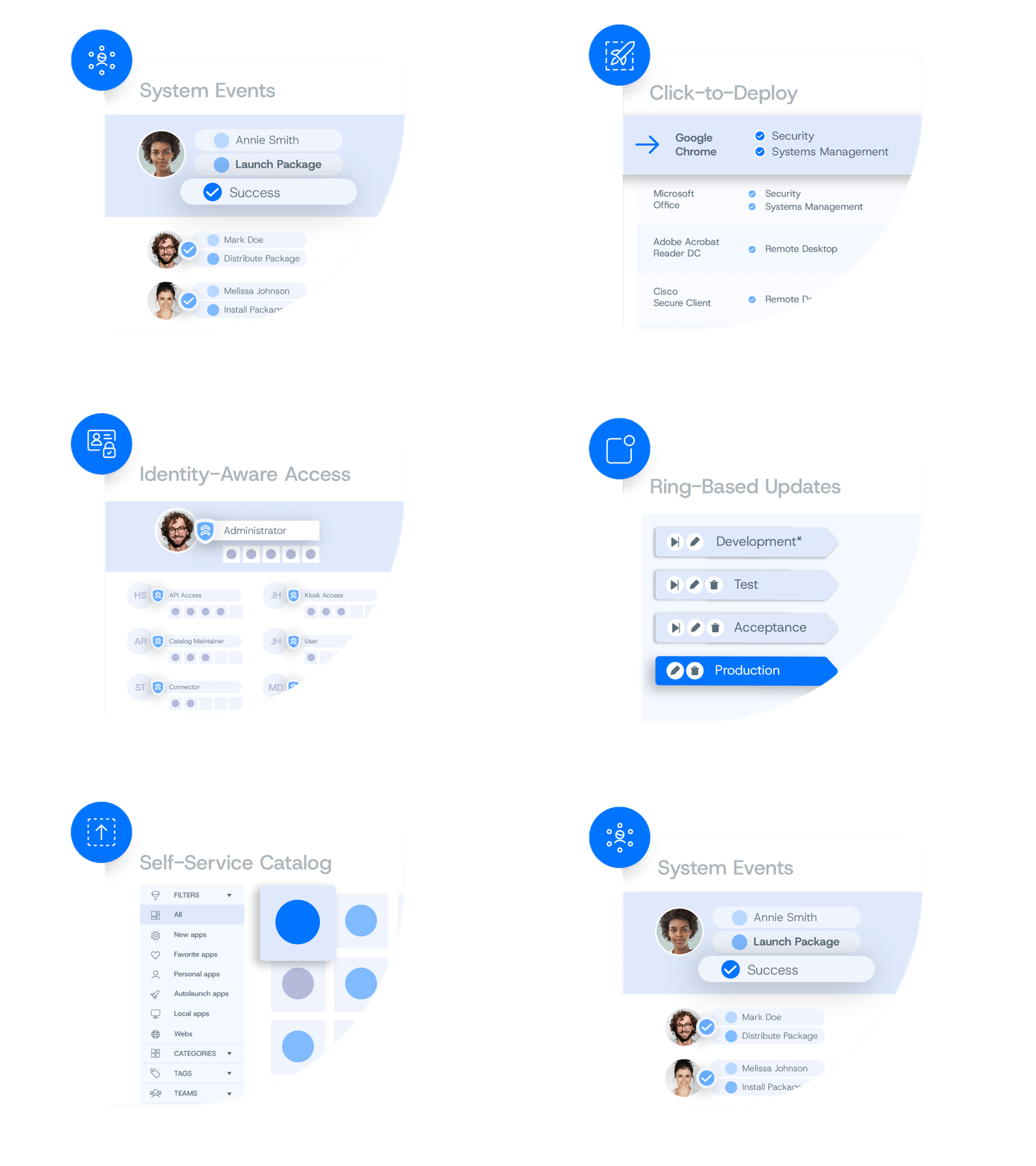
One icon per application that routes install or stream by context. Less clutter. Lower cost.
Meeting Team Monitor 1 Streamline Icon: https://streamlinehq.com

Role-Based Catalog

One role-based catalog of approved apps that cuts tickets and shadow IT.
Laptop Star Streamline Icon: https://streamlinehq.com

Click-to-Deploy Packages

Thousands of pre-wrapped installers ship in minutes. Far less custom scripting required.
Deploy Streamline Icon: https://streamlinehq.com

Ring-Based Updates

Safely roll through dev → test → pilot → prod with built-in guardrails.
Book Library 1 Streamline Icon: https://streamlinehq.com book-library-1

Unified Audit Trail

Every deployment, update, and rollback is logged for evidence and trust.
User Mobility Streamline Icon: https://streamlinehq.com

Consistent User Experience

Application settings follow users across devices, sessions, and workspaces.
Autopilot-ready application delivery

Autopilot-ready application delivery

Keep your provisioning image lean. Install the Application Workspace agent during Autopilot, then deliver apps, updates, and the user’s “persona” automatically at first sign-in.

Right now onboarding a device takes one to three hours. With Application Workspace doing the heavy lifting after Autopilot, we have won back dozens of hours every month.

Endpoint Engineer, Recast Champion

See why IT teams trust Recast

Want the inside scoop? Read G2 reviews from admins who rely on Application Workspace to simplify app delivery and keep things running smoothly.

Read Application Workspace reviews on G2

Questions? We're here to help.

Browse our FAQ for quick answers or reach out and we’ll get you the details you need.