Close Intune Application Management and Third-Party Patching Gaps
Simplify Intune patch management and application delivery
Microsoft Intune is the platform of record for modern endpoint management. With the inclusion of Intune in Microsoft 365 E5, IT organizations can now use Enterprise Application Management to support application delivery and third-party patching through Intune.
However, Intune isn’t a complete application lifecycle or patching solution on its own. Learn where it works well, and how you can help address gaps through automated third-party patching, event‑driven deployments, centralized visibility, and support for both Intune and hybrid environments.

Where native Intune app delivery and patching succeed
Native Intune app delivery gives IT teams a centralized way to deploy supported applications to targeted users and devices through assignment rules, policies, and sync-driven delivery. Microsoft Enterprise Application Management can also help automate updates for some third-party applications while keeping your existing Microsoft management approach.
Intune enables IT teams to:
- Deploy supported apps across smaller or less complex device environments
- Support standard patching needsfor covered third-party apps and straightforward update workflows
- Monitor policy enforcement at a high level

Where native Intune app delivery and third-party patching fall short
As application environments become more complex, native Intune workflows can create friction. Delivery timing depends on policies and sync cycles, and most third-party patching still requires added effort or external tooling.
Common challenges include:
- Sync-dependent delivery that makes application installs slow or inconsistent
- Ongoing manual third-party patching overhead
- Limited troubleshooting visibility that slows identification of patch failures

How to fill native Intune gaps
Recast complements Intune by helping IT teams get more from the Microsoft platform they already use. Improve operational speed, delivery reliability, patching automation, and visibility without replacing your endpoint management foundation.
Intune Gap
How Recast Helps
Slow, unpredictable app deployment, especially using Autopilot and for remote users
Accelerate app delivery with an agent‑based model that installs apps reliably in minutes instead of waiting on Intune sync cycles
Admins lack visibility into why application installs fail
Identify and fix failed deployments faster with real-time logs, clear error messages, and centralized reporting
Moving from SCCM to Intune forces teams to repackage apps and rebuild deployment logic from scratch
Reuse existing packages and standardize app delivery across SCCM and Intune without rework
Third‑party app patching is largely manual
Automated third-party patching with a large, curated catalog that handles updates end to end
Difficulty managing apps consistently across Windows and macOS environments
Unified app delivery and patching for both Windows and macOS from a single platform
Autopilot provisioning fails or stalls due to app limits, sequencing issues, or slow installs
Streamlined Autopilot capabilities with a bootstrapper approach that installs and sequences applications reliably post-enrollment
Company Portal provides a limited end-user experience and drives help desk tickets
Give users a customizable, intelligent app catalog that improves the user experience and reduces tickets
Reporting on application status, patch compliance, and inventory is fragmented or insufficient
Centralized reporting and compliance visibility to support audits, security teams, and IT leadership
Explore Recast solutions
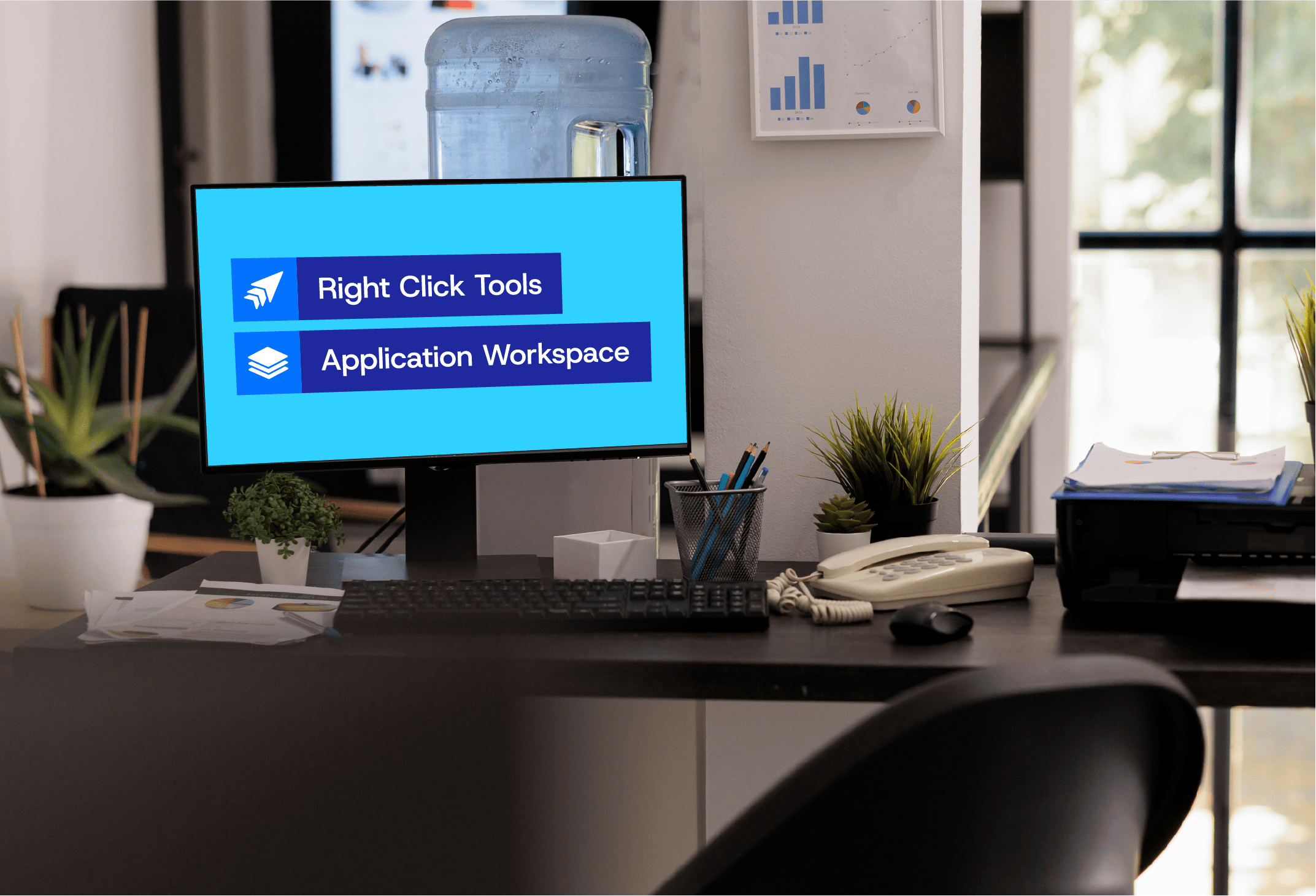
Application Workspace is ideal if you’re looking for application delivery and lifecycle management, while Right Click Tools Patching will handle third-party patching easily with an extensive catalog.
Application Workspace: Fast, reliable application management
Most organizations that migrate to Intune still struggle with app delivery. Installs arrive late, portals multiply, Autopilot wipes user context, and packaging drift creates ongoing operational drag. The result is higher ticket volume and lost productivity.
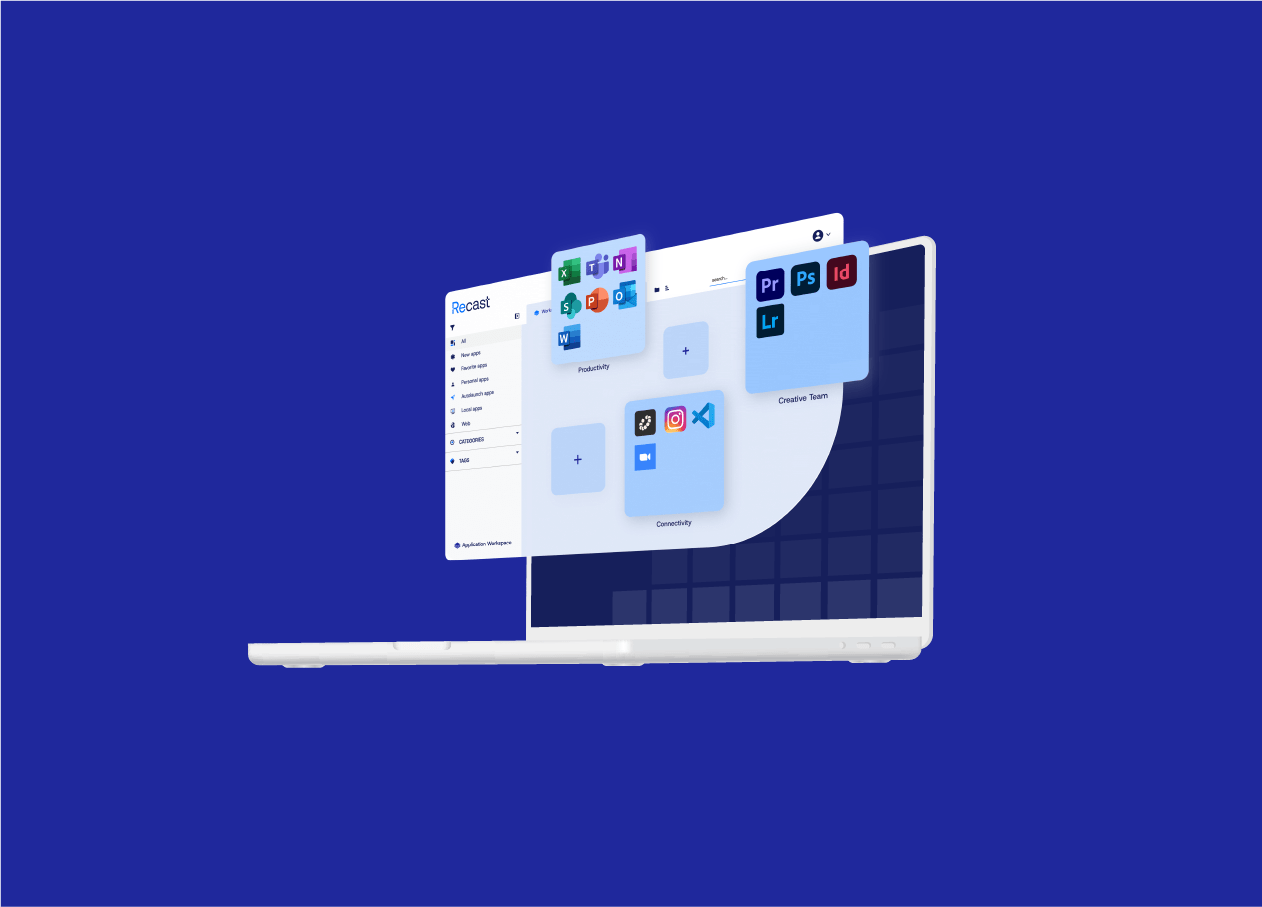
Application Workspace sits on top of Intune and ConfigMgr to make application delivery predictable, visible, and user-friendly, all without replacing existing infrastructure. Key benefits include:
- Fast, reliable installs
- Day-one readiness, without the gaps
- Packaging without scripting every workflow
- Evergreen apps without the backlog
- Visibility and governance built for scale
- macOS support
Right Click Tools Patching: Third-party and custom app lifecycle management
Microsoft Enterprise App Management simplifies deployment of common third-party applications directly from Intune. Right Click Tools Patching expands coverage and control for more complex application environments with:
- 6,000+ third-party and custom applications
- Automated lifecycle management
- Test, pilot, and production update rings
- Cleanup rules for outdated versions
- Support for Intune, ConfigMgr, co-managed, and server environments

Explore related resources
April 15, 2026
Understanding Microsoft Enterprise Application Management
March 9, 2026
State of Third-Party Application Patching Today
December 10, 2025
What Microsoft’s Intune Suite Bundles for E3/E5 Users Mean for You
Your Intune application management and patching questions answered
Intune deploys supported applications to targeted users or devices based on assignment rules. Delivery is governed by policies and sync cycles, which can make timing and troubleshooting harder in larger or more complex environments.
Intune does not natively patch most 3rd-party applications. It relies on Microsoft Enterprise App Management or dedicated patching solutions to automate updates. To achieve automated 3rd‑party patching, organizations often pair Intune with a dedicated patching solution like Recast Application Workspace or Right Click Tools Patching to achieve broader and more consistent non-Microsoft app coverage.
Enterprise environments often include hundreds or even thousands of applications with different release schedules, installers, dependencies, and update mechanisms. Manual work, limited visibility, testing overhead, and tooling fragmentation all make 3rd-party patching harder to scale.
Intune app installs can feel slow or unreliable in complex environments because delivery is tied to sync cycles and background evaluation, which makes timing unpredictable at scale. Factors like large Win32 apps, dependency chains, Autopilot sequencing, and limited real-time feedback can cause installs to stall or fail without clear error signals. When you combine those constraints with hybrid environments, varying network conditions, and thin troubleshooting visibility, application delivery often feels less responsive than IT teams expect.
IT teams can improve application delivery during Autopilot provisioning by limiting which apps are required during the Enrollment Status Page (ESP) and deferring complex or large installs until after first sign‑in. Simplifying dependencies, validating detection rules, and moving heavyweight applications to post‑enrollment phases can reduce ESP delays and silent failures. This approach makes provisioning more predictable and easier to manage in complex environments. Recast helps teams handle those workflows more reliably when native Intune limits cause friction.
Intune provides reporting for compliance, configuration status, application health, hardware inventory, and update readiness. However, many teams still need deeper visibility into software state, application deployment outcomes, and patch compliance when troubleshooting or reporting across a larger estate. Recast solutions for filling gaps in native Intune reporting offer enhanced visibility.
Recast complements Intune with Application Workspace and Right Click Tools to improve delivery speed, lifecycle control, visibility, and patching scale. Application Workspace helps make application delivery more predictable with curated app catalogs, visual workflows, and installs that are not tied only to Intune sync cycles. Right Click Tools extends Intune with real-time actions, deeper visibility, and administrative control directly in the Intune console, helping IT teams troubleshoot faster and manage apps and updates at scale.