Right Click Tools
Enhance security, compliance, and efficiency across enterprise environments
Right Click Tools Patching
Right Click Tools Insights
Right Click Tools Privileged Access
Free Tool Download
Pricing
Application Workspace
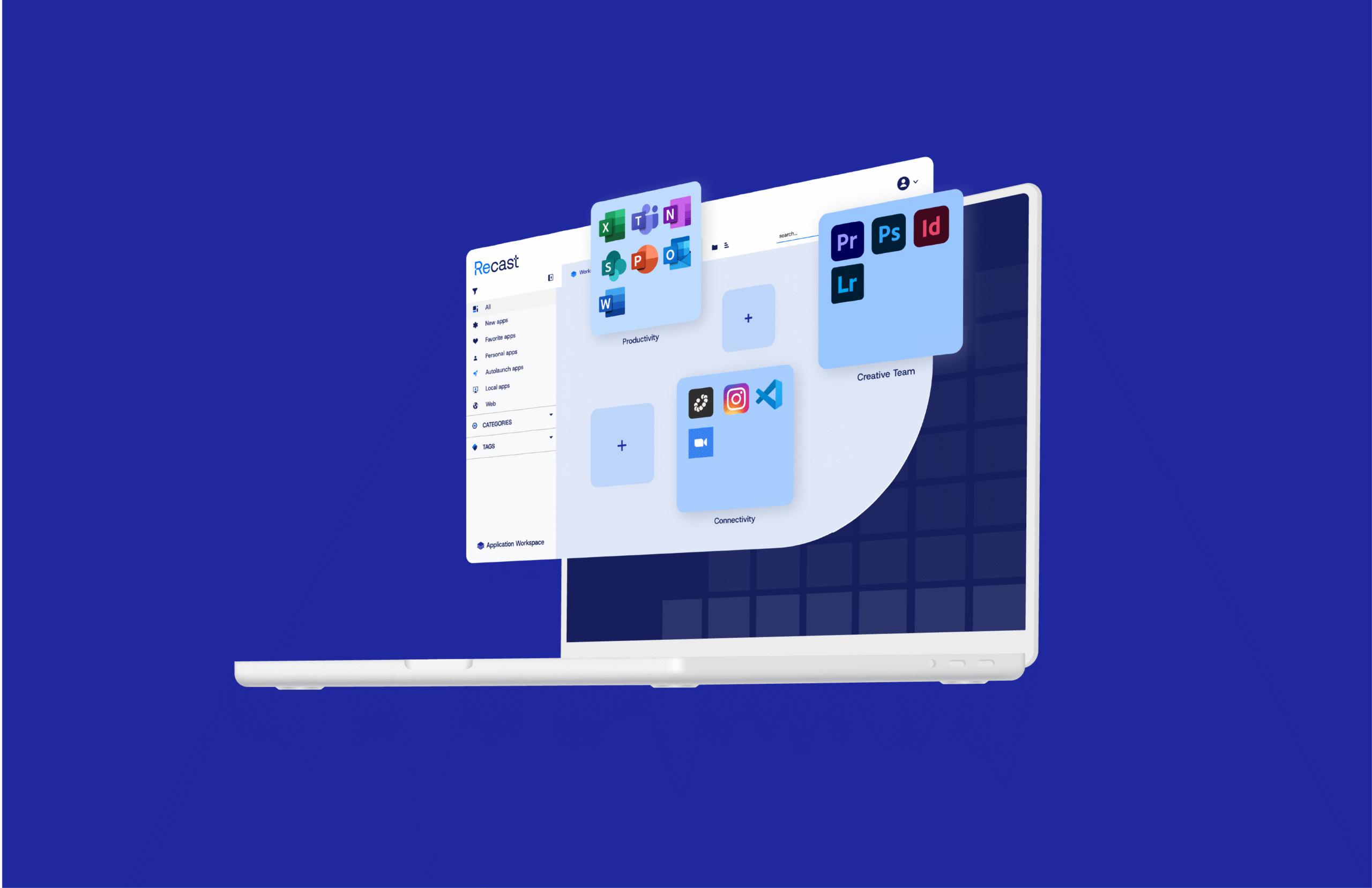
The game-changing, end-to-end application management platform
Request a Demo
Pricing
Use Case
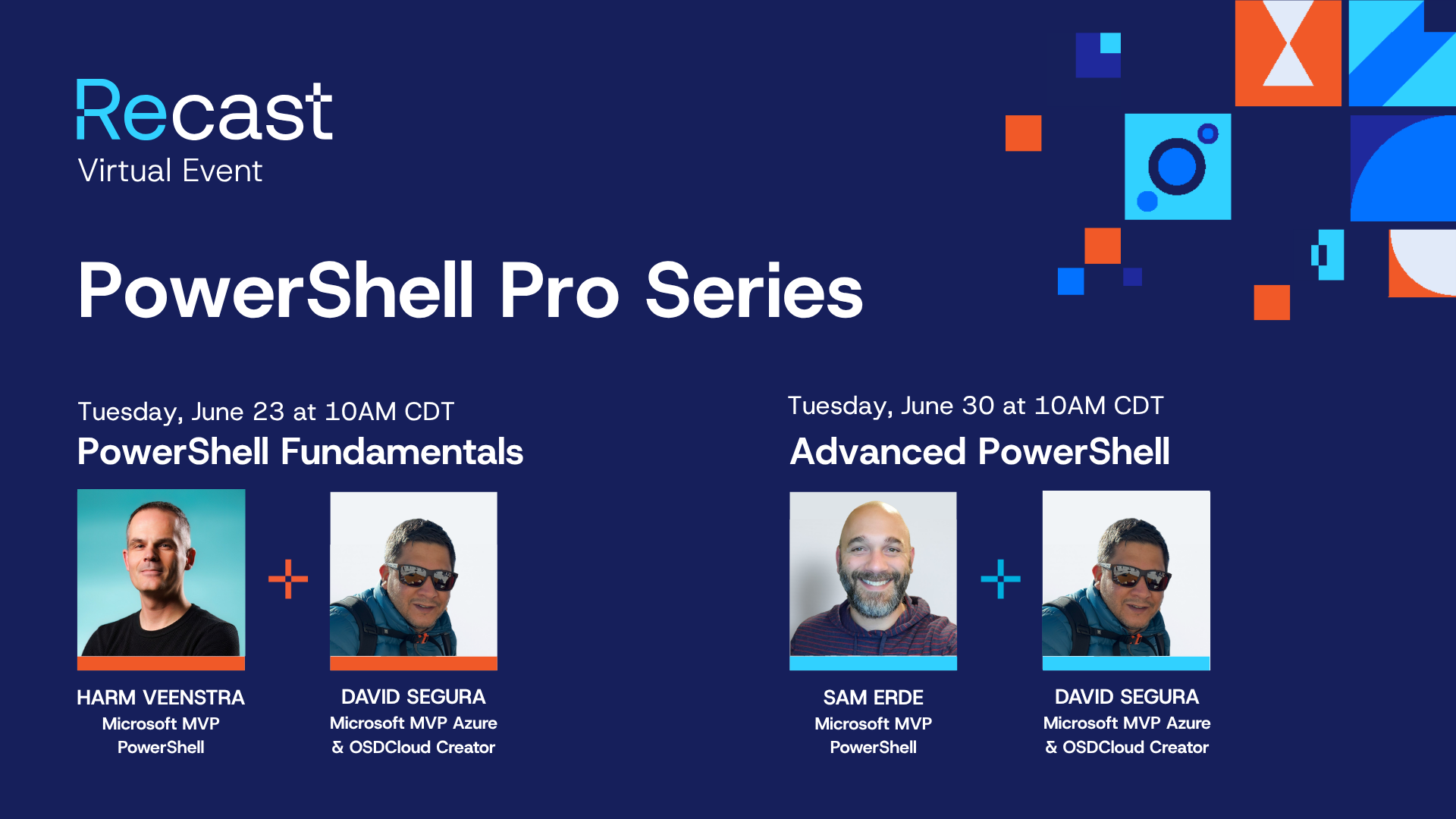
This two-part series led by Microsoft MVPs is designed to help IT admins strengthen their PowerShell scripting skills, from core fundamentals to more advanced techniques.
A collaborative journey toward a secure, reliable, and future-ready digital workspace.
Tune in to this webinar to see how Application Workspace can help make onboarding, offboarding, and M&A change a less disruptive experience.
In this customer session, get a practical walkthrough of how Right Click Tools is expanding with new Intune and Entra features and Autopilot lifecycle controls designed to eliminate tedious workflows.
Join us for a live training where an instructor will present what Application Workspace does and answer any questions that you may have.
These free technical trainings help Right Click Tools Privileged Access customers get the most out of their tools for managing and securing their enterprise environment.
These free technical trainings help Right Click Tools Patching customers get the most out of their tools for managing and securing their enterprise environment.
These free technical trainings help Right Click Tools Insights customers get the most out of their tools for managing and securing their enterprise environment.
These free technical trainings help Right Click Tools customers get the most out of their tools for managing and securing their enterprise environment.
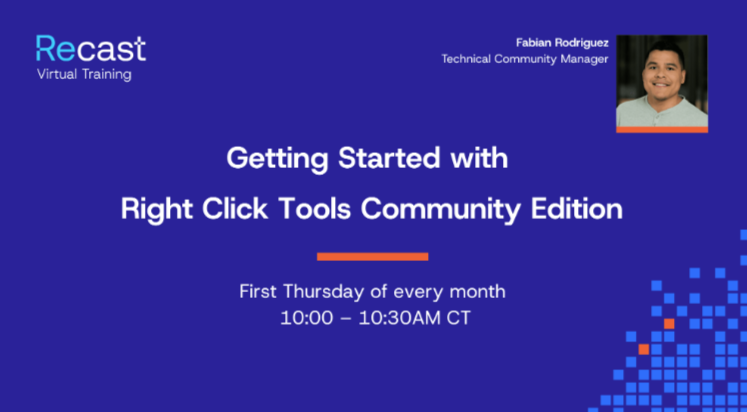
Get a walkthrough of Right Click Tools Community Edition. Get up and running fast, pick up tips that make your day-to-day easier, and discover where it can save you real time. Whether you're brand new or just haven't explored everything yet, you'll walk away with practical workflows.
Keep up to date with the newest Application Workspace product features and enhancements in our ongoing training sessions. These sessions are free for all current and future Application Workspace users, as well as Recast partners.
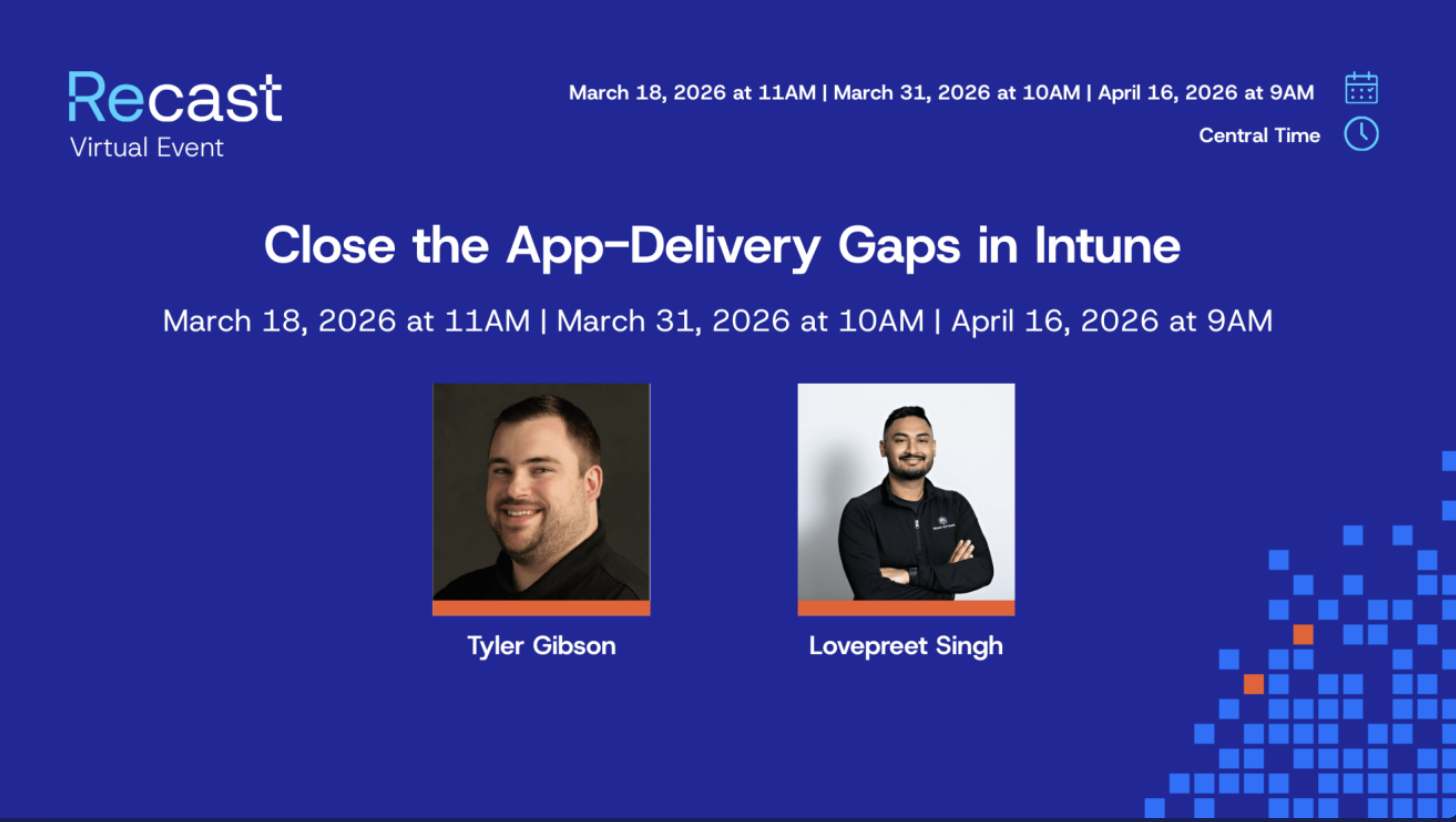
Intune is a solid management platform, but app delivery remains one of its most painful gaps. Join this webinar to learn why app installs still fail at scale and how to finally deliver applications faster, with confidence and real visibility.
Modernizing your endpoints shouldn’t require rebuilding your entire application estate. Yet, moving from ConfigMgr to Intune often forces IT teams into a massive repackaging project, converting legacy installers to Win32 apps one by one.
This session explores how Recast helps teams interpret endpoint activity, identify risk, and take action—highlighting what can be done immediately using free Right Click Tools Community Edition. Attendees will gain practical insight into improving consistency, visibility, and day-to-day security hygiene across managed devices.
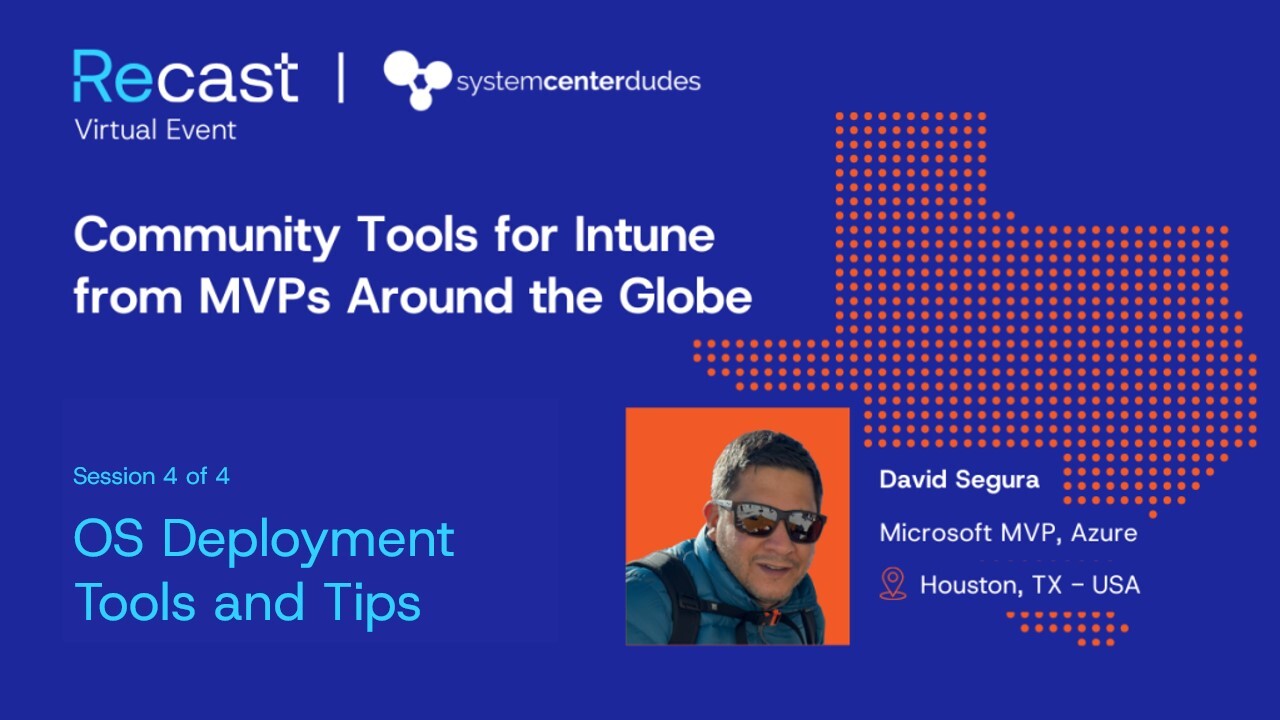
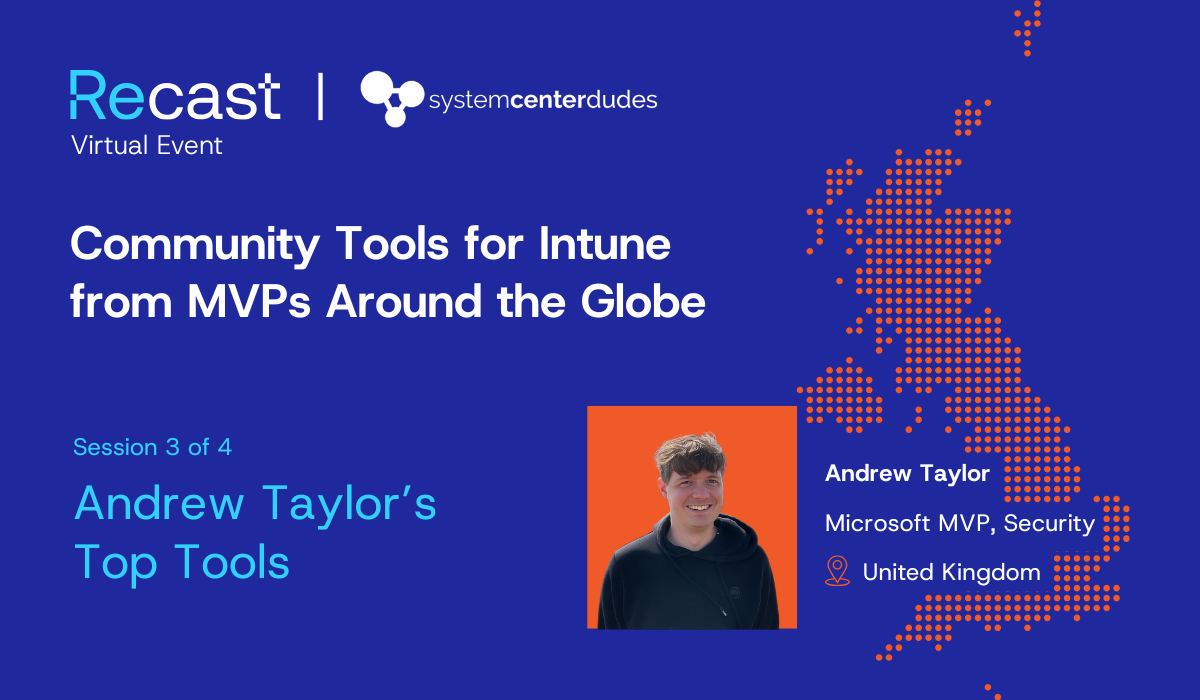
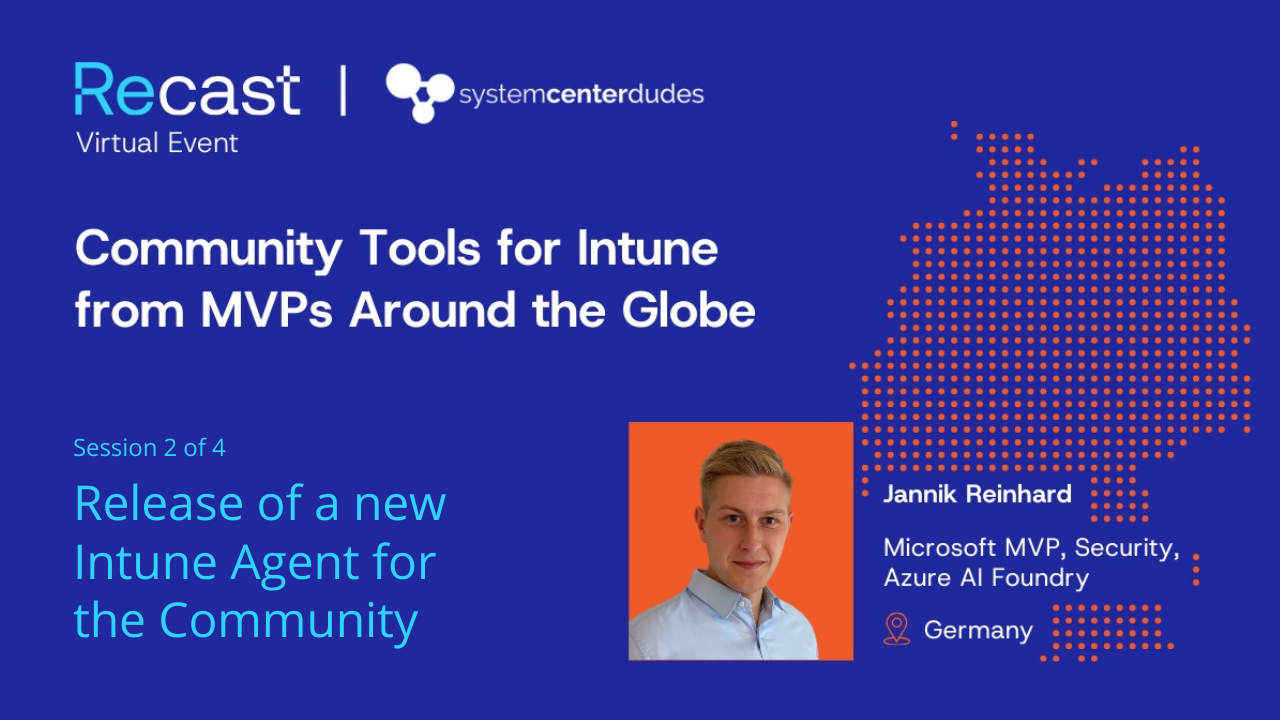
If your organization is adopting Intune, you’re probably looking for tools and best practices to fill Intune’s functional gaps. In this webinar series, Microsoft MVPs from around the world highlight their favorite free tools and share practical guidance that you can start using right away.
In this webinar series we partnered with System Center Dudes. Microsoft MVPs from around the world highlight their favorite free tools and share practical guidance that you can start using right away.
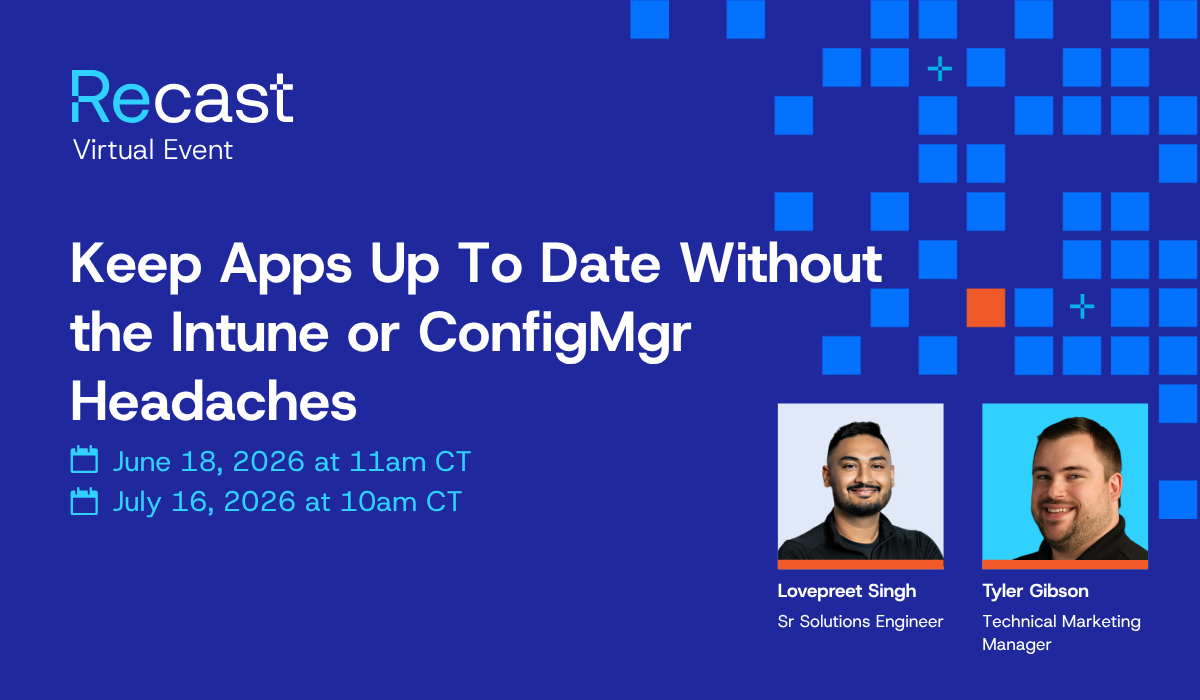
Enhance your existing Intune or ConfigMgr investment to deliver a frictionless experience where apps update automatically and "Smart Icons" ensure the right launch path every time.
Application Workspace changes the game. It turns application delivery into a predictable, identity‑driven service that complements your existing tools
Facing mounting packaging overhead, pressure to pick a third‑party patching platform fast, and frustration with multiple app stores, an ITAR‑regulated aerospace manufacturer turned to Application Workspace to standardize patching and give employees a single app workspace across Windows, macOS, and Citrix.
Application Workspace removes Autopilot provisioning delays and limited control during Enrollment Status Page (ESP), so devices finish building with the full application set in place. Organizations deliver complete, persona-based app stacks on Day 1 before the user ever reaches the desktop, which speeds onboarding, cuts ticket volume, and creates measurable gains in delivery time.
Common app updates shift from hours to minutes with GUI actions, agent‑driven delivery avoids long cloud sync, and trusted self‑service + Smart Icons minimize ticket volume
Gelre Ziekenhuizen solves application management headaches with Recast’s Application Workspace, enabling the IT team to manage and support frontline services more effectively.
PowerShell Hot Takes brings together expert tips, bold insights, and practical demos from Jeff, David, Courtney, and Garth. Learn real-world PowerShell tricks, security best practices, and new ways to boost your workflow with Right Click Tools.
Municipality end users now have flexible and modern access to all applications and settings based on their individual context and needs
With Application Workspace, the new implementation offers a uniform interface and a lot of flexibility
De Fryske Marren now has employees working from 27 different locations capable of logging into zero clients with multi-factor authentication to use Application Workspace via their phones.
The combination of Recast and Microsoft enables employees to use the same device both in the office and at home
Employees have access to precisely the applications they need. A key advantage for a.s.r. is the layered approach enabled by Application Workspace. The platform allows different user groups to be served in a way that meets their specific needs.
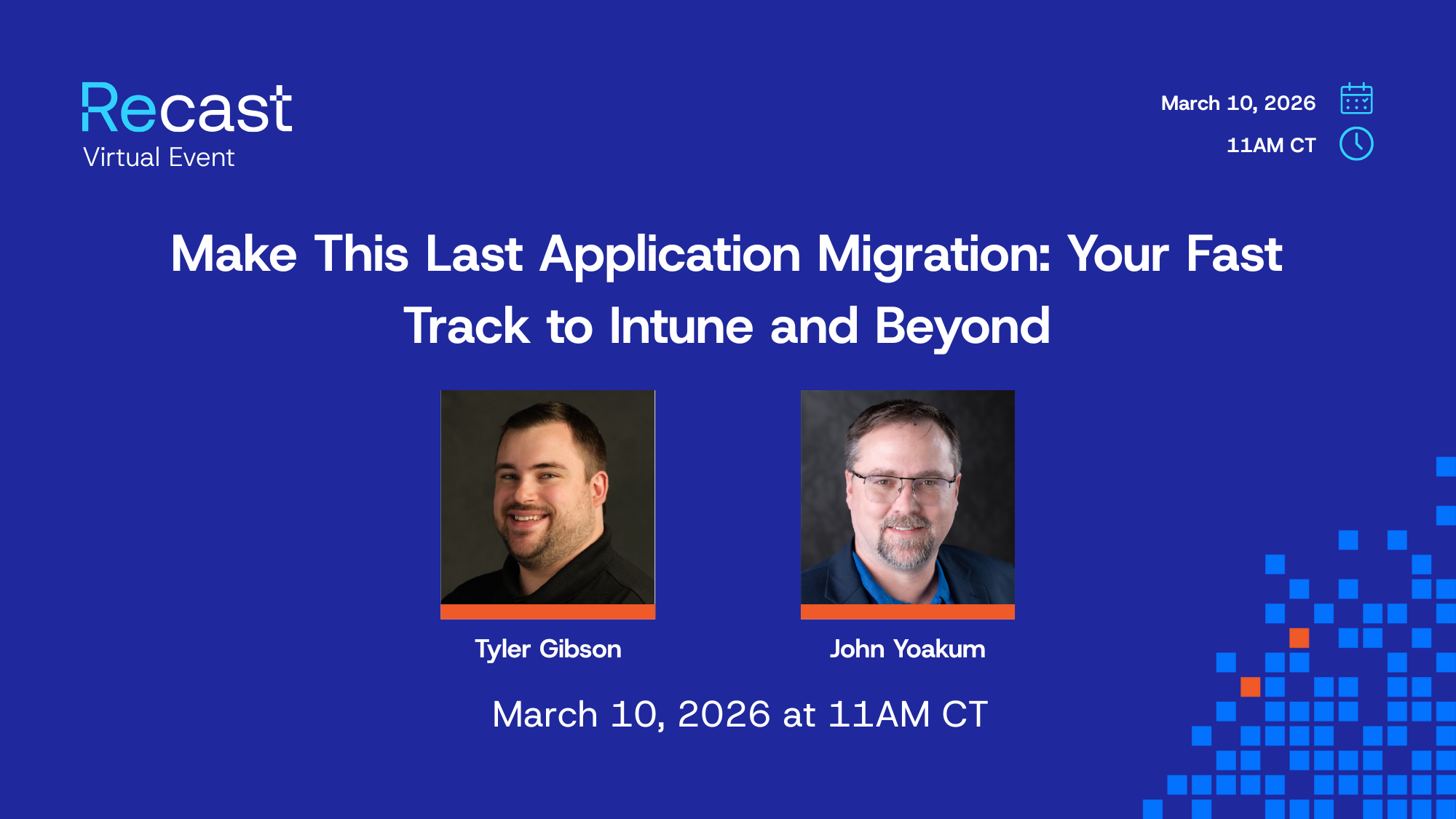
Modern IT teams are moving fast—but migrating to Intune often slows things down. From complex app packaging to a lack of visibility, the road isn’t always smooth.
Application Workspace stripped out the number of fixed desktops and eliminated concerns about laptop hard drive sizes, which helps reduce overall hardware expenses
Application Workspace provides a clear, recognizable look and feel for users through contextually configured icons and option menus on each device
Rotterdam University was invested in offering staff with exceptional experiences and reduced friction.
DESTIL Prolians wanted to offer its employees a modern workspace that would allow people to work when and where they chose. IT needed to provide everyone with the same user experience that would make it easy to find and use applications and tools while also being easy for IT to manage remotely.
This organization's teams ensure a consistent IT environment and systems across all houses, supporting approximately 2,500 users and managing 225 iPads and 300 fixed computers used daily by around 30 employees per location.
Sør-Fron implemented Application Workspace to integrate with its Office 365/Teams and Azure AD to deliver over 60 applications to device users beyond the network. Users are now able to seamlessly gain access to Office 365/Teams and Azure AD Installations integrated with Application Workspace for the foundation of increased collaboration on any device from anywhere.