


One application strategy for every care setting
Simplify Application Delivery Across Every Endpoint
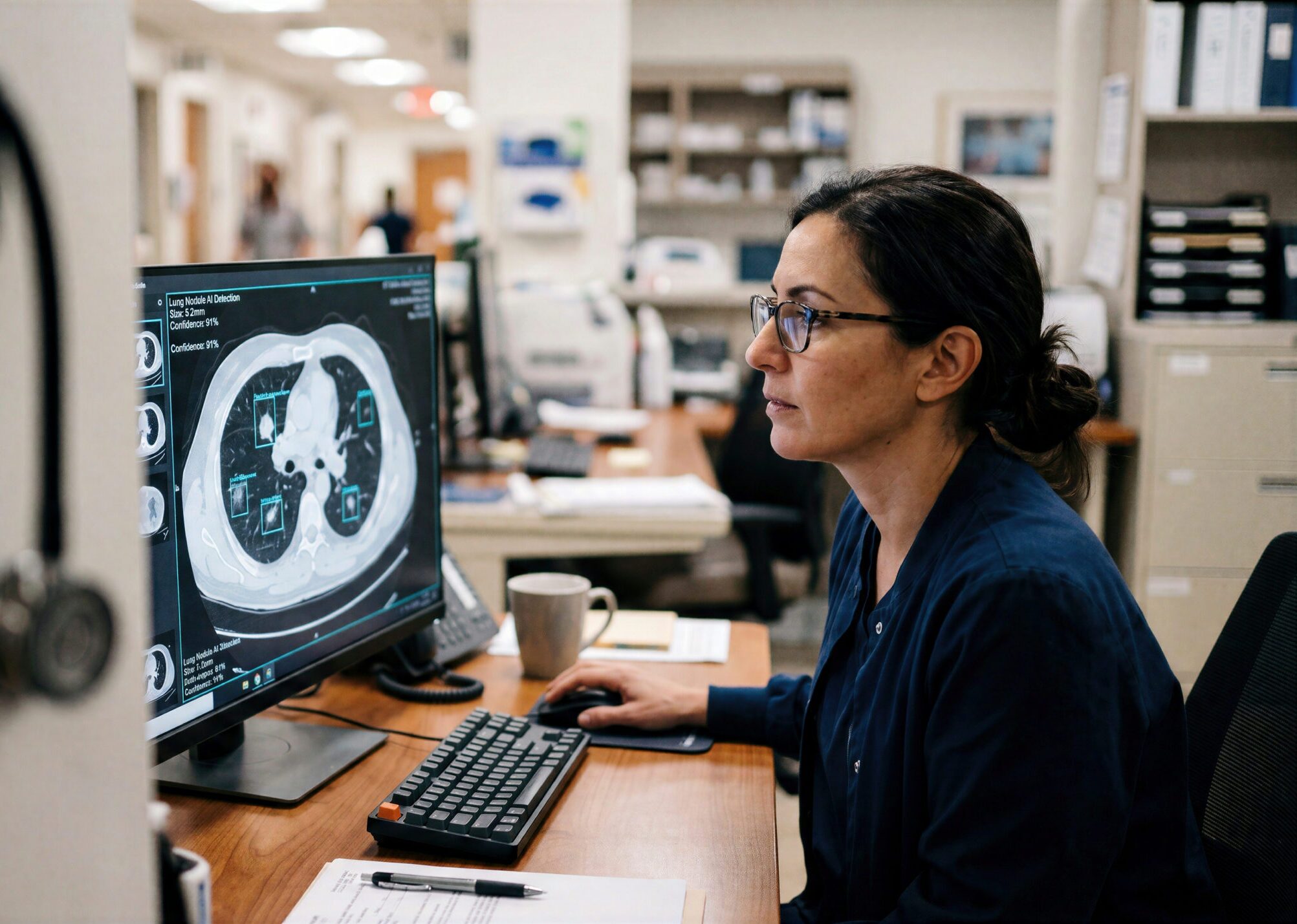
Clinicians move between shared workstations, radiology stations, carts and virtual desktops in a single shift. Most IT teams maintain a separate way to deliver applications to each one.
Give clinicians time back to care
Rapidly Onboard Staff
New clinicians get their applications before the first shift.
Automate Patching
Updates ship on triggers and rings, not maintenance windows.
Confidently Prove Access
One record shows who accessed or installed each app, and when.
Simply Unify Delivery
Physical, virtual, and specialty endpoints share one catalog.
Built for how clinicians move
Shared Workstations
Rotating staff get the right applications at login, with no per-device setup.
Virtual Desktops
Citrix-published apps sit in the same catalog as locally installed ones.
Specialty Endpoints
Radiology and pharmacy systems get the right apps by wing, clinic, or specialty.
Non-Persistent Desktops
Run one golden image. User settings apply at session launch on stateless desktops.
One application layer for hybrid care
One catalog, every environment.
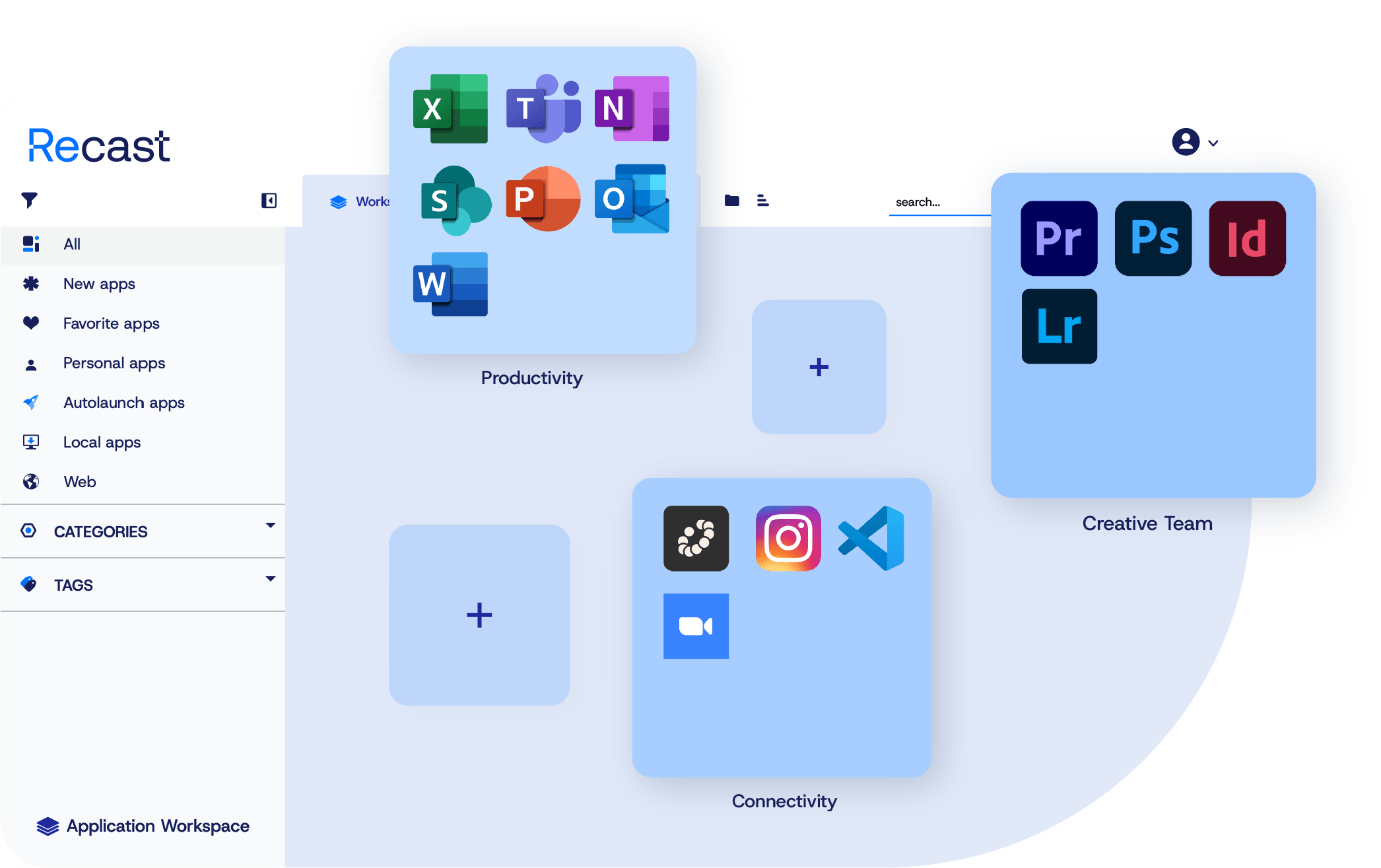
Physical devices, virtual sessions and specialty endpoints share one unified catalog. The icon stays the same whether an app runs locally or opens a virtual session.
Package once, deliver everywhere.
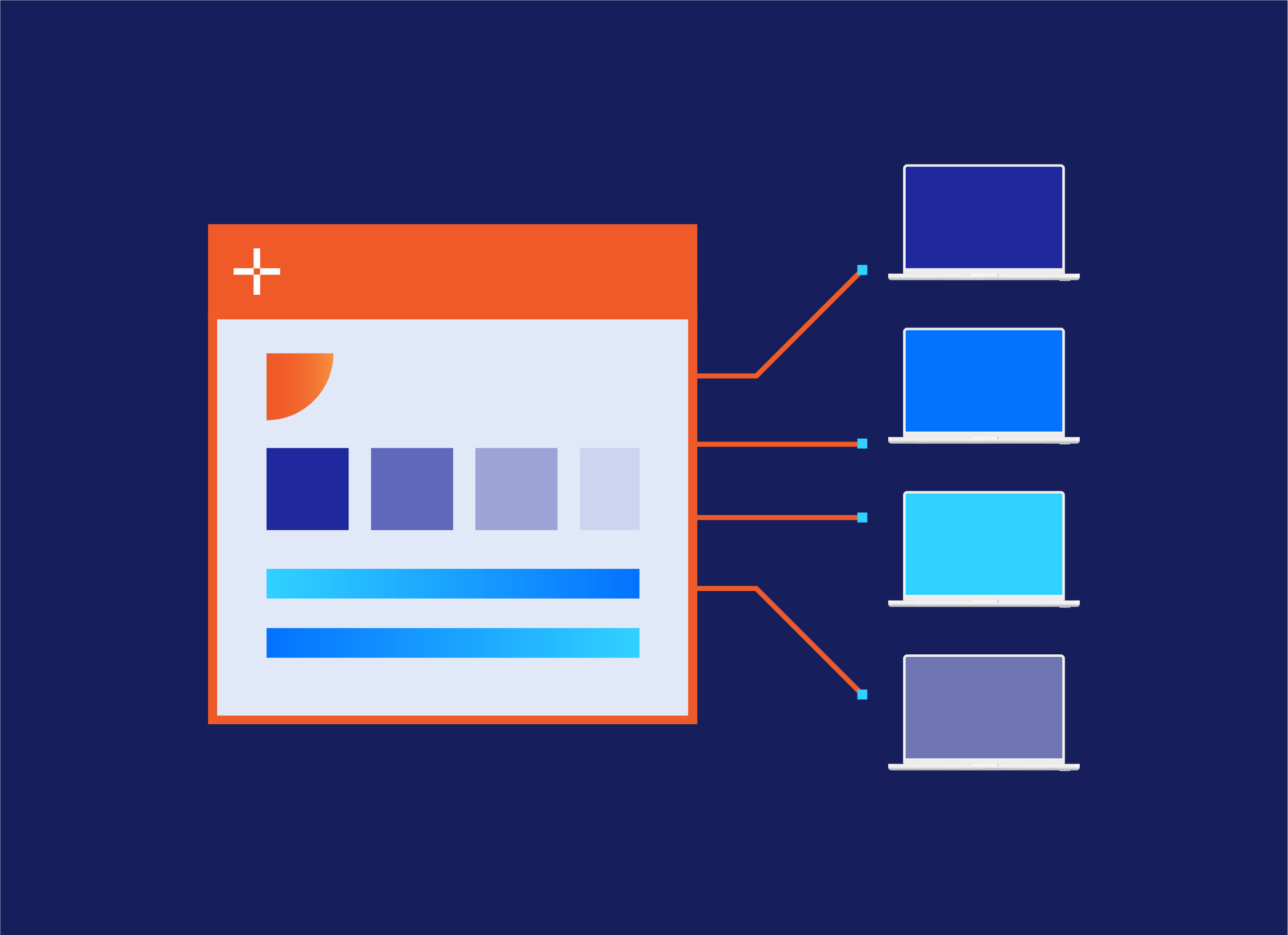
One package covers Windows and macOS, and the agent runs the right branch at run time. Setup Store apps arrive packaged, tested, and kept current by Recast.
Change the desktop, keep the app strategy.
Application Workspace sits above the desktop you run today and the one you move to next. An app can shift from a virtual session to a local install without changing its icon.
Support your HIPAA security program
Access & Entitlement
Audit Trail & Evidence
Application Integrity
Customer-reported outcomes
Tasks that took days now take just a few hours. We can now also update applications automatically, giving us much more time for innovation.Patrick van Leeuwen, Manager ICT | Gelre Ziekenhuizen
Questions? We're here to help.
No. Application Workspace complements Intune and Configuration Manager. They keep managing enrollment, policy and compliance. Application Workspace adds a faster application delivery layer, controlled updates and a self-service catalog, without changing your device management model.
Yes. Applications published through Citrix appear in the same catalog as locally delivered ones. Because the launch experience is separate from the delivery mechanism, an application can move from a virtual session to a local install later without changing the icon a clinician clicks.
Application Workspace supports HIPAA-aligned technical safeguards. Role-based catalogs scope access by identity and group. Deployment records and access logs put audit evidence in one place. Staged updates reduce configuration drift. Compliance itself depends on your own policies, configuration and environment.
Yes. Application Workspace supports non-persistent and stateless environments with a golden-image model that applies user settings at session launch. No per-device customization required.
One package with platform-filtered action sets covers Windows and macOS, and the agent runs the right branch at run time. Smart zone targeting delivers the right applications to a hospital wing, clinic or specialty setting.