


Unified Application Management Solutions
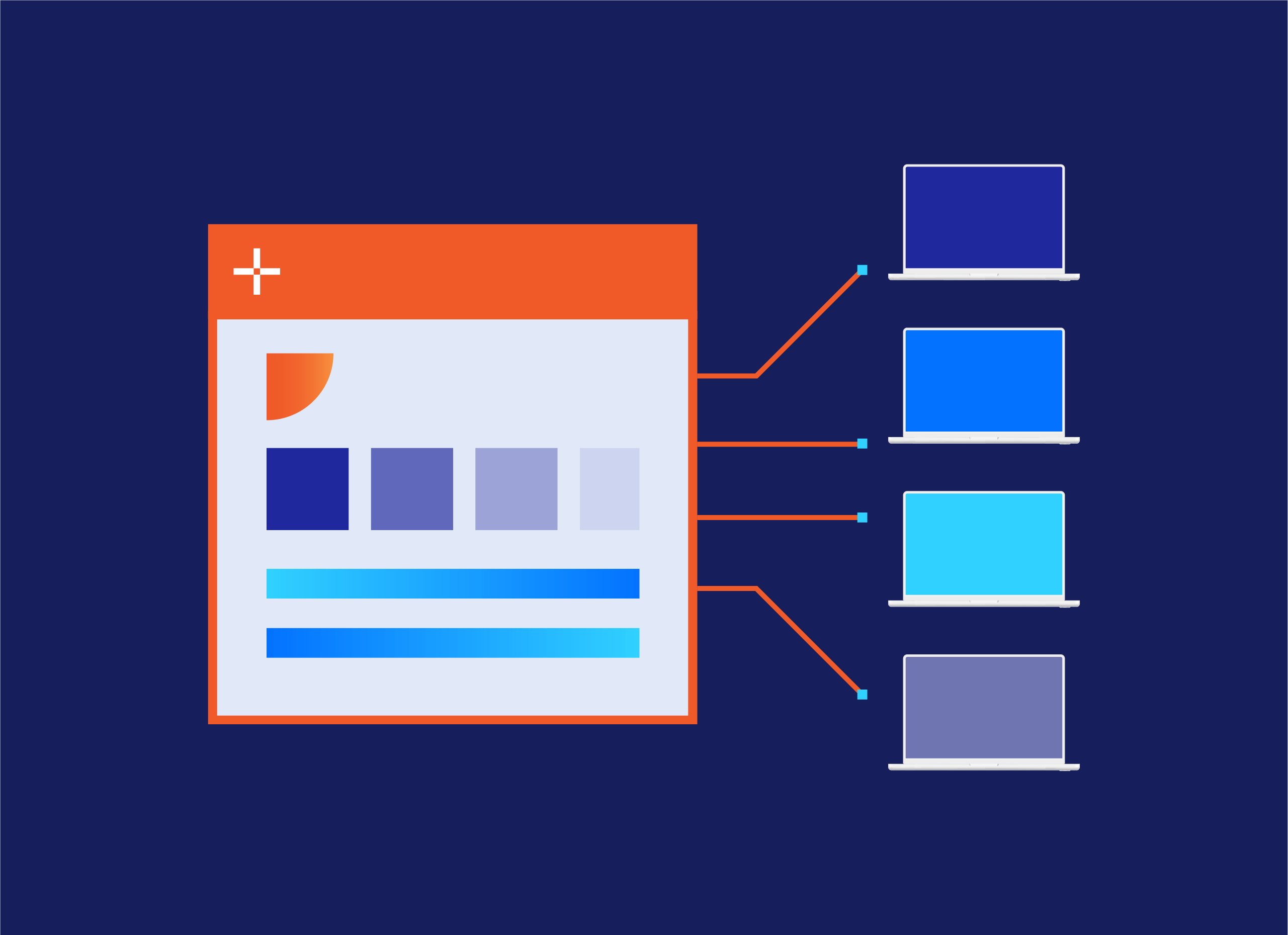
Stop rebuilding every application for every platform. Package once and deliver everywhere with Recast.
A more connected approach to application management

A more connected approach to application management

Getting software installed is only the beginning. Across physical, cloud, and virtual endpoints, IT teams must package applications, deliver the right versions to users, keep software current, respond to vulnerabilities, and understand what’s working and what’s not. When those responsibilities are spread across different tools and workflows, manual effort grows and application experiences become harder to manage consistently. 

Recast connects these capabilities so IT teams can manage the work surrounding applications without treating every task as an isolated project. 

Core application management capabilities

Package applications

for reliable deployment

Deliver applications

through self-service catalogs or targeted deployment

Deploy applications

across physical, virtual, and cloud environments

Manage versions

and reduce application drift

Update applications

through controlled deployment processes

Patch applications

to address third-party vulnerabilities

Manage application access

based on users, devices, and business needs

Gain visibility

into application deployments, versions, availability, and installation status across the endpoint environment

Two powerful options for application management

Right Click Tools Patching

Automate third-party patching inside Intune and Configuration Manager with a catalog of 7,500+ applications.

Application Workspace

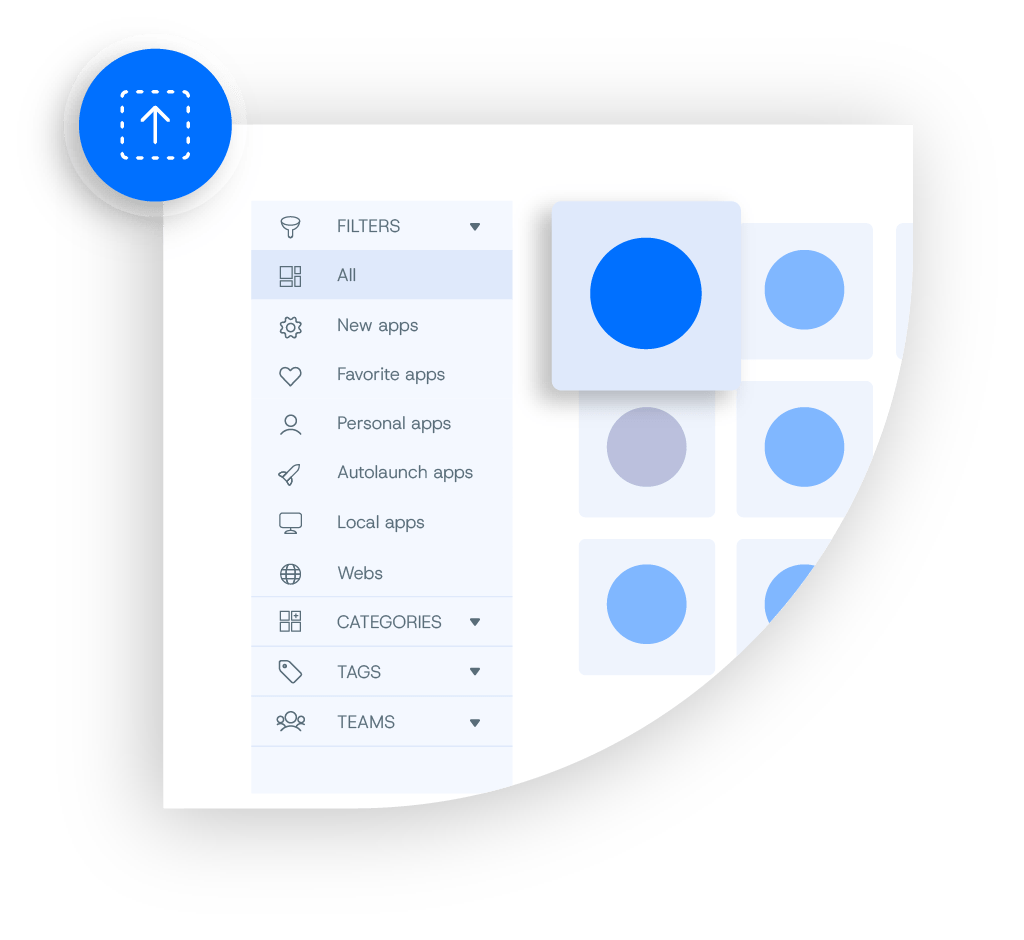
Get every user the right apps, regardless of device, OS, or workspace. Deliver to Windows, macOS, virtual desktops, and Cloud PCs from one console, with a self-service catalog of 8,500+ curated apps.

What application management should cover

An application management solution should support the practical work required to get applications ready, make them available, and keep them current. 

Prepare applications for reliable deployment. 

Standardize application preparation and reduce repetitive packaging work across environments. 

Make applications easy for users to find and access. 

Manage one icon per application and set rules that auto select the install, stream, or web version the user’s environment requires. 

Respond to vulnerabilities and security updates faster. 

Deploy third-party application patches and security updates across managed endpoints to reduce exposure and keep software current.  Close vulnerability windows faster. Setup Store titles carry CVE data, and Right Click Tools Patching automates third-party patching in Intune and ConfigMgr. 

Get applications to the right users and devices. 

Deploy agent-based installs in minutes, with no waiting on sync cycles. Works during Autopilot, too. 

Discover how Recast makes application deployment flexible >

Move application changes through your environment with greater control. 

Move every release through Development, Test, Acceptance, and Production, with approval gates you set and one-click rollback. Reduce version drift, improve consistency, and maintain visibility as new application releases move from testing to production. 

Manage planned application change with less effort. 

New versions arrive from the Setup Store ready to test, with your customizations intact. Updates install at login or lock, with no reboot prompts. 

Give users access to the applications they need—without losing control. 

People see only the apps their identity, role, and device entitle them to. Licensed apps can route to a manager for approval in Teams. 

Build once. Deliver across your environment.

Applications shouldn’t need to be rebuilt for every platform, workspace, or deployment method. 

Manage Applications Everywhere

Modern IT teams often manage applications across physical endpoints, virtual desktops, Cloud PCs, and multiple endpoint-management platforms. Maintaining separate packaging and deployment workflows for every environment creates unnecessary complexity. 

Standardization Across Environments

Recast helps IT teams standardize application preparation and delivery across diverse environments, reducing duplicate effort while providing a more consistent application experience for users regardless of where they work. 

Make it easy with Migration Utility

Bring the applications you have. The Migration Utility imports existing packages from ConfigMgr, Intune, PDQ, Jamf, and more, so you don’t start from scratch.

How Recast supports application management

Layers 1 Streamline Icon: https://streamlinehq.com layers-1

Package

Prepare applications for deployment.
App Window Refresh Streamline Icon: https://streamlinehq.com

Publish

Make approved applications available through a centralized catalog or targeted deployment.
User Mobility Streamline Icon: https://streamlinehq.com

Deploy

Deliver applications to the right users and devices.
Workflow Data Table Stack Streamline Icon: https://streamlinehq.com

Maintain

Track application versions, deployment status, and availability across endpoints.
Hierarchy 4 Streamline Icon: https://streamlinehq.com

Update and patch

Keep applications current and address third-party vulnerabilities.
Meeting Team Monitor 1 Streamline Icon: https://streamlinehq.com

Manage access

Control application availability based on users, devices, and business requirements.
Fast Motion Streamline Icon: https://streamlinehq.com

One application management strategy

From packaging to delivery to patching.

Application management across your endpoint environment

Application management shouldn’t be limited by where an application runs. Recast works alongside the endpoint-management platforms and environments your organization already uses. 

Extend modern cloud-based endpoint management with additional application delivery, automation, visibility, and control. 

Continue using the infrastructure and workflows your team relies on while simplifying application-management tasks.

Deliver applications across Citrix, Omnissa Horizon, Azure Virtual Desktop, Windows 365 Cloud PCs, and physical endpoints through a more consistent application management experience. Reduce the need for separate application workflows while supporting the environments your organization already uses. 

Keep applications available and current across Windows and Mac laptops, desktops, and shared devices.
Better experiences for IT and end users

Reduce repetitive work while maintaining visibility and control.

Streamline your workflow with automated processes that save time and reduce errors.

Support a scalable application environment as the number of applications, users, devices, and endpoint environments grows.

Build a more scalable application management strategy

The challenge isn’t simply managing more applications. It’s supporting applications across more users, devices, environments, and management platforms. 

Recast gives IT teams the capabilities to manage applications from preparation through ongoing maintenance, which reduces manual work while providing greater visibility and control. 

Frequently asked questions

Customer reported outcomes

0M+
Endpoints managed
0+
Core apps in 2 weeks
0+
Setup Store apps
0%
Application health