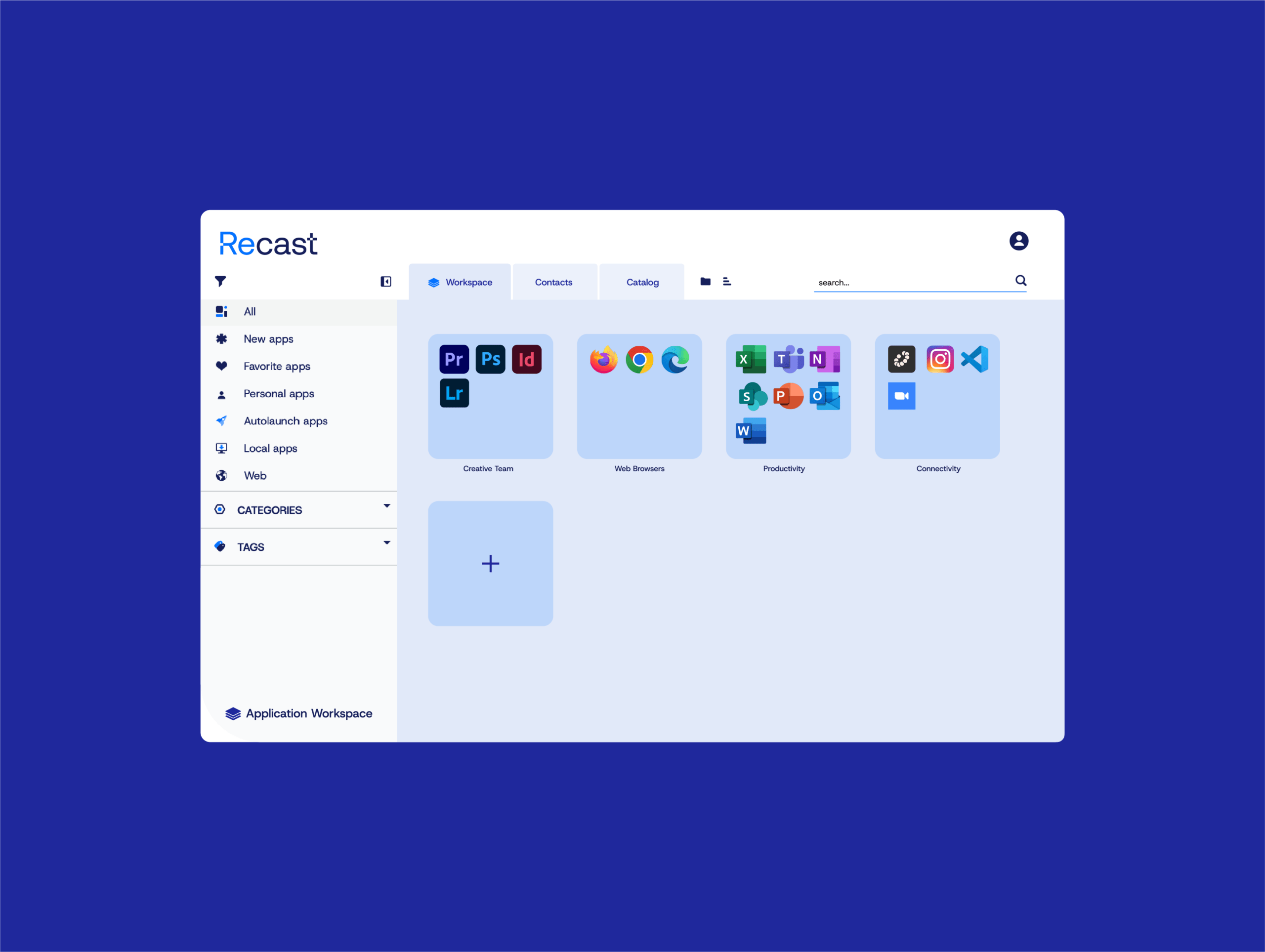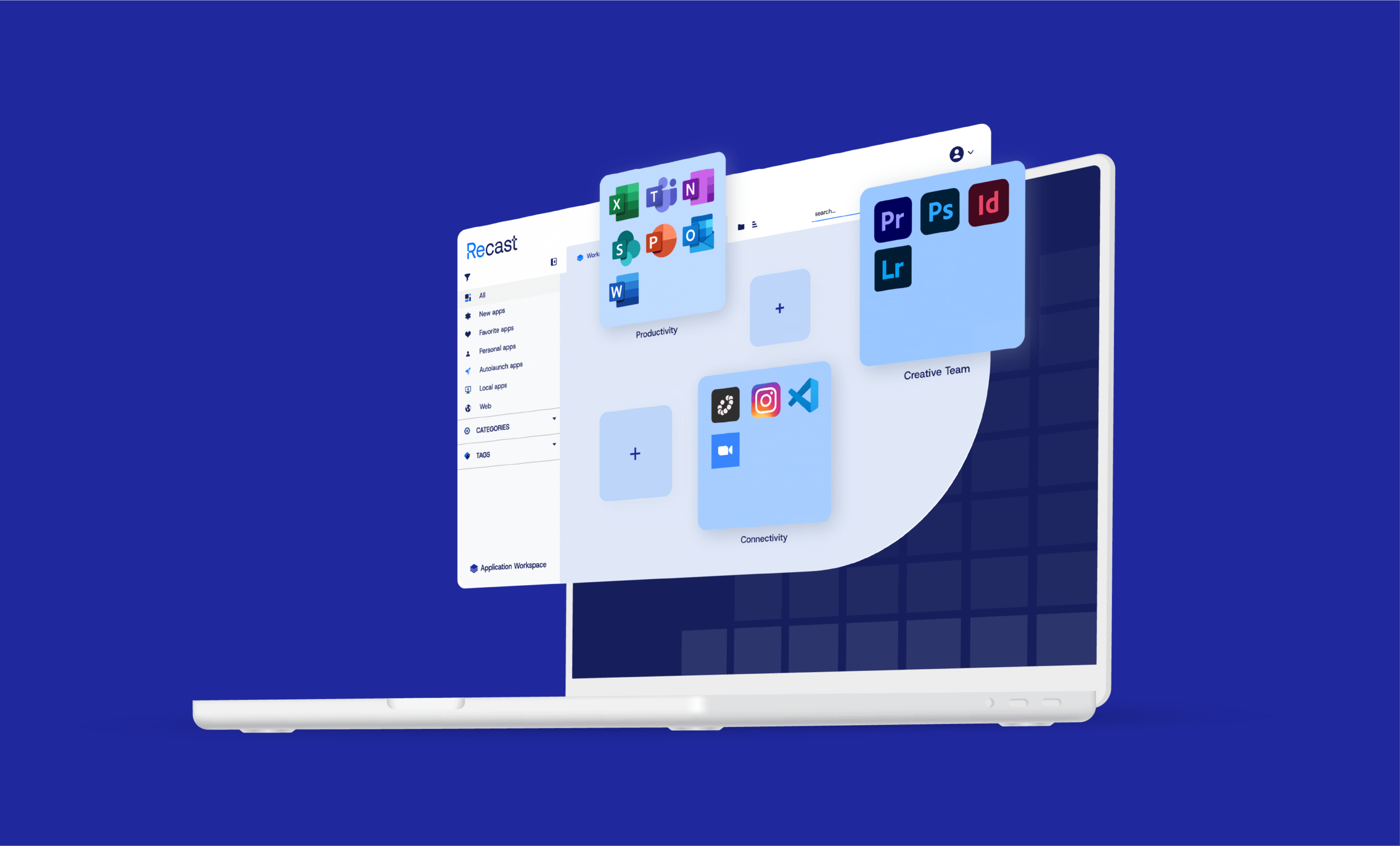




Application Workspace: Your Modern Application Delivery Solution
A proven application delivery solution
Put people at the center, not devices. Application Workspace, formerly Liquit Workspace, decouples software from hardware and ties access to identity, so users launch the right tools in one click on Windows, macOS, VDI, BYOD, or inside Teams. IT governs delivery, updates, and compliance from one console.
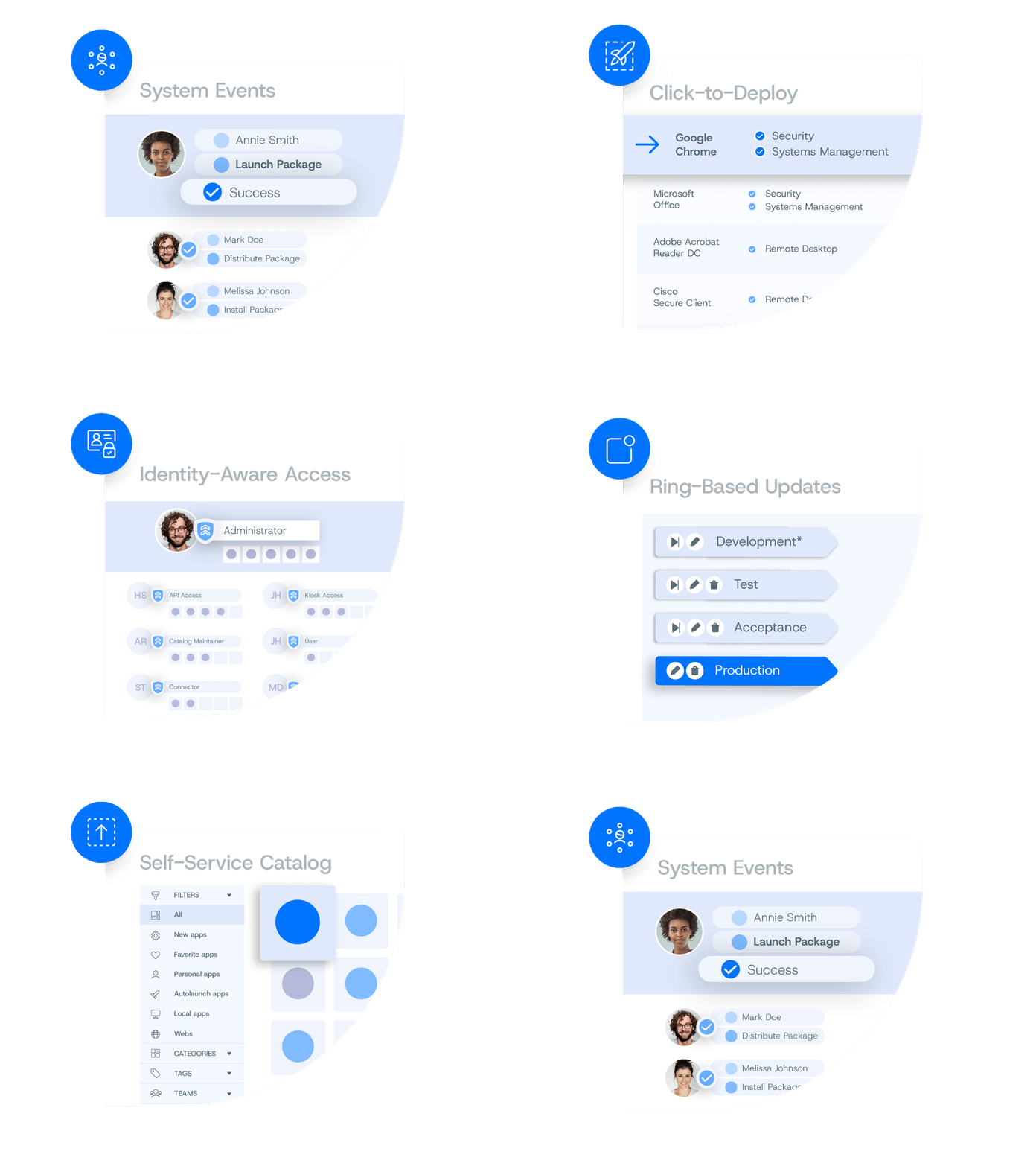
Application Workspace platform highlights
Ecosystem Fit
Smart Icons
Role-Based Catalog
Click-to-Deploy Packages
Ring-Based Updates
Unified Audit Trail
Results you can count on
Faster Application Delivery
Apps reach users in minutes, not days, even during Autopilot onboarding.
Fewer Support Tickets
Self-service gives users approved apps without helpdesk involvement.
Lower Operational Costs
Consolidated application management reduces IT workload.
Safer Application Releases
Staged deployment rings and easy rollback reduce risk.
Keep the Tools You Trust
Works with Intune, ConfigMgr, Citrix, VMware, and AVD—no rip-and-replace or retraining.
Proven Compliance
A single audit trail shows who did what, and when.

Real talk from real people.
Autopilot-ready application delivery
Keep your provisioning image lean. Install the Application Workspace agent during Autopilot, then deliver apps, updates, and the user’s “persona” automatically at first sign-in.

Questions? We're here to help.
Browse our FAQ for quick answers or reach out and we’ll get you the details you need.
Liquit Workspace and its associated capabilities have been rebranded as Application Workspace by Recast Software. Following Recast Software’s acquisition of Liquit in 2023, the Liquit brand has transitioned into Recast Software, marking the beginning of a new chapter in our unified journey.
Application Workspace was built for efficiency & scale and can work regardless of the technology you use. We offer a wide range of direct integrations including Citrix, SCCM, Omnissa, AVD, and more.
View our full list of Application Workspace integrations here.
To add Application Workspace to Microsoft Viva, simply visit this site for full instructions.
Our release notes and technical documentation can be found at Application Workspace.
The Application Workspace PowerShell Module contains cmdlets based on Microsoft PowerShell for automating Application Workspace administration. To learn more, review our technical documentation here.
Application delivery is the process of packaging, targeting, and updating applications so the right users get the right software on the right devices reliably and on time. With Application Workspace, delivery is trigger-based and identity-aware, using one package that works across laptops, Cloud PCs, and Citrix with no maintenance windows, just consistent, context-driven installs and launches.
Choose a solution that complements your existing infrastructure (Intune, ConfigMgr, VDI, macOS) with identity-aware targeting, trigger-based installs and updates (login, logoff, lock), and a single package that runs anywhere (laptops, Cloud PCs, and VDI) so you’re not stuck waiting on maintenance windows. You’ll also want visual packaging to cut scripts, Smart Icons for context-based launch, a curated third-party catalog that auto-updates, and built-in governance (approvals, audit, rollback) to ship apps fast and reliably.