



Keep Intune. Fix app delivery with Application Workspace.
Intune handles device security and compliance. Application Workspace complements Intune with a dedicated solution to deliver, update, and govern apps faster, without ripping out your current stack.
- Apps in minutes, not in a queue with agent-based delivery that avoids sync lag.
- Support more app types (Win32, MSI/EXE, MSIX, scripts, macOS packages) without constant rework.
- Package once, promote anywhere across laptops, Cloud PCs, and virtual workspaces.
- Curated catalog with automated updates so common apps stay current without late-night patch cycles.
- Clear success/failure and health visibility to speed troubleshooting and reduce tickets.
Book a demo
Does Intune app delivery slow you down?
Deployments wait on sync cycles and users wait on you
Win32 apps bring a repackaging tax
Moving from ConfigMgr to Intune turns into a migration project you can’t staff
Success/failure data is thin, so troubleshooting drags on
How it works with Intune
1. Intune enrolls and secures the device (policies, compliance, security baselines).
2. Deploy the lightweight Application Workspace agent.
3. Publish apps once (plus your pre/post actions, conditions, and targeting).
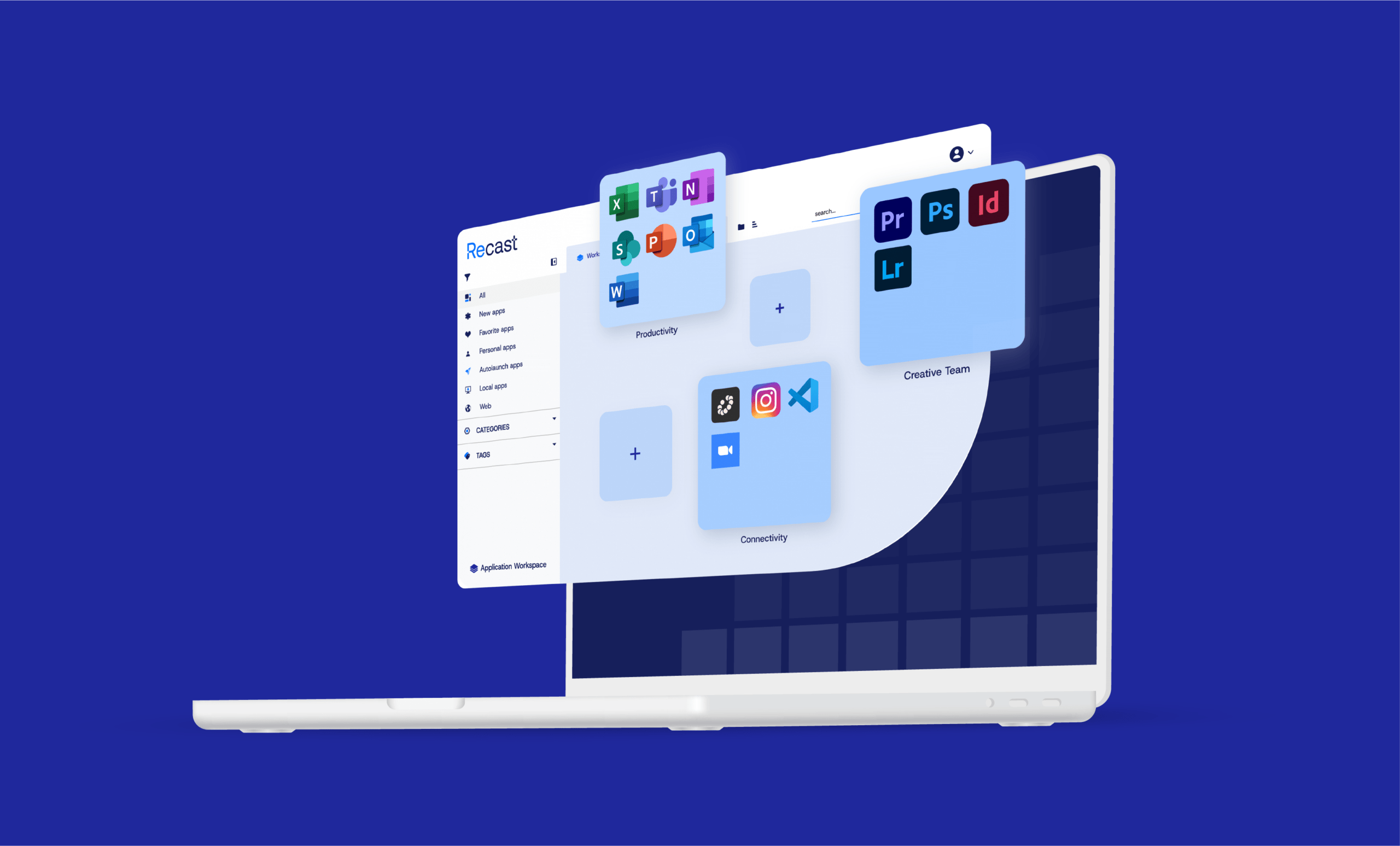
4. Users click a Smart Icon and Application Workspace launches the right app (local, VDI, web) and reports status.
You can configure literally every setting on a device, use these and other variables as filters and add context to your user environment. This makes distribution of a (MSI) package, or anything else, flawless. The internal app store with hundreds of managed prepackaged applications is a gamechanger. First-line workers can distribute applications with just a few clicks.Higher Education User
Tour Application Workspace
ConfigMgr to Intune migration without the repackaging spiral
You don’t have to rebuild your entire app estate to move forward. Application Workspace helps you migrate and modernize packaging with automation, then lets you promote the same package across environments as you transition.
Bring existing apps forward with a clean packaging migration interface
Reduce duplication across ConfigMgr, Intune, and virtual workspaces
Lower migration risk by keeping delivery consistent while device management evolves
Show us one complex app. We’ll walk you through the simpler path.
Enhancing Intune Guide
Built for real-world scale
- Recast supports 60M+ endpoints globally.
- Application Workspace is designed to complement tools you already run, while giving you a dedicated platform for application delivery and lifecycle control.
- Available via Azure Marketplace to simplify procurement (including MACC).
Frequently Asked Questions (FAQ)
No. Intune stays your device and security control plane. Application Workspace focuses on application delivery, updates, and visibility.
It’s a complete application platform: delivery + lifecycle control + governed updates + clearer telemetry across physical and virtual workspaces.
Common Windows installers, Win32 apps, MSIX, scripts/actions, and macOS packages, all managed through one packaging and policy model.
Yes, many teams use an Intune-deployed bootstrapper and let Application Workspace handle the complete app sequencing and delivery.
Yes. Application Workspace supports delivery across virtual workspaces so you can keep virtualization in the mix where it makes sense.