


Close Intune Application Management and Third-Party Patching Gaps

Simplify Intune patch management and application delivery
Microsoft Intune is the platform of record for modern endpoint management. With the inclusion of Intune in Microsoft 365 E5, IT organizations can now use Enterprise Application Management to support application delivery and third-party patching through Intune.
However, Intune isn’t a complete application lifecycle or patching solution on its own. Learn where it works well, and how you can help address gaps through automated third-party patching, event‑driven deployments, centralized visibility, and support for both Intune and hybrid environments.

Where native Intune app delivery and patching succeed
Native Intune app delivery gives IT teams a centralized way to deploy supported applications to targeted users and devices through assignment rules, policies, and sync-driven delivery. Microsoft Enterprise Application Management can also help automate updates for some third-party applications while keeping your existing Microsoft management approach.
Intune enables IT teams to:
- Deploy supported apps across smaller or less complex device environments
- Support standard patching needs for covered third-party apps and straightforward update workflows
- Monitor policy enforcement at a high level

Where native Intune app delivery and third-party patching fall short
As application environments become more complex, native Intune workflows can create friction. Delivery timing depends on policies and sync cycles, and most third-party patching still requires added effort or external tooling.
Common challenges include:
- Sync-dependent delivery that makes application installs slow or inconsistent
- Ongoing manual third-party patching overhead
- Limited troubleshooting visibility that slows identification of patch failures

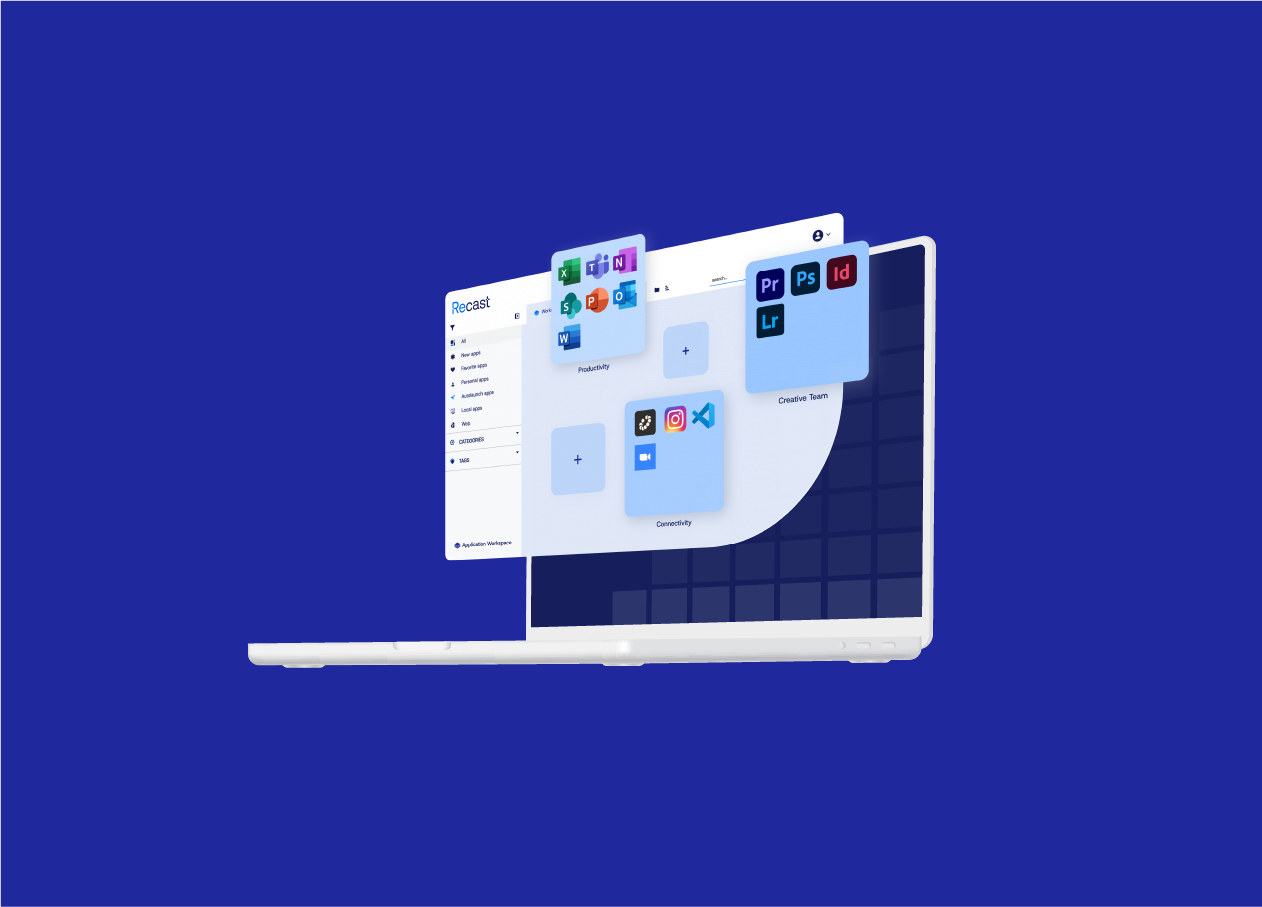
Application Workspace: Fast, reliable application management
Most organizations that migrate to Intune still struggle with app delivery. Installs arrive late, portals multiply, Autopilot wipes user context, and packaging drift creates ongoing operational drag. The result is higher ticket volume and lost productivity.
Application Workspace sits on top of Intune and ConfigMgr to make application delivery predictable, visible, and user-friendly, all without replacing existing infrastructure. Key benefits include:
- Fast, reliable installs
- Day-one readiness, without the gaps
- Packaging without scripting every workflow
- Evergreen apps without the backlog
- Visibility and governance built for scale
- macOS support
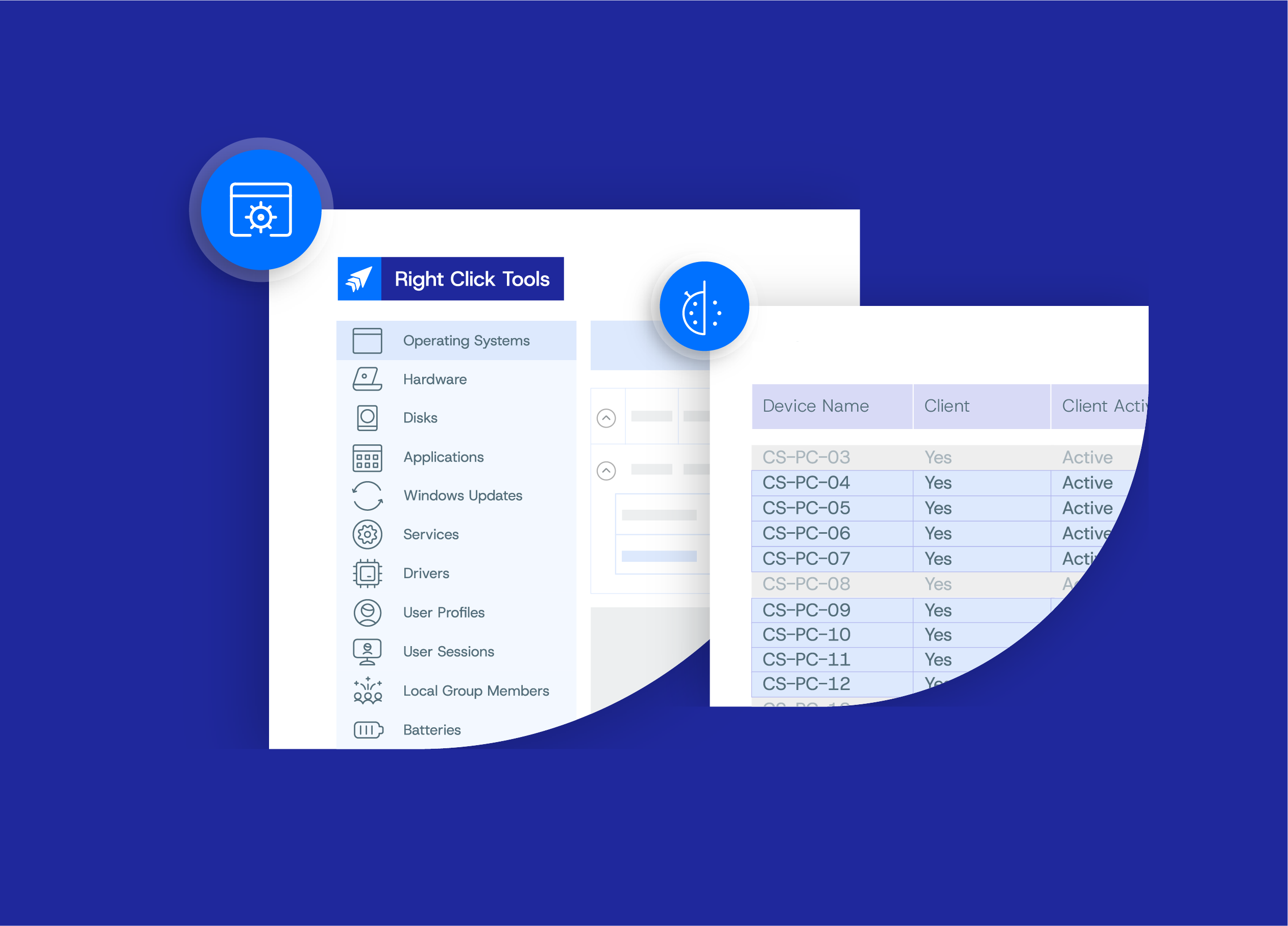
Right Click Tools Patching: Third-party and custom app lifecycle management
Microsoft Enterprise App Management simplifies deployment of common third-party applications directly from Intune. Right Click Tools Patching expands coverage and control for more complex application environments with:
- 6,000+ third-party and custom applications
- Automated lifecycle management
- Test, pilot, and production update rings
- Cleanup rules for outdated versions
- Support for Intune, ConfigMgr, co-managed, and server environments