



On Thursday, December 4, Microsoft announced that they will be bundling the Intune suite capabilities for customers leveraging Microsoft 365 E3 and E5 licenses. E3 customers now get Intune Remote Help, and Intune Advanced Analytics included with their licenses. For E5 customers, Microsoft will include all the E3 features, plus Intune Endpoint Privilege Management, Microsoft Cloud PKI and Intune Enterprise App Management. Below is a breakdown of what each feature includes.
Included with Microsoft 365 E3
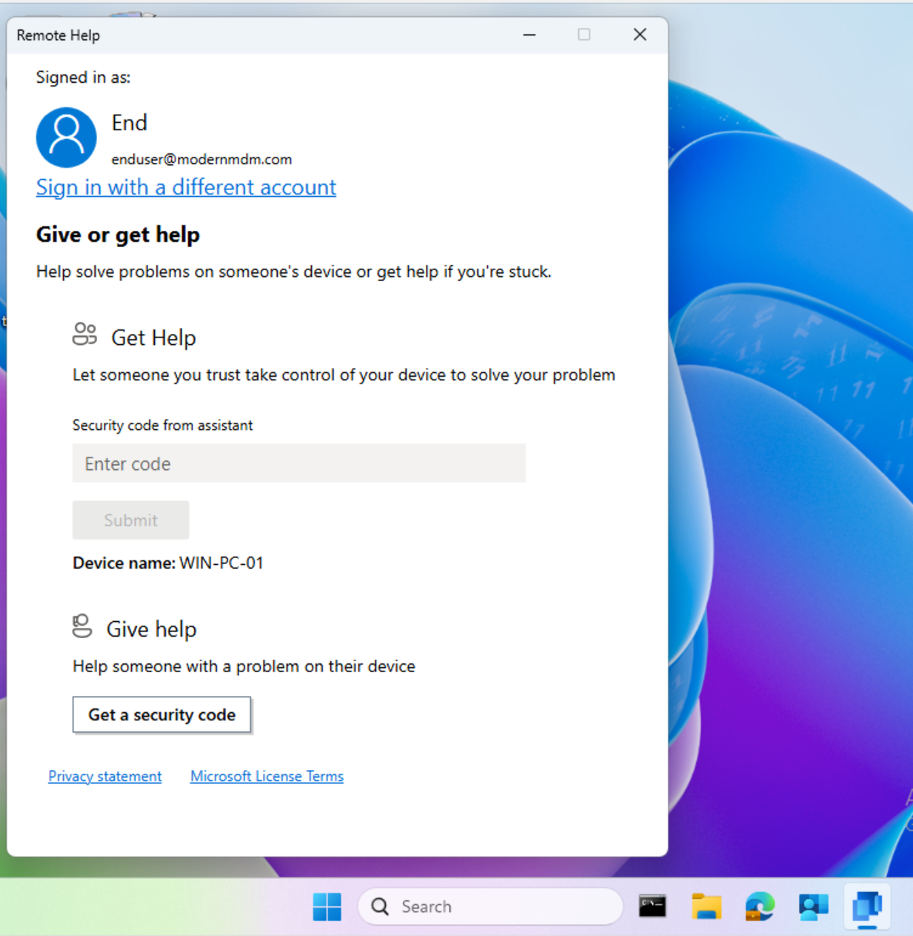
Intune Remote Help
Intune Remote Help lets IT administrators resolve support requests efficiently by connecting directly to end-user devices for real-time assistance.
Intune Advanced Analytics
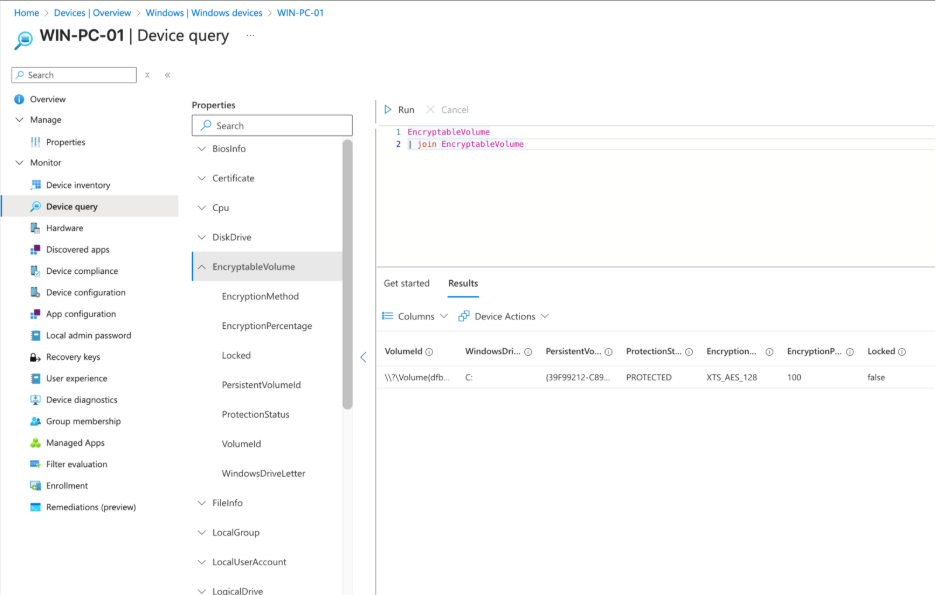
Intune Advanced Analytics is also included as part of the E3 bundle. This gives IT admins the ability to view and remediate device issues within their organization when they arise. If your auditors raise BitLocker compliance issues, you can quickly verify with Intune Advanced Analytics.
Included with Microsoft 365 E5
Microsoft 365 E5 licenses include all E3 features, plus Intune Endpoint Privilege Management, Microsoft Cloud PKI, and Intune Enterprise App Management. This reduces system risk by removing local admin rights while allowing standard users to elevate specific tasks with approval. Use Microsoft Intune for issuing and managing certificates and making delivery plus updates of third-party apps with Enterprise Application Management.
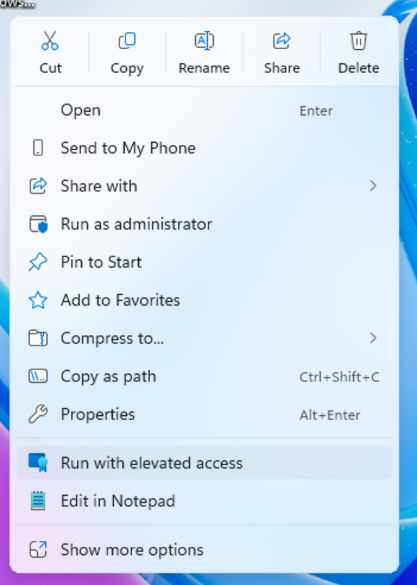
Intune Endpoint Privilege Management
This tool allows you to manage elevated access to standard users by enforcing a zero-trust approach. Controlling elevated access gives your end users the ability to elevate with proper controls in place, for improved productivity and providing your IT team with insights into elevated actions across your environment.
Microsoft Cloud PKI
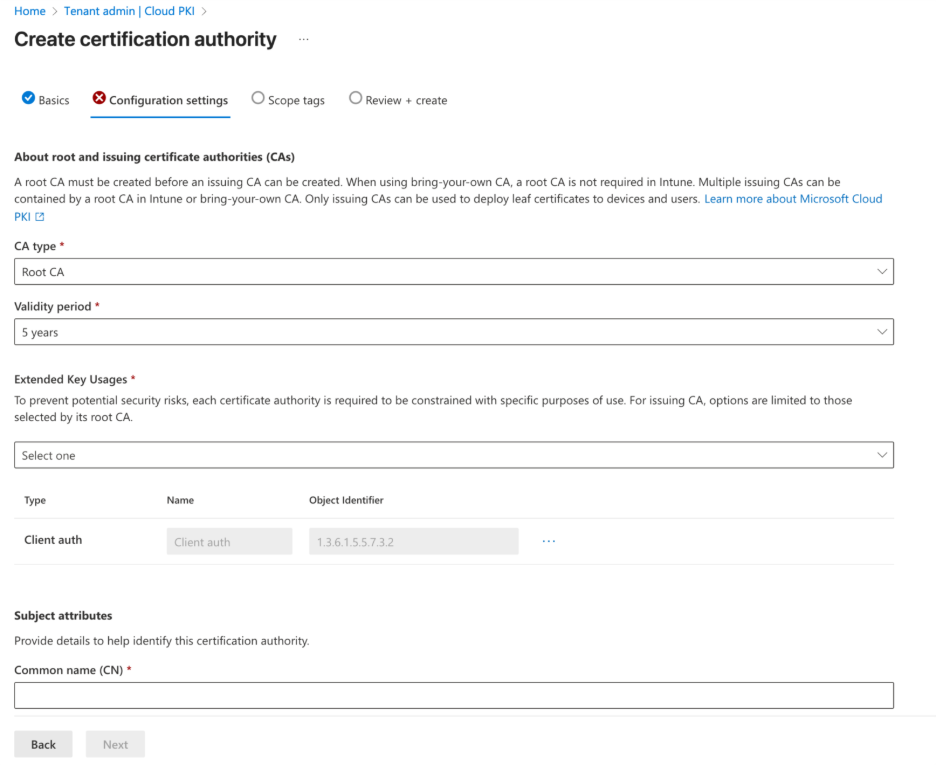
Microsoft Cloud PKI is another feature available to E5 licensed users. It makes certificate delivery and management easier for IT admins by letting them set up public key infrastructure quickly while streamlining certificate management.
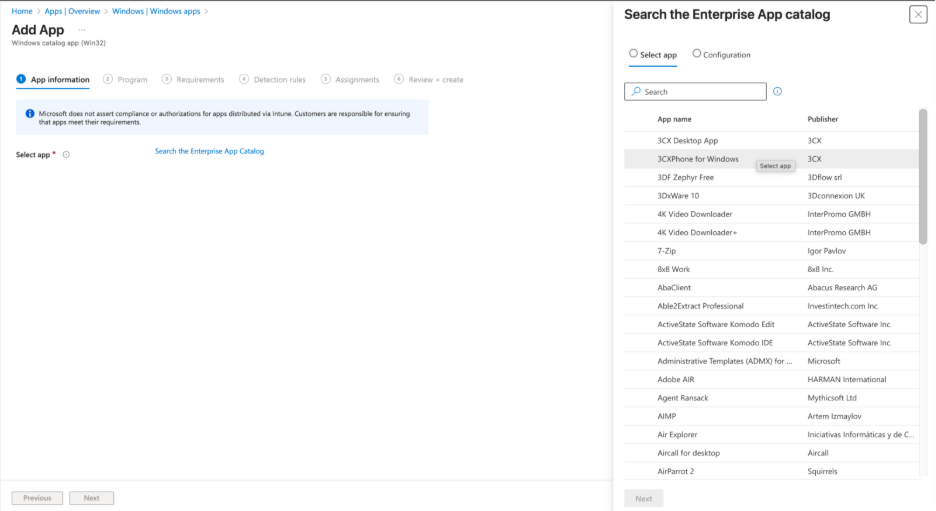
Enterprise App Management
The last option that will be available for E5 licensed users is Enterprise App Management. This feature allows IT administrators to deliver and update third-party applications to their endpoints. It’s important to note that Microsoft will host and prepackage those applications by filling out those binaries, so your IT administrators can spend time on other business requirements.
Recast: The Intune Companion
Microsoft offers powerful tools for IT admins through Intune Suite, and Recast is the ideal companion to help organizations maximize those capabilities. Recast builds on what Microsoft provides by delivering additional options for enhanced security and advanced device and application management.
There are scenarios where IT teams need expanded functionality, such as managing custom applications, handling third-party app patching on servers, or applying highly specific update requirements. Recast complements Intune by handling these specialized tasks, working alongside the Microsoft ecosystem to streamline operations.
We’re excited about where Microsoft is headed and how Intune continues to empower IT admins. Recast is proud to stand alongside Intune as a companion solution, helping teams do even more with the tools they already rely on.
If you don’t already have our free Right Click Tools for Intune, you can download them here.