


Third Party Patch Management for Every Application in ConfigMgr, WSUS, and Intune
Extend the power of Right Click Tools Enterprise with automated patch management
Stop wasting time on manual patching with Right Click Tools Patching (formerly Application Manager). This Right Click Tools Enterprise module is designed for ConfigMgr, WSUS, and Intune environments. It automates the entire software lifecycle, from package creation to cleanup and everything in between.
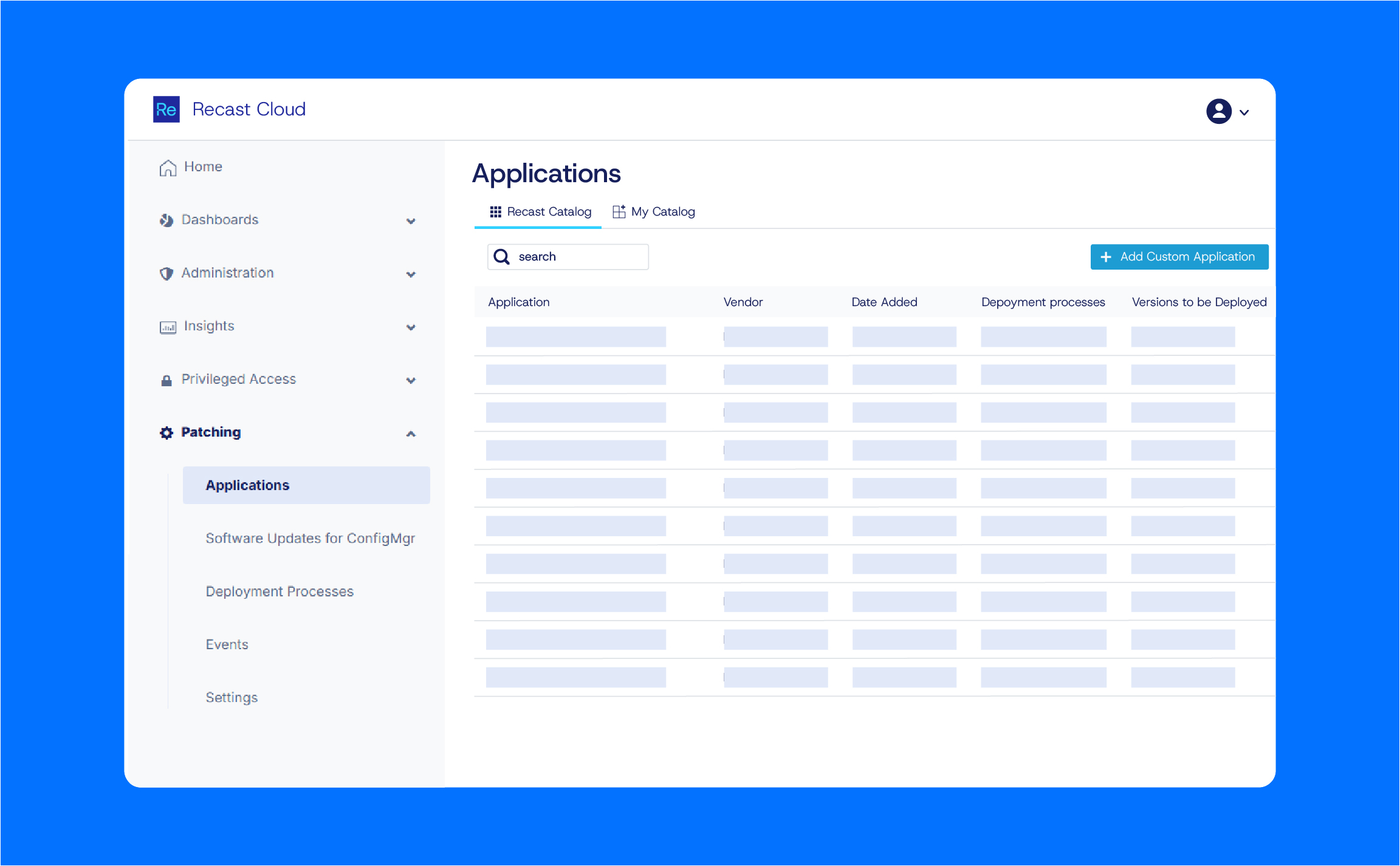
Everything you need to manage applications across your environment
Application Packaging
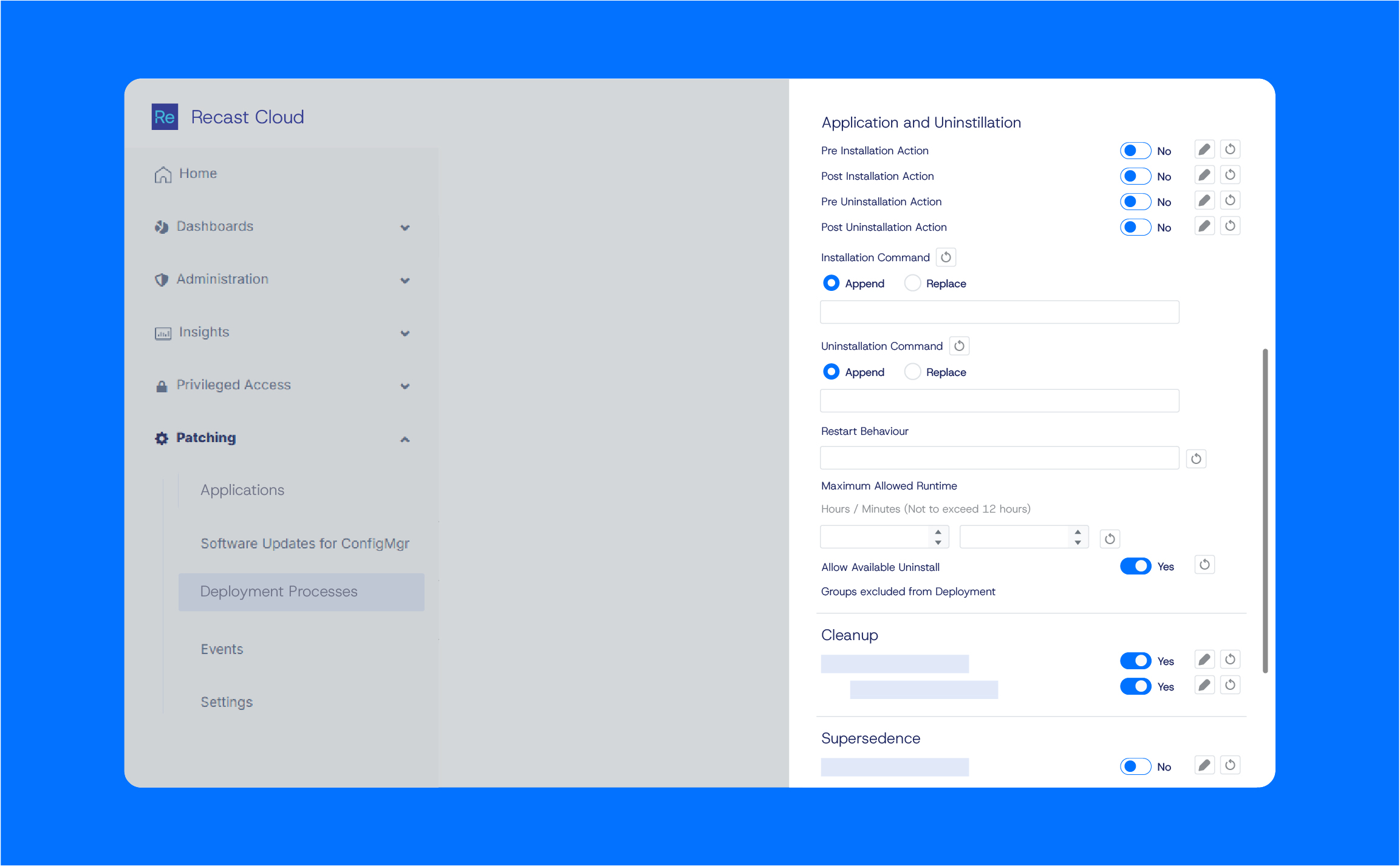
Application Deployment
Uninstall Applications
Clean Up
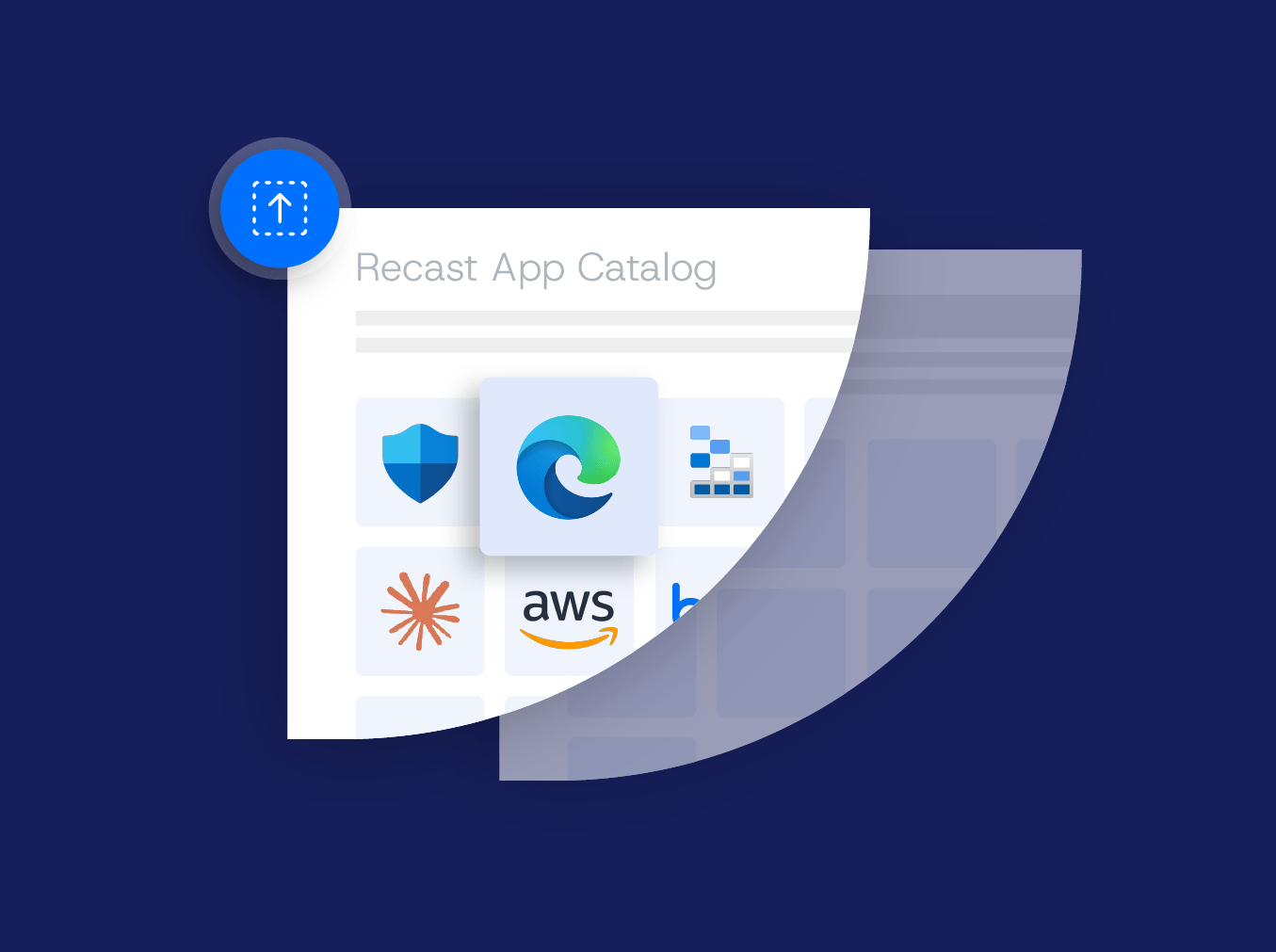
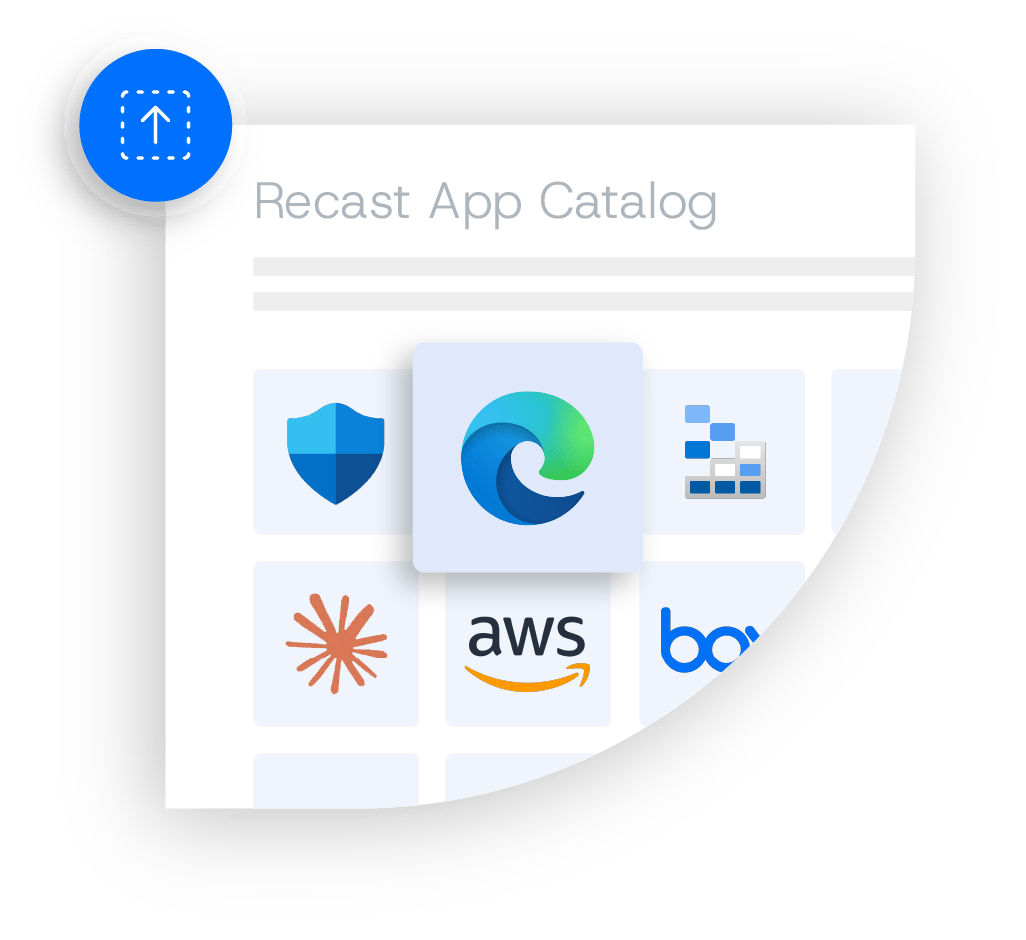
Application Catalog
Custom Applications
Go beyond patch compliance with Warranty Insights
Enterprise Patching is a product bundle that combines automated third-party application updates with Warranty Insights to help your team reduce security risk, identify aging devices, and make smarter endpoint management decisions from a single solution.
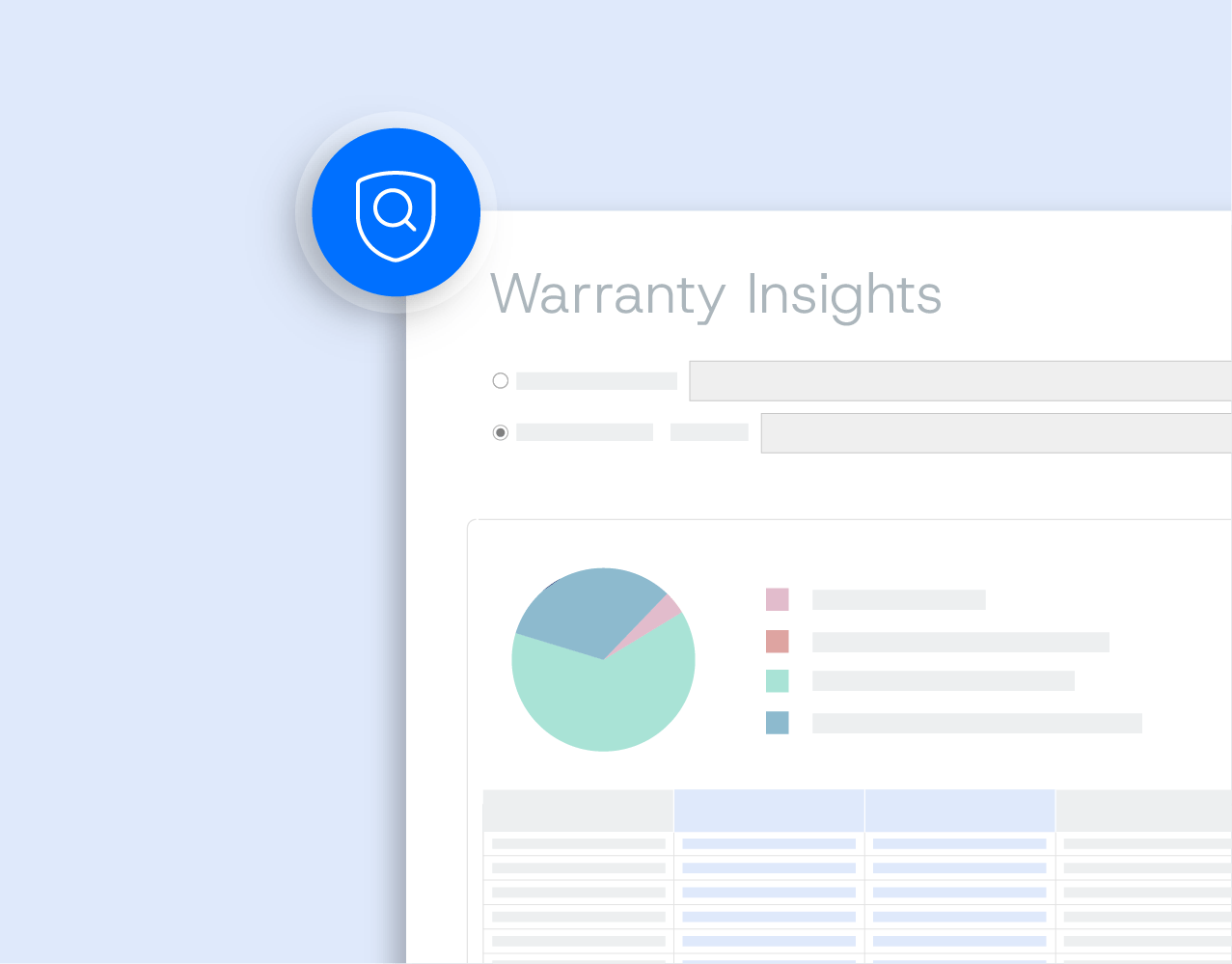
Warranty Insights is a powerful device lifecycle visibility tool that gives IT teams clear visibility into warranty status, upcoming coverage expirations, and endpoint lifecycle trends from a centralized dashboard. With the data needed to track aging hardware, plan refresh cycles, and make more informed budgeting decisions, teams can move from reactive management to well-informed planning.

Flexible licensing options
Right Click Tools Patching is available as an add-on to Right Click Tools Enterprise or as part of a bundled Recast solution. This gives you the flexibility to expand your endpoint management capabilities as your needs evolve.
Why IT teams make the switch.
Whether you're replacing another patching solution or evaluating your options, Right Click Tools Patching makes it easy to move with competitive pricing, expert onboarding, and bundled capabilities that deliver more value.
Price match guarantee
We'll match or beat your current patching contract.
Fast & Easy Transition
Our onboarding team makes switching from your current vendor simple with minimal disruption.
Bundled Value
Add Inventory & Warranty Insights for capabilities other patching vendors can't match.
Interested in bundling Recast solutions?
Don’t just take our word for it
Hear directly from IT professionals who use Right Click Tools Patching to automate updates, reduce risk, and save time.
Common questions from IT teams
Get answers to common questions about Right Click Tools Patching on topics like deployment, supported environments, application coverage, licensing, and more.
Yes, Right Click Tools Patching does. Contact us for more information
Yes, you can, with the Application Groups feature
Configuration Manager and WSUS requires server-side Integration Client, which is usually installed on the same server as the management console. Intune does not need any software on endpoints or servers.
No—never.
Yes. You can add custom pre- or post-install/uninstall actions (e.g., PowerShell scripts or executables) as part of the deployment process.
Yes. There’s a custom application feature that enables you to import your own application installation packages to Right Click Tools Patching and use them like other Supported Apps in the supported applications catalog.
Absolutely—many MSPs already do. Learn more about Right Click Tools Patching for Service Providers or contact us for details.
Patching and device warranty status both help IT teams understand endpoint risk and keep devices secure, reliable, and supportable. Patching reduces software vulnerabilities, while warranty visibility helps identify aging or unsupported devices that may need repair, replacement, or budget planning. Together, they give IT a clearer view of which devices need updates, attention, or refresh decisions.
Critical updates are published within one day; all others within an average of two days.
Right Click Tools Patching integrates with Microsoft Configuration Manager, Microsoft Intune, and Microsoft WSUS.
New applications are added monthly.
You can view our growing list of supported applications.