Get an exclusive look at recently launched and upcoming & potential new Application Workspace features — and help shape what’s next. This 60-minute session is free of charge and open to Recast partners and customers.
Getting Started with Right Click Tools Community Edition
Get a walkthrough of Right Click Tools Community Edition. Get up and running fast, pick up tips that make your day-to-day easier, and discover where it can save you real time. Whether you're brand new or just haven't explored everything yet, you'll walk away with practical workflows.
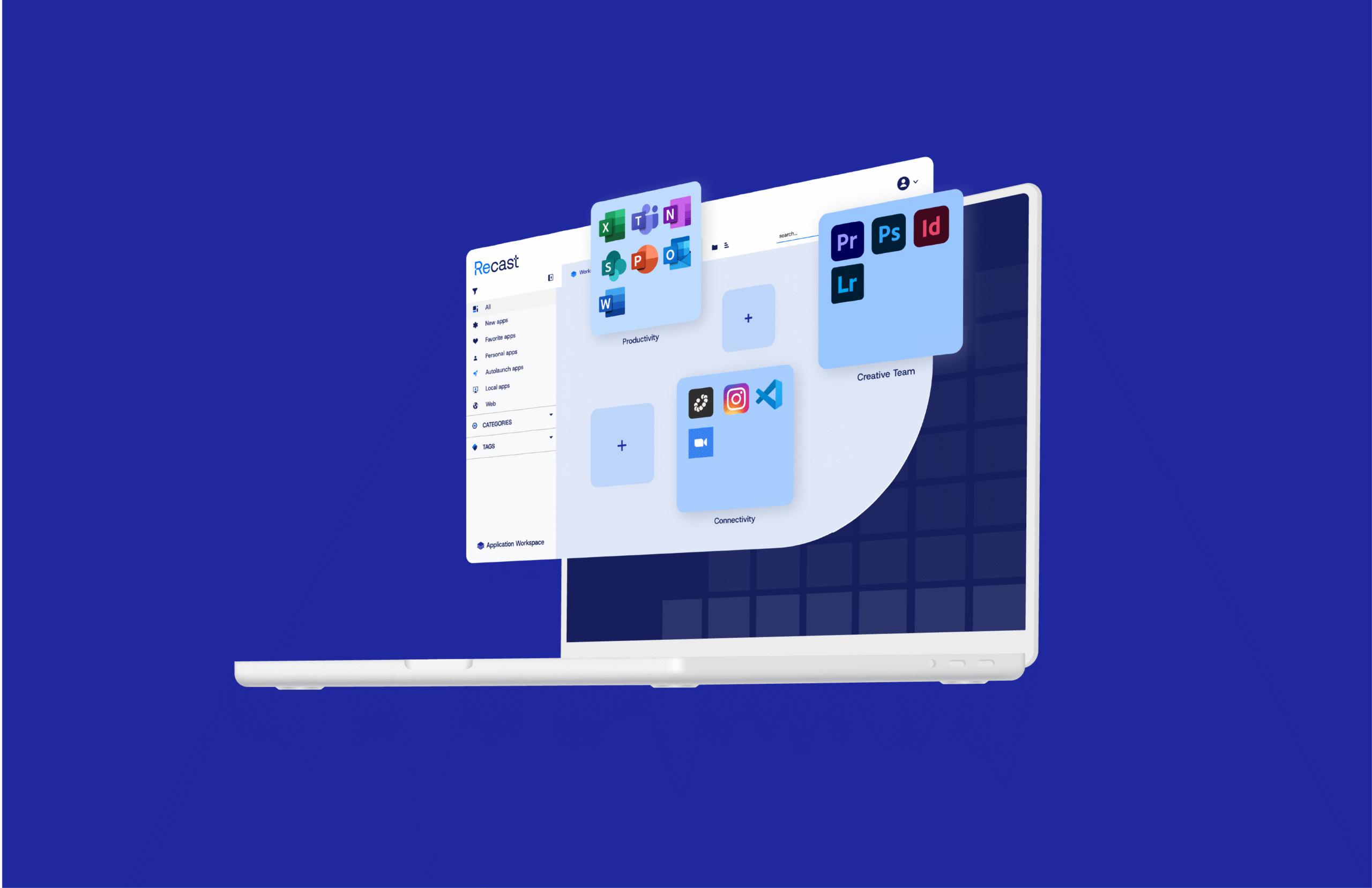
Keep up to date with the newest Application Workspace product features and enhancements in our ongoing training sessions. These sessions are free for all current and future Application Workspace users, as well as Recast partners.
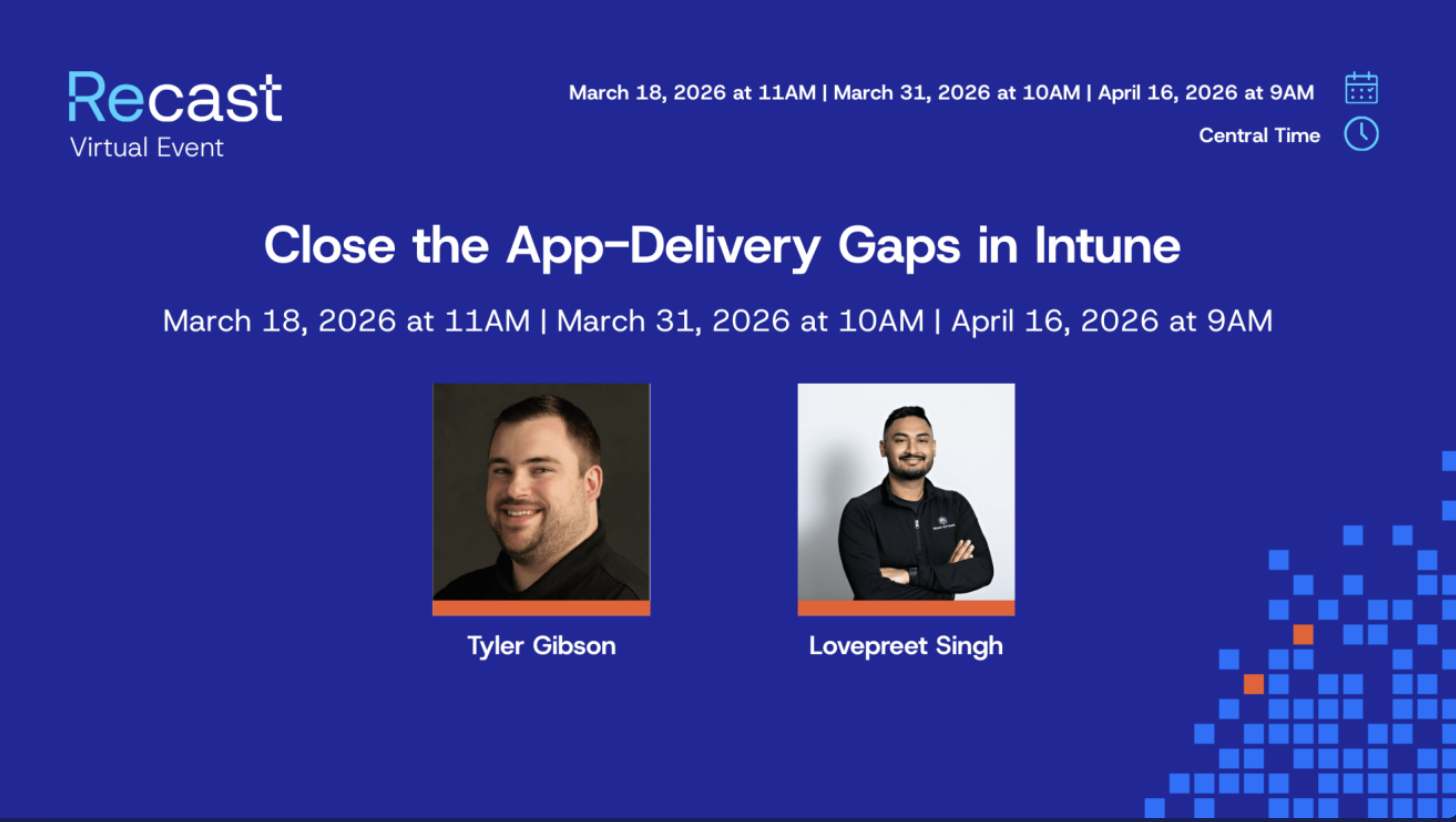
Intune is a solid management platform, but app delivery remains one of its most painful gaps. Join this webinar to learn why app installs still fail at scale and how to finally deliver applications faster, with confidence and real visibility.
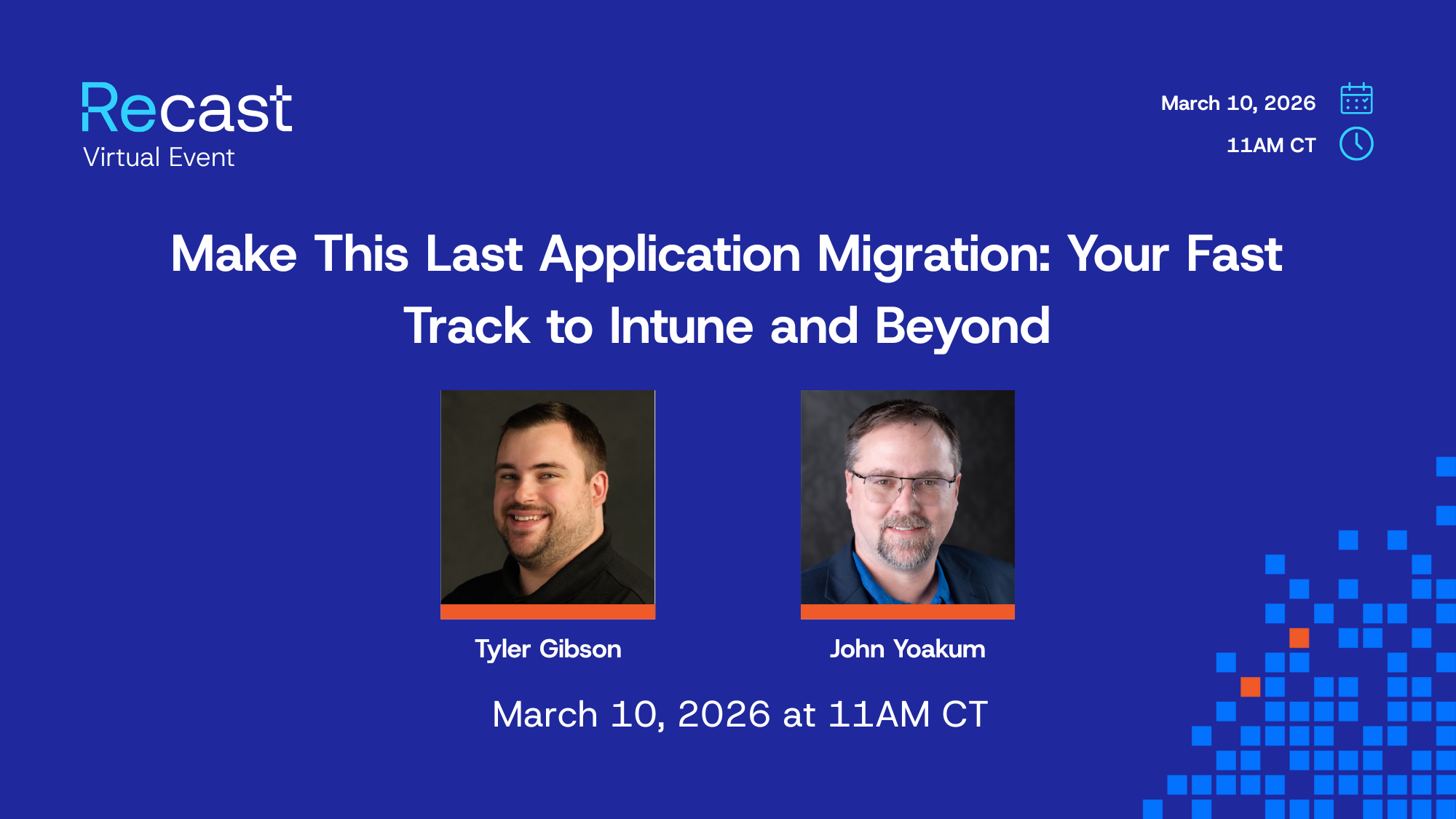
Make This Your Last Application Migration: The Fast Track to Intune and Beyond
Modernizing your endpoints shouldn’t require rebuilding your entire application estate. Yet, moving from ConfigMgr to Intune often forces IT teams into a massive repackaging project, converting legacy installers to Win32 apps one by one.
Practical Endpoint Security for Tribal IT: Actions You Can Take Today
This session explores how Recast helps teams interpret endpoint activity, identify risk, and take action—highlighting what can be done immediately using free Right Click Tools Community Edition. Attendees will gain practical insight into improving consistency, visibility, and day-to-day security hygiene across managed devices.
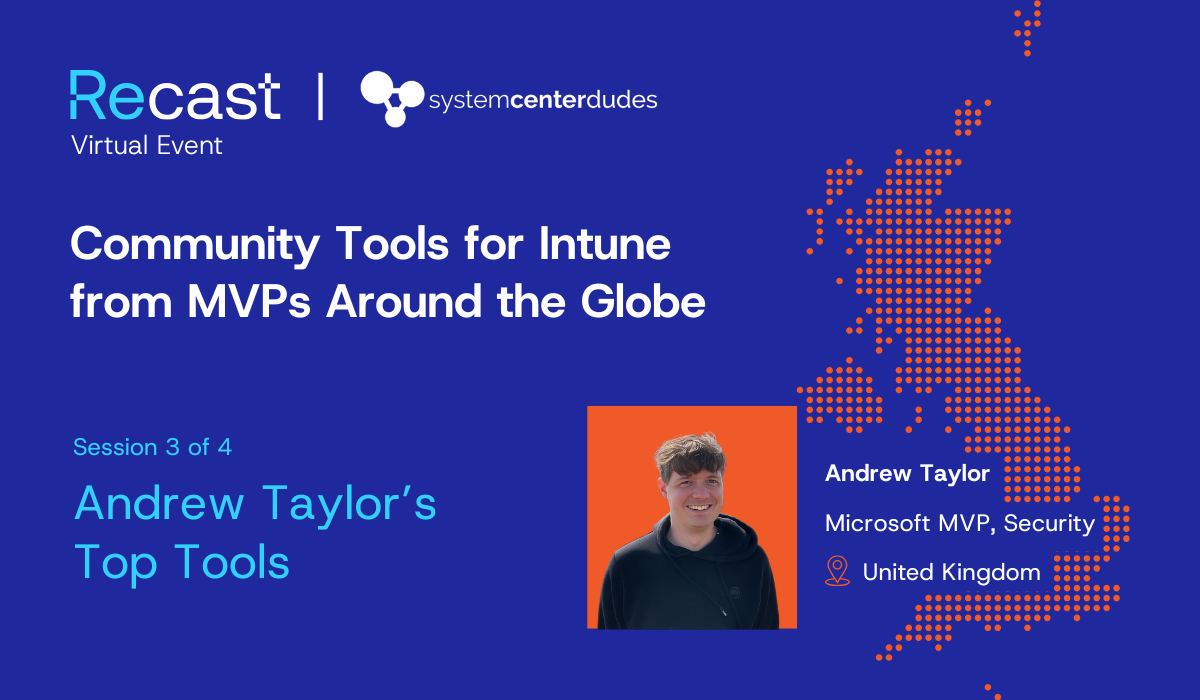
If your organization is adopting Intune, you’re probably looking for tools and best practices to fill Intune’s functional gaps. In this webinar series, Microsoft MVPs from around the world highlight their favorite free tools and share practical guidance that you can start using right away.
Solving Everyday Intune Challenges with Andrew Taylor
If your organization is adopting Intune, you’re probably looking for tools and best practices to fill Intune’s functional gaps. In this webinar series, Microsoft MVPs from around the world highlight their favorite free tools and share practical guidance that you can start using right away.
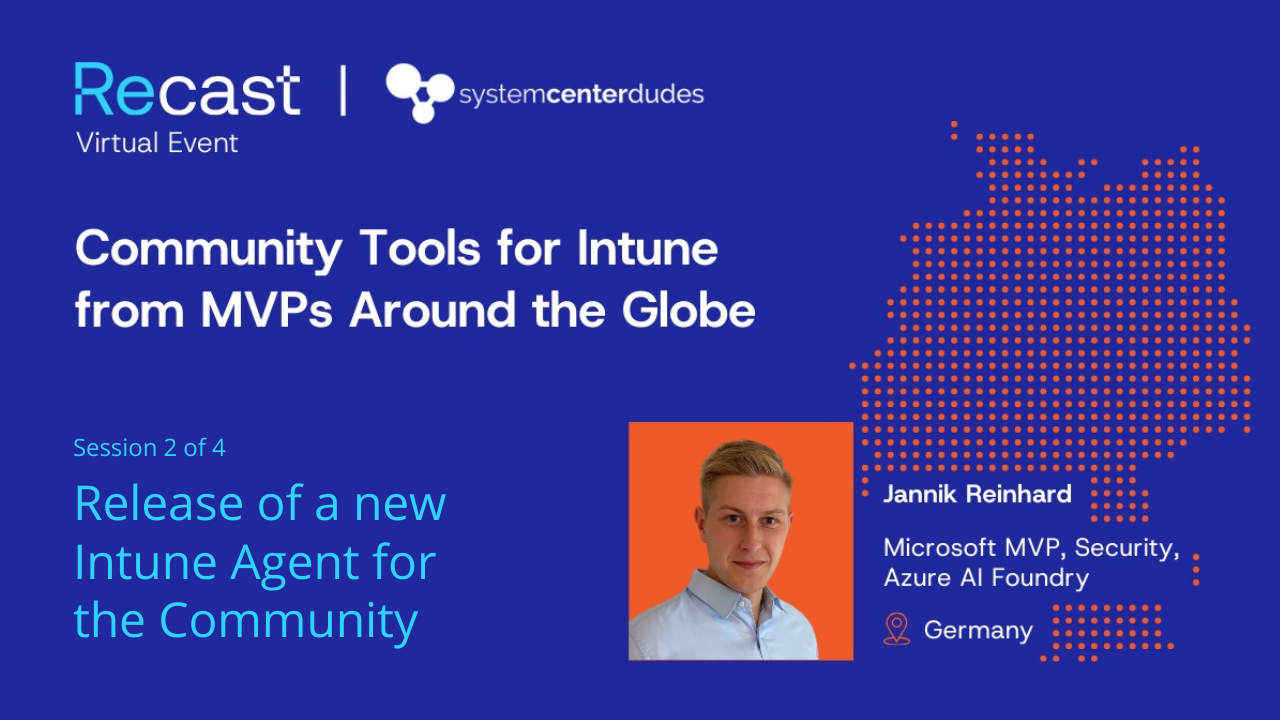
Jannik Reinhard announces the release of his new Intune agent
If your organization is adopting Intune, you’re probably looking for tools and best practices to fill Intune’s functional gaps. In this webinar series, Microsoft MVPs from around the world highlight their favorite free tools and share practical guidance that you can start using right away.
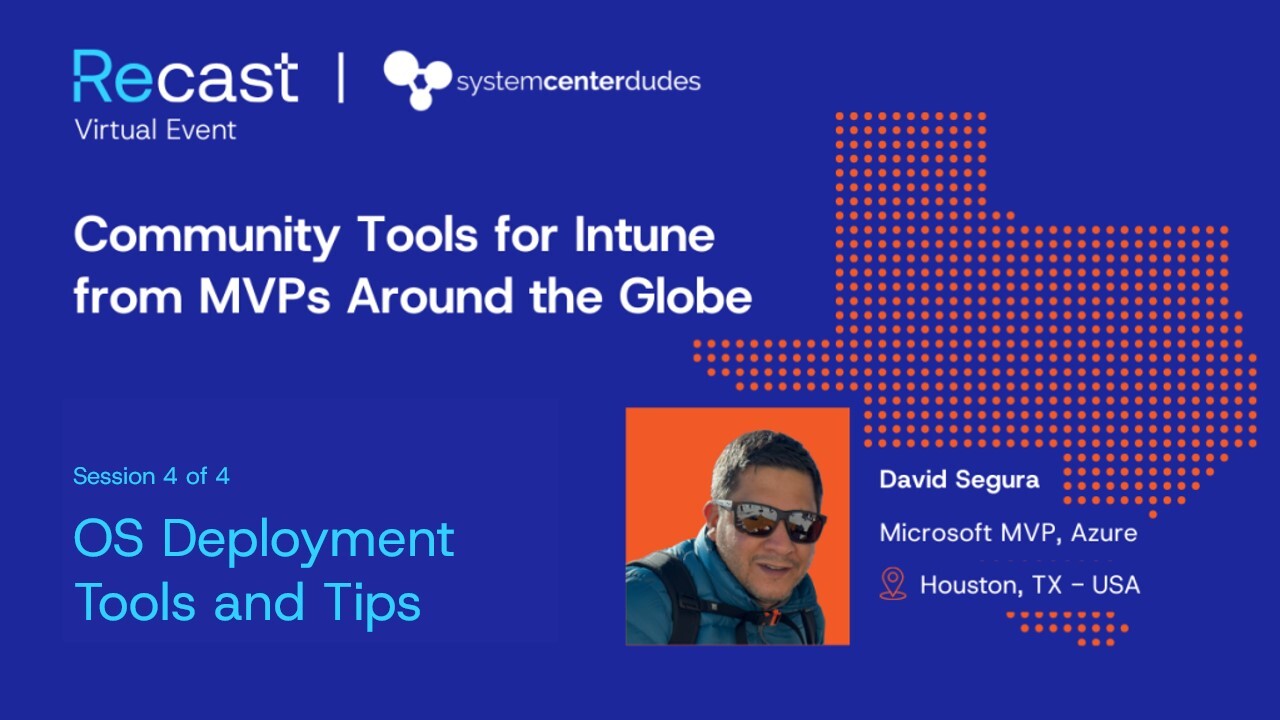
In this webinar series we partnered with System Center Dudes. Microsoft MVPs from around the world highlight their favorite free tools and share practical guidance that you can start using right away.
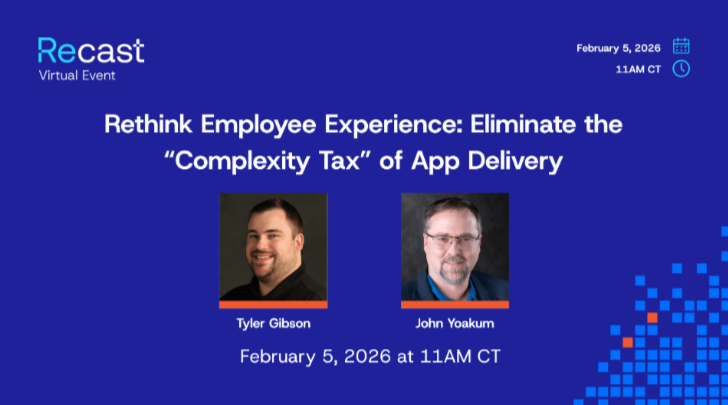
Re/think Employee Experience: Eliminate the “Complexity Tax” of App Delivery
Enhance your existing Intune or ConfigMgr investment to deliver a frictionless experience where apps update automatically and "Smart Icons" ensure the right launch path every time.
How an ITAR‑Regulated Aerospace Manufacturer Unified Third‑Party Patching and App Access
Facing mounting packaging overhead, pressure to pick a third‑party patching platform fast, and frustration with multiple app stores, an ITAR‑regulated aerospace manufacturer turned to Application Workspace to standardize patching and give employees a single app workspace across Windows, macOS, and Citrix.
Design Firm Accelerates Onboarding and Application Delivery with Recast Application Workspace
Application Workspace removes Autopilot provisioning delays and limited control during Enrollment Status Page (ESP), so devices finish building with the full application set in place. Organizations deliver complete, persona-based app stacks on Day 1 before the user ever reaches the desktop, which speeds onboarding, cuts ticket volume, and creates measurable gains in delivery time.
How a Fortune 50 Bank Unified Application Delivery Without a Rip‑and‑Replace
Common app updates shift from hours to minutes with GUI actions, agent‑driven delivery avoids long cloud sync, and trusted self‑service + Smart Icons minimize ticket volume
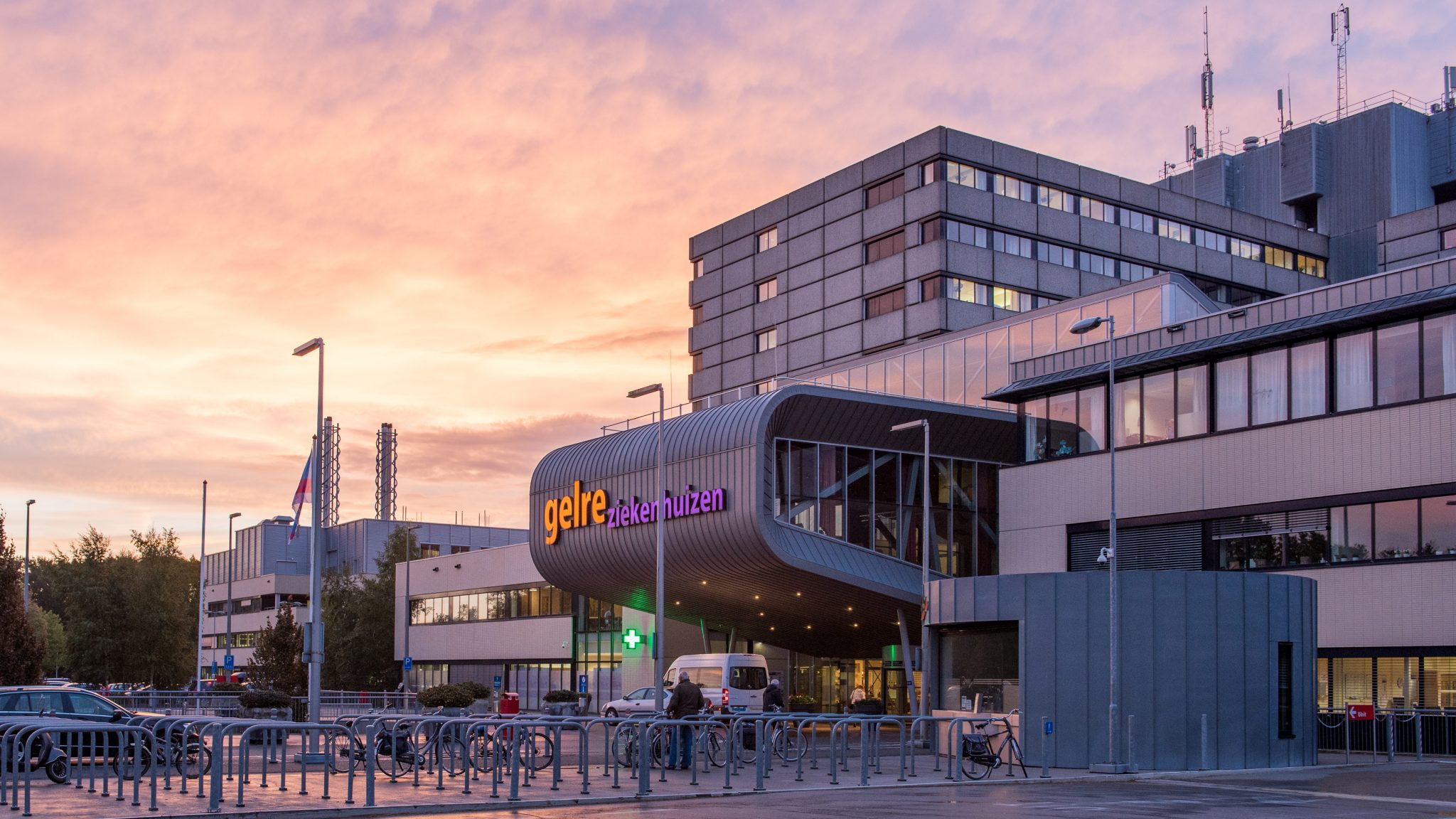
Gelre Ziekenhuizen Solves Application Management Headaches with Recast’s Application Workspace
Gelre Ziekenhuizen solves application management headaches with Recast’s Application Workspace, enabling the IT team to manage and support frontline services more effectively.
PowerShell Hot Takes: Scripts, Security, and Shortcuts You’ll Actually Use
PowerShell Hot Takes brings together expert tips, bold insights, and practical demos from Jeff, David, Courtney, and Garth. Learn real-world PowerShell tricks, security best practices, and new ways to boost your workflow with Right Click Tools.
Recast Delivers Modern Workspace to De Fryske Marren
De Fryske Marren now has employees working from 27 different locations capable of logging into zero clients with multi-factor authentication to use Application Workspace via their phones.
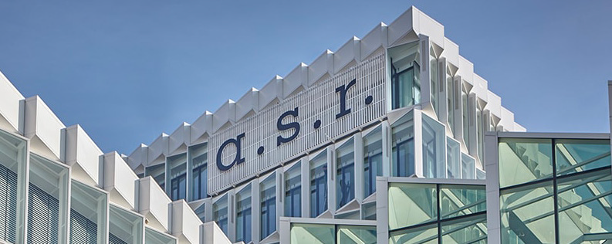
A Flexible Workspace with Application Workspace for a.s.r.
Employees have access to precisely the applications they need. A key advantage for a.s.r. is the layered approach enabled by Application Workspace. The platform allows different user groups to be served in a way that meets their specific needs.
Simplify Your Intune Migration with Application Workspace
Modern IT teams are moving fast—but migrating to Intune often slows things down. From complex app packaging to a lack of visibility, the road isn’t always smooth.
Canterbury Christ Church University Modernizes Application Management with Recast
Application Workspace stripped out the number of fixed desktops and eliminated concerns about laptop hard drive sizes, which helps reduce overall hardware expenses
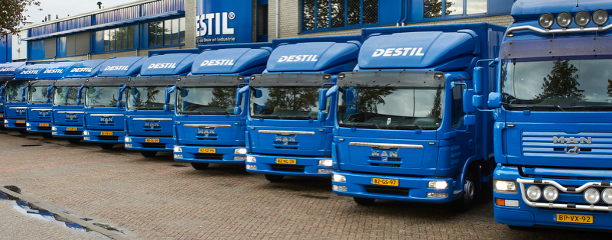
Recast Brings the Modern Workspace to Netherlands-based Wholesaler DESTIL Prolians
DESTIL Prolians wanted to offer its employees a modern workspace that would allow people to work when and where they chose. IT needed to provide everyone with the same user experience that would make it easy to find and use applications and tools while also being easy for IT to manage remotely.
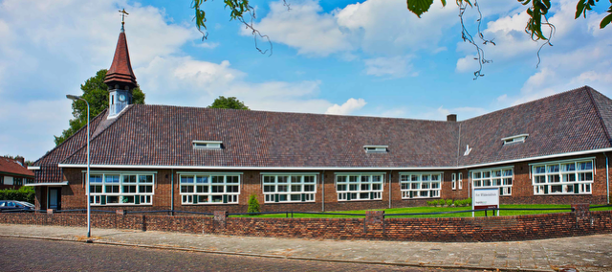
Recast Modernizes Dutch Healthcare Organization’s Digital Workspaces
This organization's teams ensure a consistent IT environment and systems across all houses, supporting approximately 2,500 users and managing 225 iPads and 300 fixed computers used daily by around 30 employees per location.
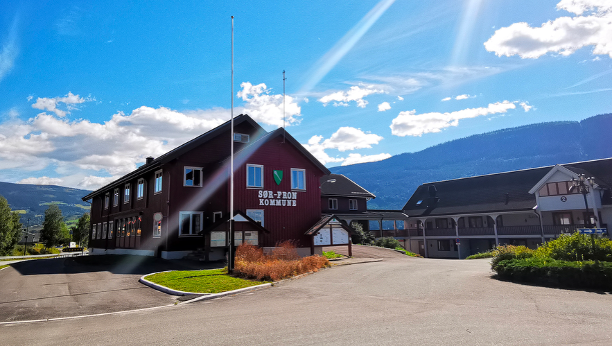
Recast Brings Collaborative Simplicity to Norway’s Sør-Fron Municipality
Sør-Fron implemented Application Workspace to integrate with its Office 365/Teams and Azure AD to deliver over 60 applications to device users beyond the network.
Users are now able to seamlessly gain access to Office 365/Teams and Azure AD Installations integrated with Application Workspace for the foundation of increased collaboration on any device from anywhere.
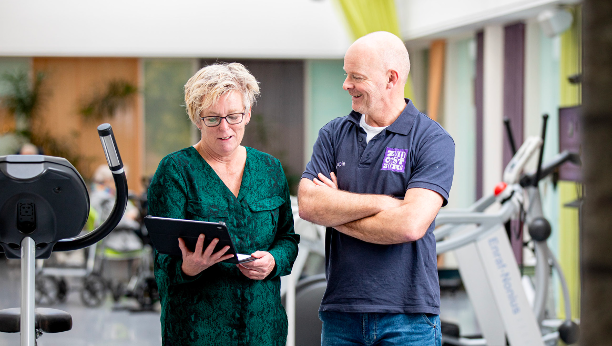
ZuidOostzorg Supports its Distributed Workforce with a Digital Workspace
ZuidOostzorg upgraded its cumbersome on-premises data center and internally managed remote desktop server to a cloud platform.
Using Application Workspace, users now have single-click access to all their applications from anywhere on any device with simple and agile application provisioning. The result has been a major improvement in user experience collaboration and communication that has further facilitated care optimization.
Easy Application Installation for a Booming Surface Coating Innovator
With a workforce that relies on a variety of software accessible from anywhere, Hauzer Techno Coating needed a
self-service application installation solution that would be easy to use.
Application Workspace provided the Hauzer IT department an easy and flexible solution to roll out a self-service
installation and workspace option for its employees worldwide.
A single management environment for five municipalities
The city of Veenendaal wanted a solution to support and unify ITC across different municipalities using different
platform solutions to create a unified user experience along with agile fast and transparent application rollout.
Application Workspace was the ideal choice to deliver a single desktop
experience for all five municipalities with a fast and familiar application experience.
Each of the five municipalities now has its own environment under the central management environment. Over 700 employees have a familiar and contextual user experience while IT has the control of agile yet simple application provisioning and updating.
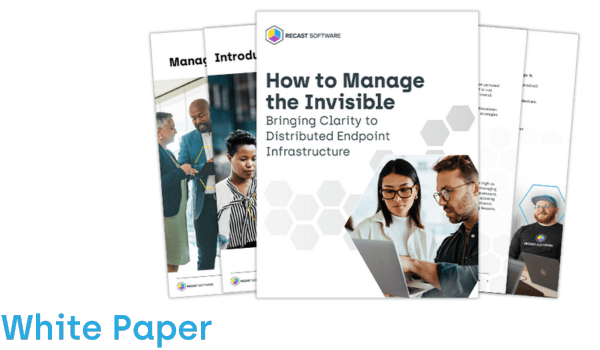
500 SysAdmins shared their experience and insights with us. Download the white paper to gain a deeper understanding of the current state of the SysAdmin field.
Join Kody Wolla and John Yoakum for an on-demand deep dive into Right Click Tools in the browser, building on our introductory session. Explore practical use cases to streamline endpoint management by integrating with Intune, managing devices in the Admin Center, and leveraging SSRS reports.
Beyond the Console: Right Click Tools in Intune, ServiceNow, and Infinite Apps
Enable real-time device actions directly from your browser—helping IT teams respond faster, troubleshoot instantly, and streamline work across Intune, ServiceNow, Azure, and more.
500 SysAdmins shared their experience and insights with us. Download the white paper to gain a deeper understanding of the current state of the SysAdmin field.
Join our customer webinar to unlock expert tips, product best practices, and insider strategies that take your endpoint management approach to a deeper level.
On-demand
Let's chat
You've done your research. Now, let's take the next step streamline your IT management in the modern workplace. Request a customized quote today for your organization.




 Webinar


 Case Studies

 Thought Leadership