



Resources

Gary Blok

ConfigMgr Community Tools Webinar Series
Recast Blog

ConfigMgr Community Tools Webinar Series

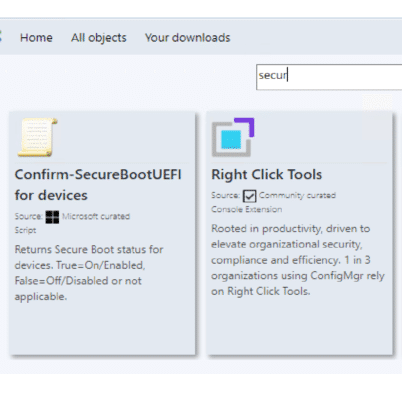
Hear from industry thought leaders, Recast developers, Microsoft MVPs, and community members with a live Q&A section after every webinar. From WIM files to Onevinn to BIOS to Cloud Imaging, these community experts show demos and go step-by-step to assist Right Click Tools Community Users to get the most from their ConfigMgr and Right Click Tools experience! Overcome roadblocks to your productivity and achieve significantly more within ConfigMgr with Community Tools. Join us as we deep dive into several popular Community Tools, presented by their well-known creators.

Overview of Microsoft LAPS (Local Administrator Password Solution)
Recast Blog

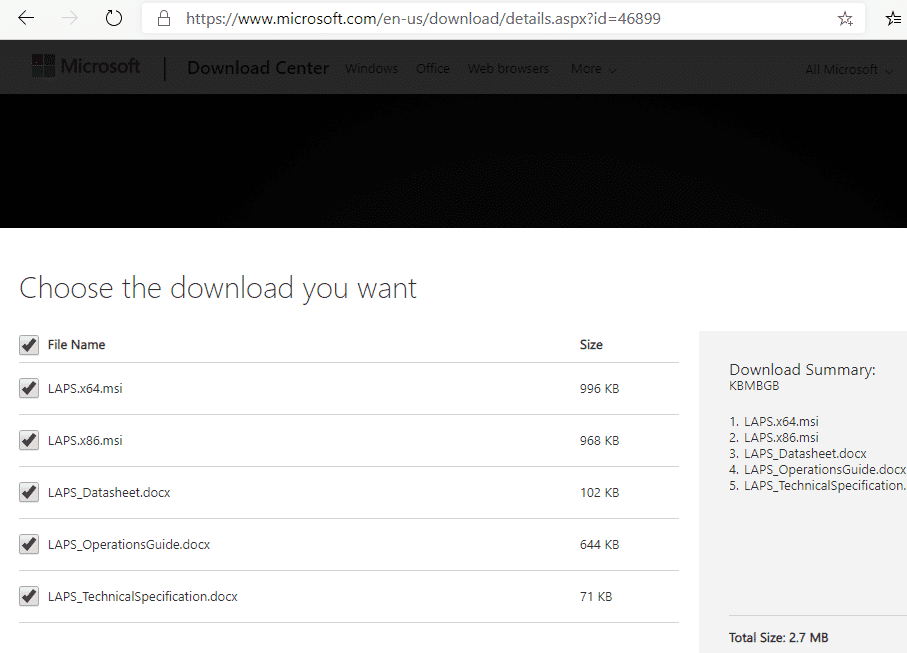
Overview of Microsoft LAPS (Local Administrator Password Solution)

The "Local Administrator Password Solution" (LAPS) provides management of local account passwords of domain joined computers. Passwords are stored in Active Directory (AD) and protected by ACL, so only eligible users can read it or request its reset
Initial Review of Windows 11 and ConfigMgr OSD
Recast Blog

Initial Review of Windows 11 and ConfigMgr OSD

Windows 11 has been out for several months, and now I’m ready to give my initial review of Windows 11 and ConfigMgr OSD. I must say that I’m impressed. While I personally wouldn’t deploy Win 11 to production yet, call me conservative based on previous Windows releases, it’s always fun to play with in a lab.

Configuration Manager Baselines: System and User Contexts
Recast Blog

Configuration Manager Baselines: System and User Contexts

OSD Cloud with ConfigMgr

OSD Cloud with ConfigMgr

OSD Cloud

OSD Cloud

Upgrading to Windows 10 21H2 via Enablement Package
Recast Blog

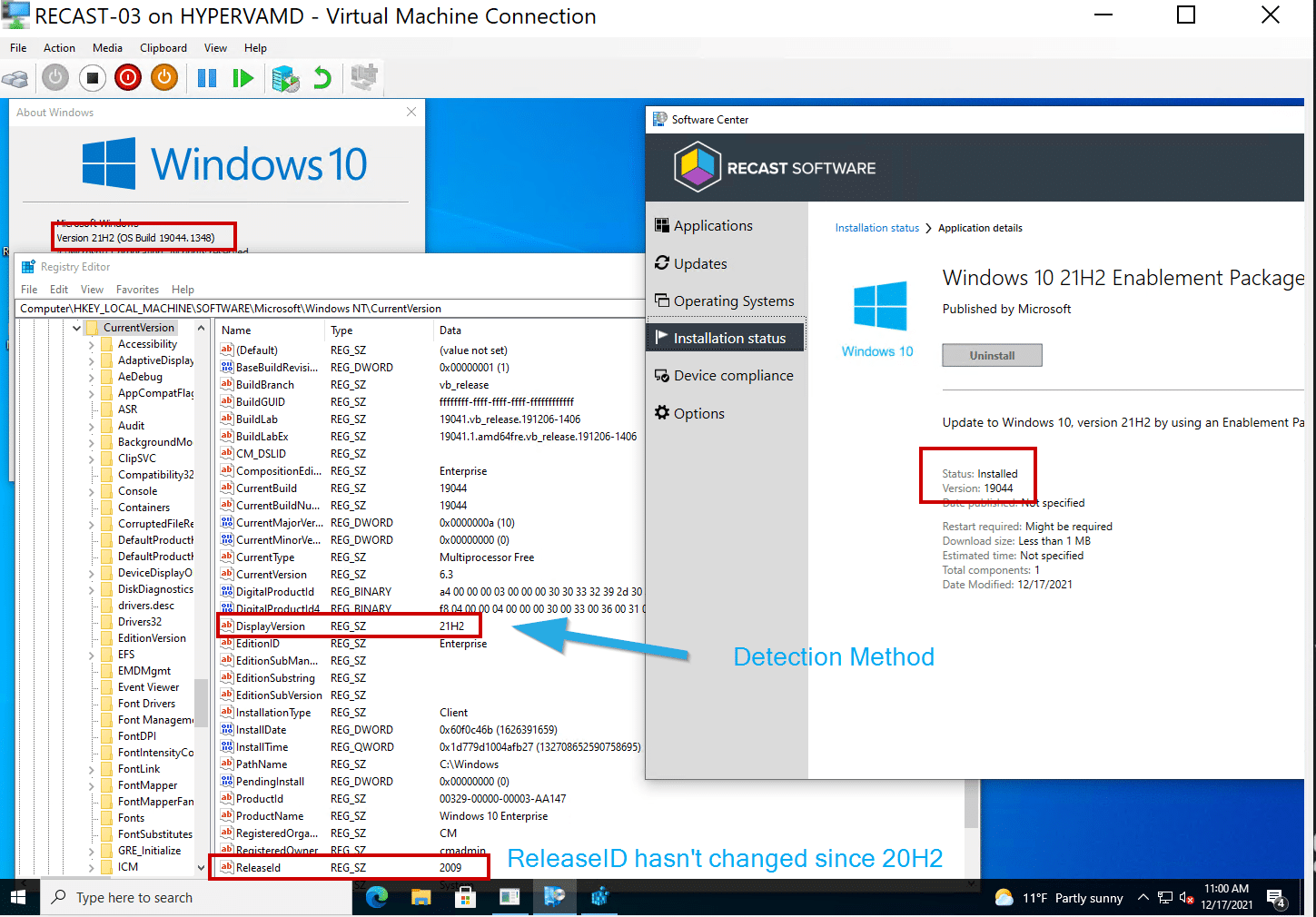
Upgrading to Windows 10 21H2 via Enablement Package

Features on Demand – Reinstall RSAT

Features on Demand – Reinstall RSAT

Enable PSGallery in a ConfigMgr Task Sequence While in WinPE
Recast Blog

Enable PSGallery in a ConfigMgr Task Sequence While in WinPE

Language Support

Language Support

Language Support ConfigMgr Packages and Task Sequence Steps

Language Support ConfigMgr Packages and Task Sequence Steps

Task Sequence Tip: CMTrace Logging Run PowerShell Script
Recast Blog

Task Sequence Tip: CMTrace Logging Run PowerShell Script

App Revision Cleanup: How to Leverage PowerShell with ConfigMgr
Recast Blog

App Revision Cleanup: How to Leverage PowerShell with ConfigMgr

View ConfigMgr Application Deployment Requirements Using PowerShell
Recast Blog

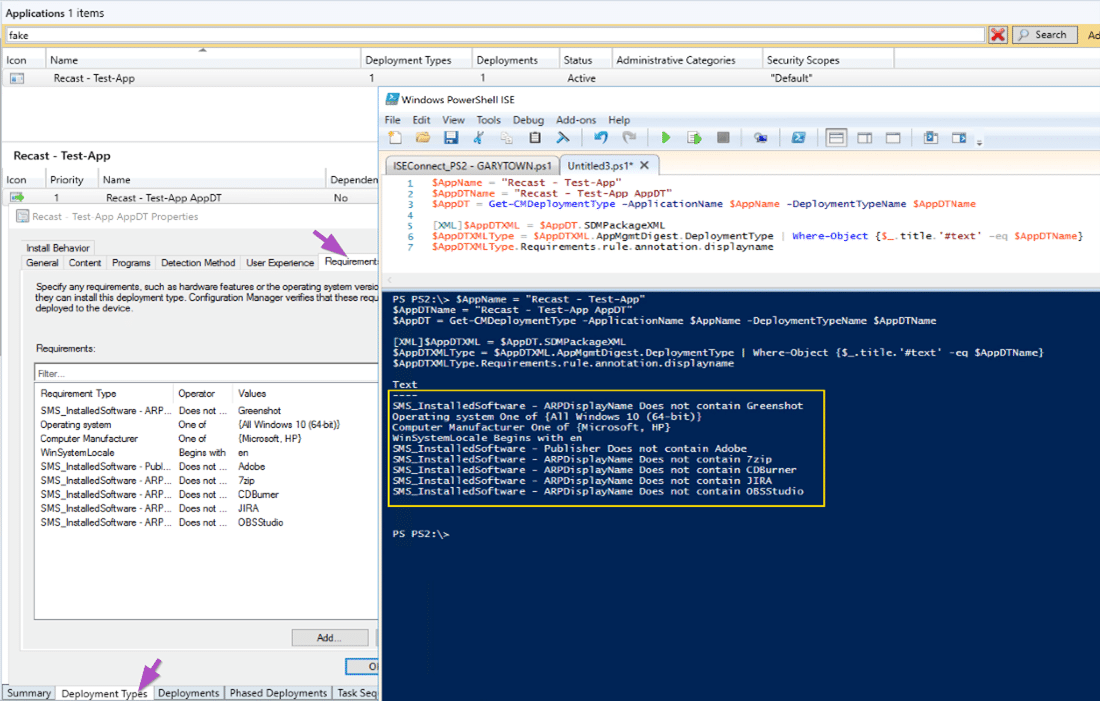
View ConfigMgr Application Deployment Requirements Using PowerShell

Integrating Dell Tools and Intune

Integrating Dell Tools and Intune

ConfigMgr and Intune PowerShell Script Troubleshooting
Recast Blog

ConfigMgr and Intune PowerShell Script Troubleshooting

ConfigMgr Problems You Didn’t Know You Had and How to Fix Them
Recast Blog

ConfigMgr Problems You Didn’t Know You Had and How to Fix Them

Images

Images

Prepare ConfigMgr Client for Capture

Prepare ConfigMgr Client for Capture

Apply Package of Drivers Manually (DISM)

Apply Package of Drivers Manually (DISM)

Windows Upgrade Custom Action Scripts

Windows Upgrade Custom Action Scripts

CMPackager App PowerShell Script Overview

CMPackager App PowerShell Script Overview

OneVinn Tools that Integrate into ConfigMgr

OneVinn Tools that Integrate into ConfigMgr

About RuckZuck

About RuckZuck

A Week of Task Sequence Tips: Day 07 – Run PowerShell Step
Recast Blog

A Week of Task Sequence Tips: Day 07 – Run PowerShell Step

This is the final post of a mini series of small (but important) tips to help you when troubleshooting your Task Sequences. Tip 7 is: Run PowerShell Step

A Week of Task Sequence Tips: Day 06 – Static IP Addresses and OSD
Recast Blog

A Week of Task Sequence Tips: Day 06 – Static IP Addresses and OSD

This is the sixth of a mini series of small (but important) tips to help you when troubleshooting your Task Sequences. Tip 6 is: Static IP Addresses and OSD