A Week of Task Sequence Tips: Day 07 – Run PowerShell Step
This is the final post of a mini series of small (but important) tips to help you when troubleshooting your Task Sequences. Tip 7 is: Run PowerShell Step
A Week of Task Sequence Tips: Day 06 – Static IP Addresses and OSD
This is the sixth of a mini series of small (but important) tips to help you when troubleshooting your Task Sequences. Tip 6 is: Static IP Addresses and OSD
A Week of Task Sequence Tips: Day 05 – Run Task Sequence Step
This is the fifth of a mini series of small (but important) tips to help you when troubleshooting your Task Sequences. Tip 5 is: Run Task Sequence Step
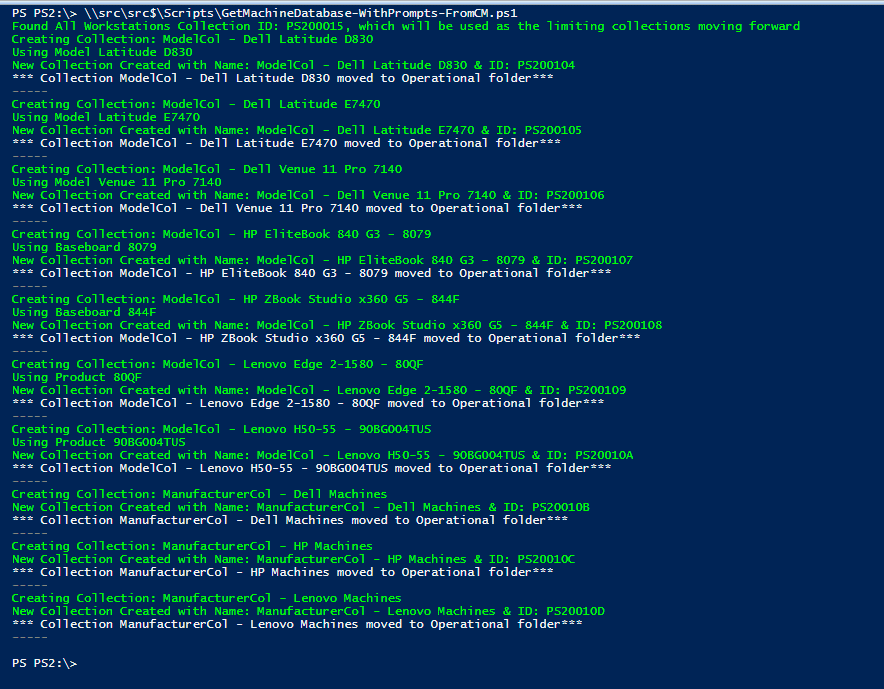
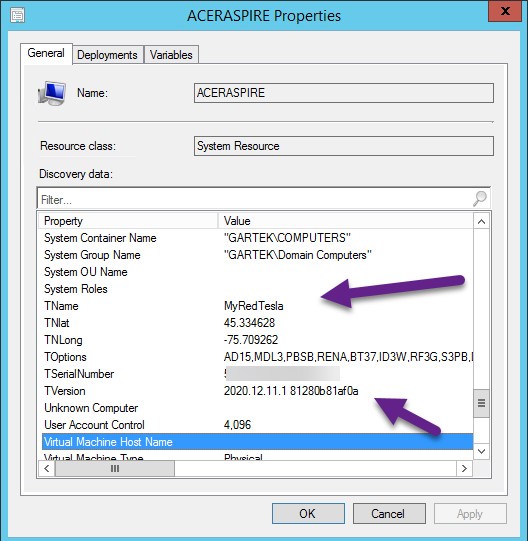
Having Model & Manufacturer collections can be quite useful. Targeting Client settings based on Manufacturer, deploying BIOS / Drivers based on Model, having collections makes it a bit easier.
Back in 2014, I published a blog post called, How to Avoid Receiving Inventory Re-Sync Requests for Snapshot VMs. What I loved about that post was how task scheduler was used to schedule ConfigMgr inventory thereby avoiding ConfigMgr re-sync errors. What I disliked about that 2014 blog post was how each TriggerSchedule task needed to be created by hand. Moving forward to 2020, I turned to PowerShell in order to solve this problem and automated the process.
A Week of Task Sequence Tips: Day 03 – Variables Gather and Capture
This is the third of a mini series of small (but important) tips to help you when troubleshooting your Task Sequences. Tip 3 is: Variables Gather and Capture
A Week of Task Sequence Tips: Day 01 – Tag Version in Description
This is the first of a mini series of small (but important) tips to help you when troubleshooting your Task Sequences. Each day we'll post something simple and easy to start using right now. Tip 1 is: Use the Description Field as a way to version your Task Sequence.
Recast’s ConfigMgr Community Influencer Highlights – Maurice Daly
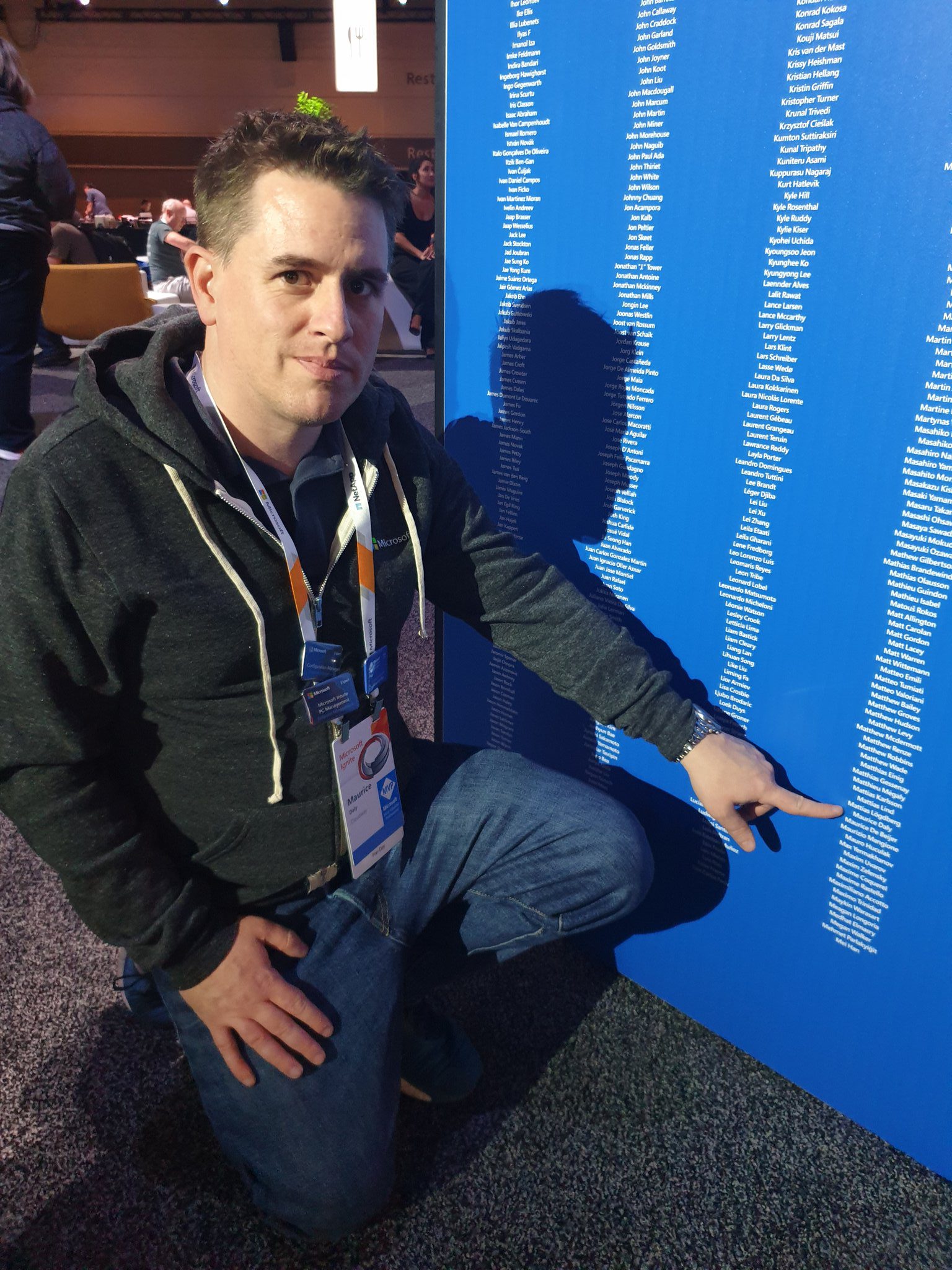
In this second installment of our ConfigMgr community highlights, I had the opportunity to have the MVP Maurice Daly (@modaly_it) participate. I've known Maurice for many years now, as one of my projects at my former company was starting to cross paths with a project Maurice was just releasing initial versions.
Recast’s ConfigMgr Community Influencer Highlights – Donna Ryan
In this Highlight series, we'll be covering stories from community influencers who have created tools or process that have greatly impacted the community.
Lessons Learned from Microsoft 365 Deployment with ConfigMgr: Part 4 – ConfigMgr Baseline
In this post I'm going to cover how we are using a ConfigMgr Baseline to control the user experience. I'm not suggesting everyone do it this way, but for us, we wanted to provide a good user experience, even to those on slow links, and make it look pretty while still looking legit, and native.
Lessons Learned from Microsoft 365 Deployment with ConfigMgr: Part 3 – Self Service Deployments
In this post I'm going to cover how we're doing our Self Service Deployments for the Microsoft 365 Apps. We're controlling it via Active Directory Group Membership.
Lessons Learned from Microsoft 365 Deployment with ConfigMgr: Part 2 – Changing Channels
We have setup 2 methods for channeling the Office Channel on devices. One that allows self-service via an application in the software center, and one that is forced via a baseline set on a collection.
You've done your research. Now, let's take the next step streamline your IT management in the modern workplace. Request a customized quote today for your organization.