
Use Case
Get an exclusive look at recently launched and upcoming & potential new Application Workspace features — and help shape what’s next. This 60-minute session is free of charge and open to Recast partners and customers.
Keep up to date with the newest Application Workspace product features and enhancements in our ongoing training sessions. These sessions are free for all current and future Application Workspace users, as well as Recast partners.
Modernizing your endpoints shouldn’t require rebuilding your entire application estate. Yet, moving from ConfigMgr to Intune often forces IT teams into a massive repackaging project, converting legacy installers to Win32 apps one by one.
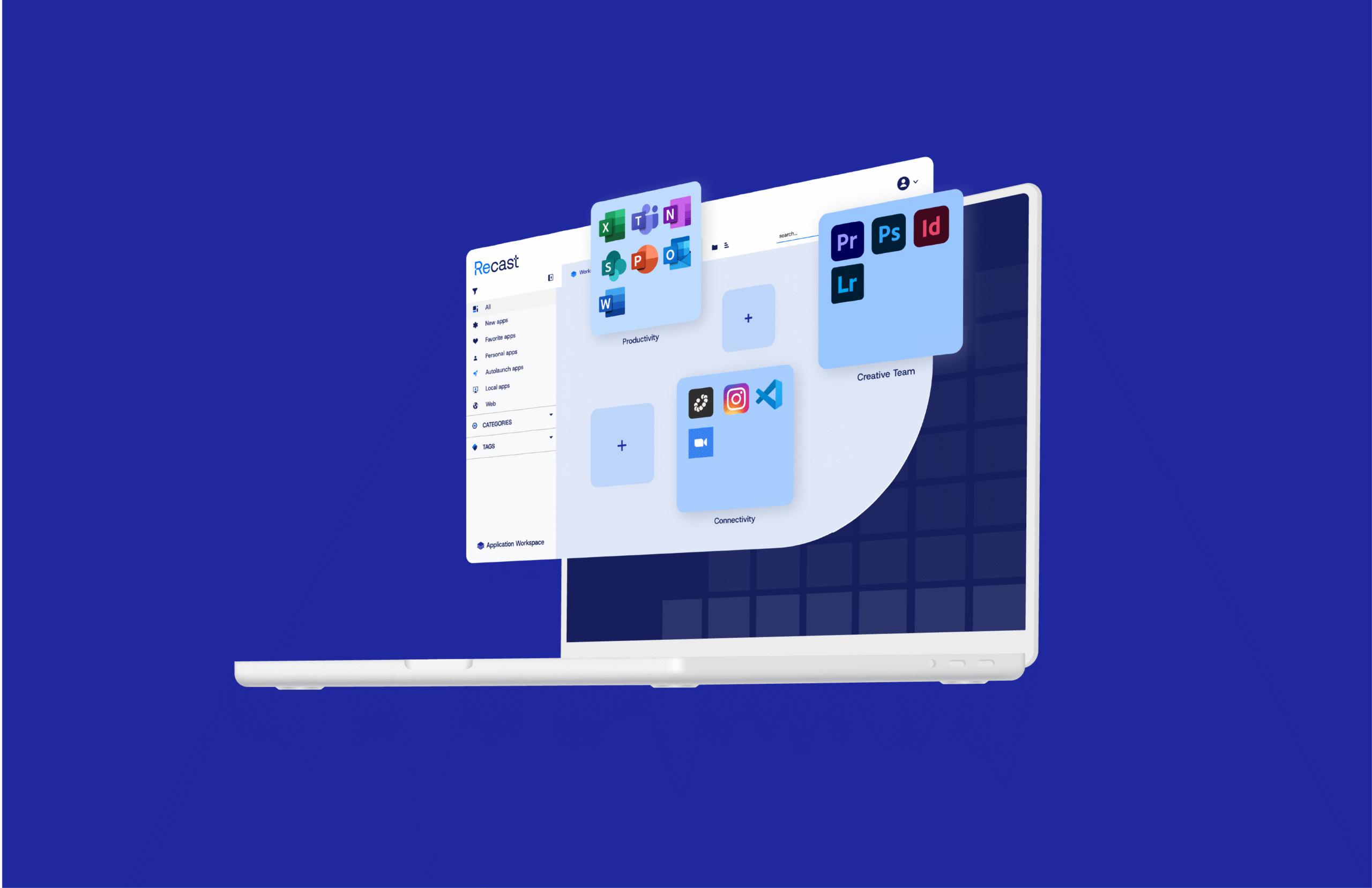
Enhance your existing Intune or ConfigMgr investment to deliver a frictionless experience where apps update automatically and "Smart Icons" ensure the right launch path every time.
Application Workspace changes the game. It turns application delivery into a predictable, identity‑driven service that complements your existing tools
Facing mounting packaging overhead, pressure to pick a third‑party patching platform fast, and frustration with multiple app stores, an ITAR‑regulated aerospace manufacturer turned to Application Workspace to standardize patching and give employees a single app workspace across Windows, macOS, and Citrix.
Common app updates shift from hours to minutes with GUI actions, agent‑driven delivery avoids long cloud sync, and trusted self‑service + Smart Icons minimize ticket volume
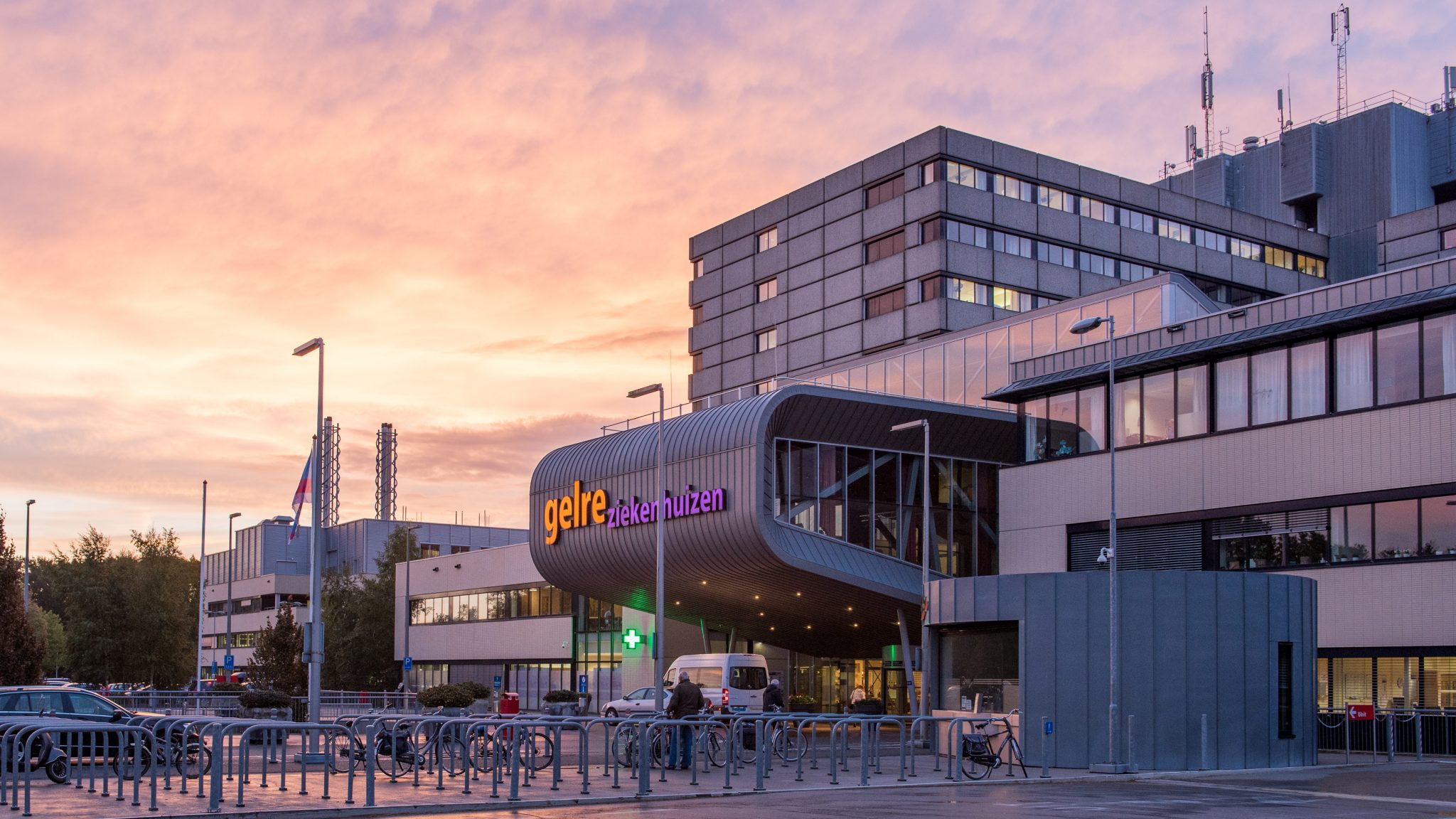
Gelre Ziekenhuizen solves application management headaches with Recast’s Application Workspace, enabling the IT team to manage and support frontline services more effectively.
Modern IT teams are moving fast—but migrating to Intune often slows things down. From complex app packaging to a lack of visibility, the road isn’t always smooth.