
Resources

Recast Blog

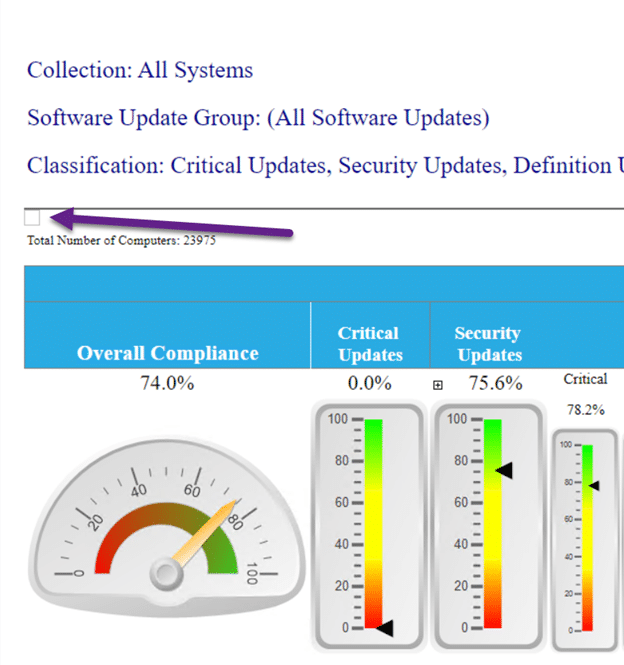
Is There an Easy Way to Manage Windows Updates with ConfigMgr?
Recast Blog

Is There an Easy Way to Manage Windows Updates with ConfigMgr?

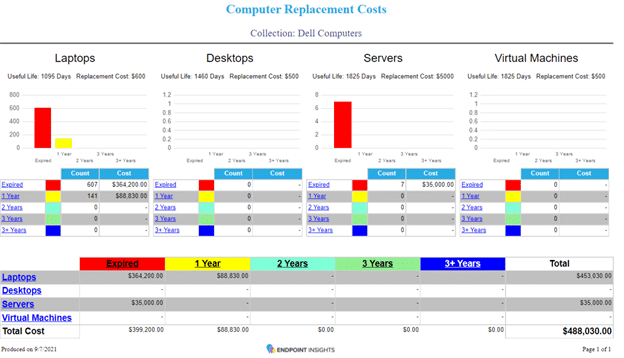
Use Endpoint Insights to Budget with Confidence, Gain Asset Insights, and Stay Ahead of Issues

Recast Blog

Use Endpoint Insights to Budget with Confidence, Gain Asset Insights, and Stay Ahead of Issues
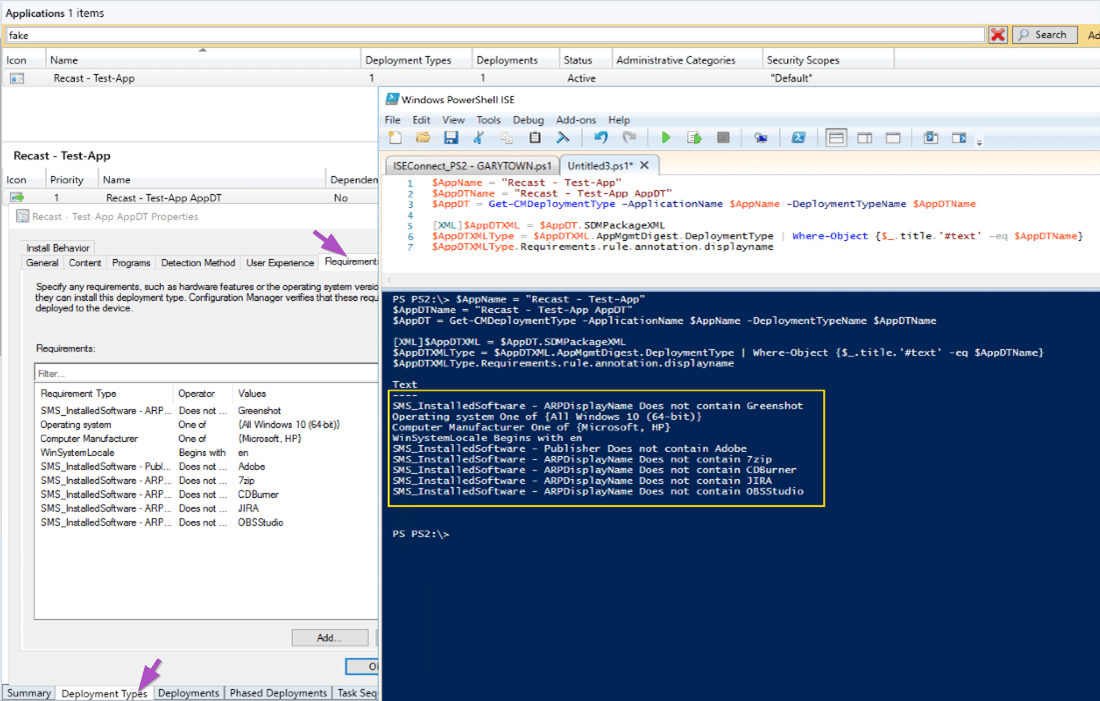
View ConfigMgr Application Deployment Requirements Using PowerShell
Recast Blog

View ConfigMgr Application Deployment Requirements Using PowerShell

ConfigMgr and Intune PowerShell Script Troubleshooting
Recast Blog

ConfigMgr and Intune PowerShell Script Troubleshooting

ConfigMgr Problems You Didn’t Know You Had and How to Fix Them
Recast Blog

ConfigMgr Problems You Didn’t Know You Had and How to Fix Them

How to Set the Default Report Parameters for a ConfigMgr Report
Recast Blog

How to Set the Default Report Parameters for a ConfigMgr Report

ConfigMgr Collections & Collection Evaluation Viewer
Recast Blog

ConfigMgr Collections & Collection Evaluation Viewer

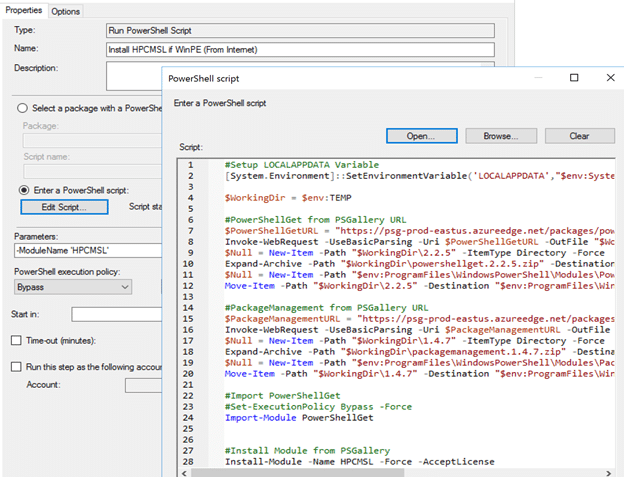
A Week of Task Sequence Tips: Day 07 – Run PowerShell Step
Recast Blog

A Week of Task Sequence Tips: Day 07 – Run PowerShell Step

This is the final post of a mini series of small (but important) tips to help you when troubleshooting your Task Sequences. Tip 7 is: Run PowerShell Step

A Week of Task Sequence Tips: Day 06 – Static IP Addresses and OSD
Recast Blog

A Week of Task Sequence Tips: Day 06 – Static IP Addresses and OSD

This is the sixth of a mini series of small (but important) tips to help you when troubleshooting your Task Sequences. Tip 6 is: Static IP Addresses and OSD

A Week of Task Sequence Tips: Day 05 – Run Task Sequence Step
Recast Blog

A Week of Task Sequence Tips: Day 05 – Run Task Sequence Step

This is the fifth of a mini series of small (but important) tips to help you when troubleshooting your Task Sequences. Tip 5 is: Run Task Sequence Step

Manufacturer and Model Collections
Recast Blog

Manufacturer and Model Collections

Having Model & Manufacturer collections can be quite useful. Targeting Client settings based on Manufacturer, deploying BIOS / Drivers based on Model, having collections makes it a bit easier.

A Week of Task Sequence Tips: Day 04 – SMSTS Log Stamping
Recast Blog

A Week of Task Sequence Tips: Day 04 – SMSTS Log Stamping

This is the fourth of a mini series of small (but important) tips to help you when troubleshooting your Task Sequences. Tip 4 is: SMSTS Log Stamping

Application Workspace Automation and VMware App Volumes
Recast Blog

Application Workspace Automation and VMware App Volumes