


Use Case
Hear from industry thought leaders, Recast developers, Microsoft MVPs, and community members with a live Q&A section after every webinar. From WIM files to Onevinn to BIOS to Cloud Imaging, these community experts show demos and go step-by-step to assist Right Click Tools Community Users to get the most from their ConfigMgr and Right Click Tools experience! Overcome roadblocks to your productivity and achieve significantly more within ConfigMgr with Community Tools. Join us as we deep dive into several popular Community Tools, presented by their well-known creators.
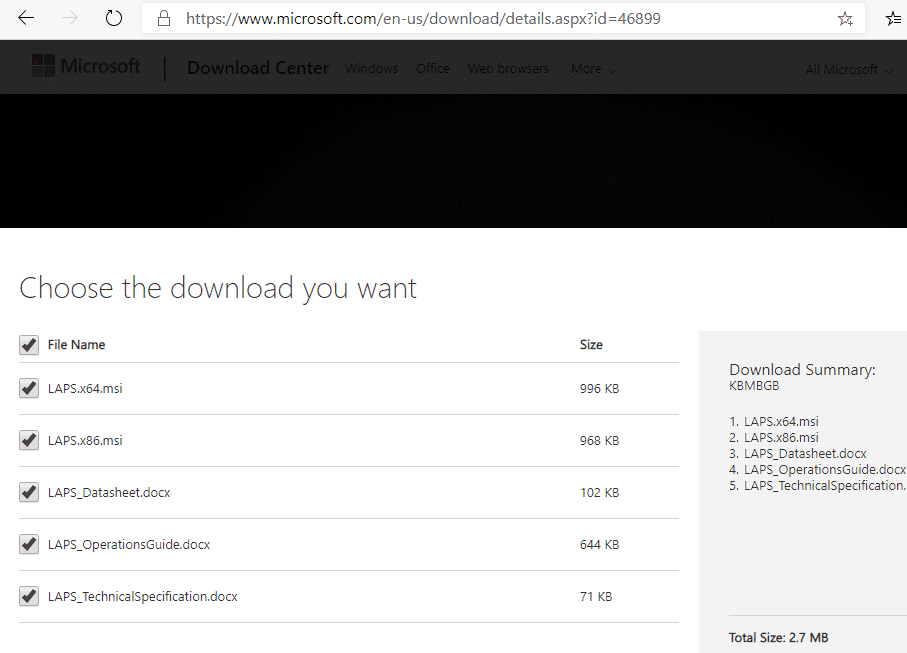
LAPS is simple to setup, and greatly reduces a previously easily exploitable attach vector.
Running Right Click Tools without Local Admin rights. This article is going to talk about three different ways of setting up Enterprise Right Click Tools with the Recast Management server, and what the Local Admin Requirements are for each.
SysAdmins have to deal with many repetitive tasks on their daily to-do list. They are often stuck doing the same tasks over and over again, while more pressing projects go cold on the back burner.
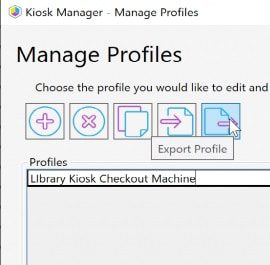
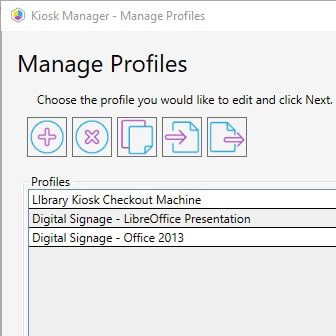
Deep dive into Kiosk Manager (previously Lab Manager) to apply several settings to a machine or group of machines to lock it down, or turn it into a single use machine... like a kiosk, for example.
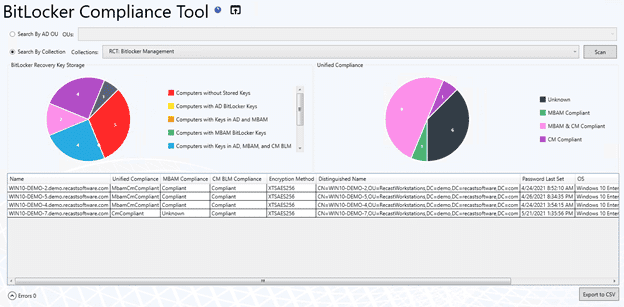
Many of you know Recast Software for the powerful dashboards in Right Click Tools Enterprise. However, you may be less aware of a very useful feature embedded within these dashboards. Our AD Cleanup, BitLocker Compliance, LAPS (Local Admin Password Solution) Compliance, and Software Updates dashboards all come with the ability to create a Trend Dashboard. These Trend Dashboards provide a historical look at each of the individual dashboards, which assists IT Managers and security teams by providing clear, trackable status updates.
See the top reasons how Right Click Tools Enterprise edition helps SysAdmins be more productive and reduce the chance of human errors.
Recast Software has launched Recast Academy, a learning platform for Enterprise customers to train on our software’s features. Initial courses focus on Right Click Tools Enterprise and enable users to understand the vital features and functionality of our platform.
One of the tasks that often gets pushed to the wayside, but is very important, is managing devices in Active Directory (AD). As the Active Directory accumulates more Organizational Units (OUs), it’s easy to let objects become obsolete as time passes.
The "Local Administrator Password Solution" (LAPS) provides management of local account passwords of domain joined computers. Passwords are stored in Active Directory (AD) and protected by ACL, so only eligible users can read it or request its reset
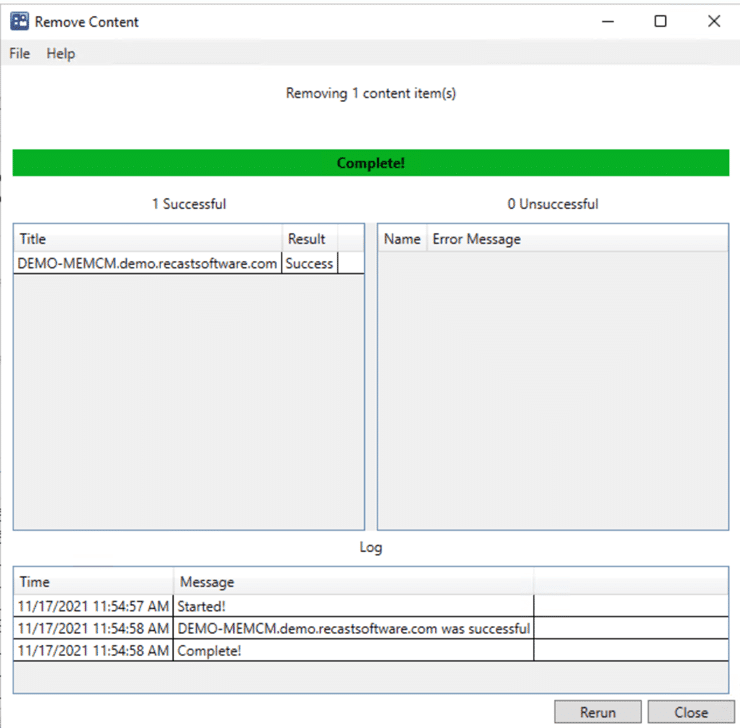
With Right Click Tools, clearing outdated content from the CCM cache folder is super easy. However, before I show you how to do this, let me tell you about a situation I once faced. Maybe you can relate.
Recast Version 4.9 includes software updates and bug fixes added to our products since the 4.8 version, which went live on October 2021. Ticket submissions by customers enable us to uncover and then prioritize updates and fixes.
In a world where Zero Trust is becoming the industry standard, the last thing you want to do is give out unnecessary permissions. Striking a balance between empowering your employees and reigning in admin access can be challenging. While we often think of these issues in terms of our end users, IT employee accounts should be treated with the same level of scrutiny, providing just enough access to get the job done.
Here at Recast Software, we are always adding new functionality to benefit our users. We were asked if we could have our tools leverage the ConfigMgr fast channel, so after a bit of development time, a few "debates" among our team, and two HR interventions, we've came up with the Recast Agent.
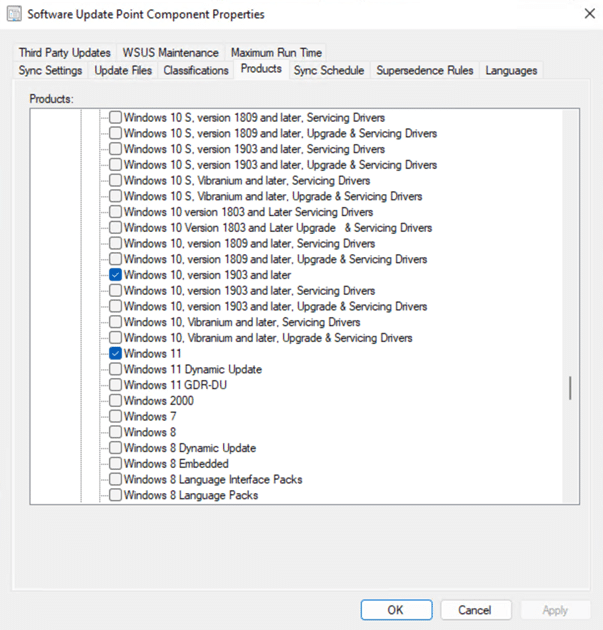
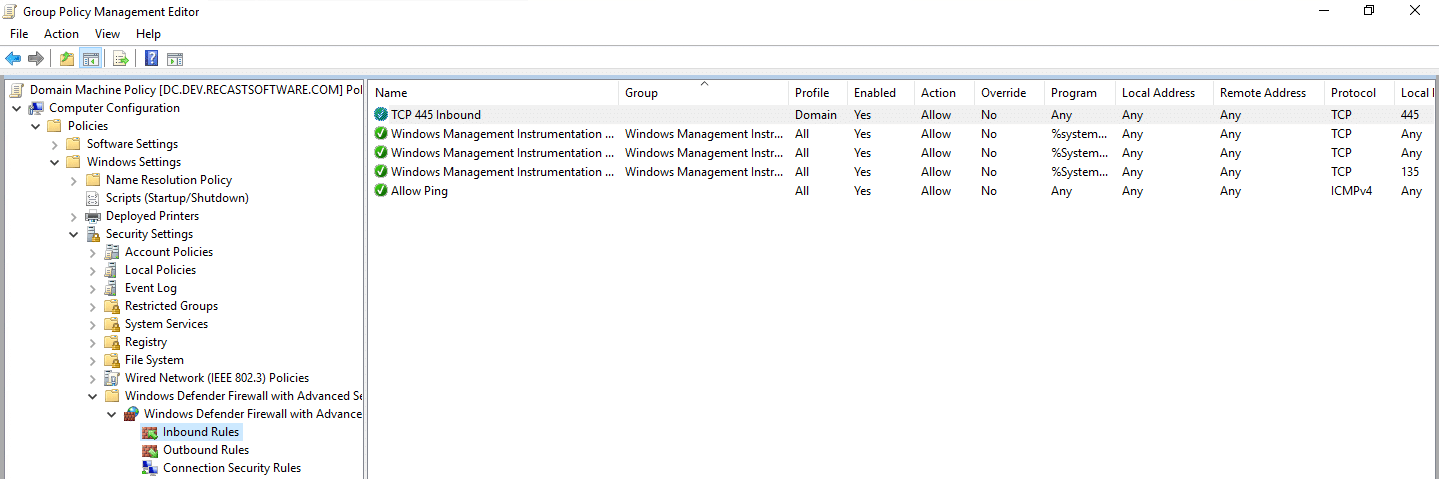
To fully utilize the Right Click Tools, you need to have some settings configured in your environments.
For this post we'll focus on deploying Right Click Tools Client with Enterprise server support and automating the Deployment of the Recast Client Tools.
Microsoft's Unified Write Filter, its a windows feature included in your OS, off by default, but gives you the ability to prevent changes to your system. This post is geared toward a general overview and demo of implementation.
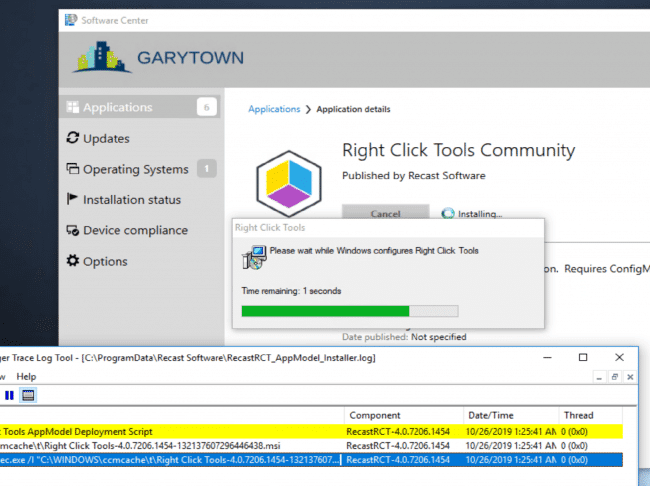
This post covers the automated deployment of the Recast Right Click tools Community edition.
Recast Proxy is a feature that enables you to extend your reach of the Right Click Tools into previously untapped areas, such as: Untrusted Domains, WorkGroup Machines, and machines the user [ConfigMgr Console User] doesn't have rights on directly.
In this post, we'll cover deployment of the Recast Proxy Software. Using ConfigMgr to Deploy the Proxy Installer is pretty easy, and can be done in a few different ways.
Recast Kiosk Manager is a fan favorite, used by many of our Enterprise customers to help control machines with a few clicks. Sometimes you want to deploy a computer and already have all of these settings applied, using the process Kiosk Manager uses, and stealing the end results, we can create a Task Sequence Module to deploy Recast Kiosk settings during OSD.
Over the past 7 years of being a ConfigMgr admin and having the Right Click Tools at my finger tips, one of them stands out as my most used tool: System Information.
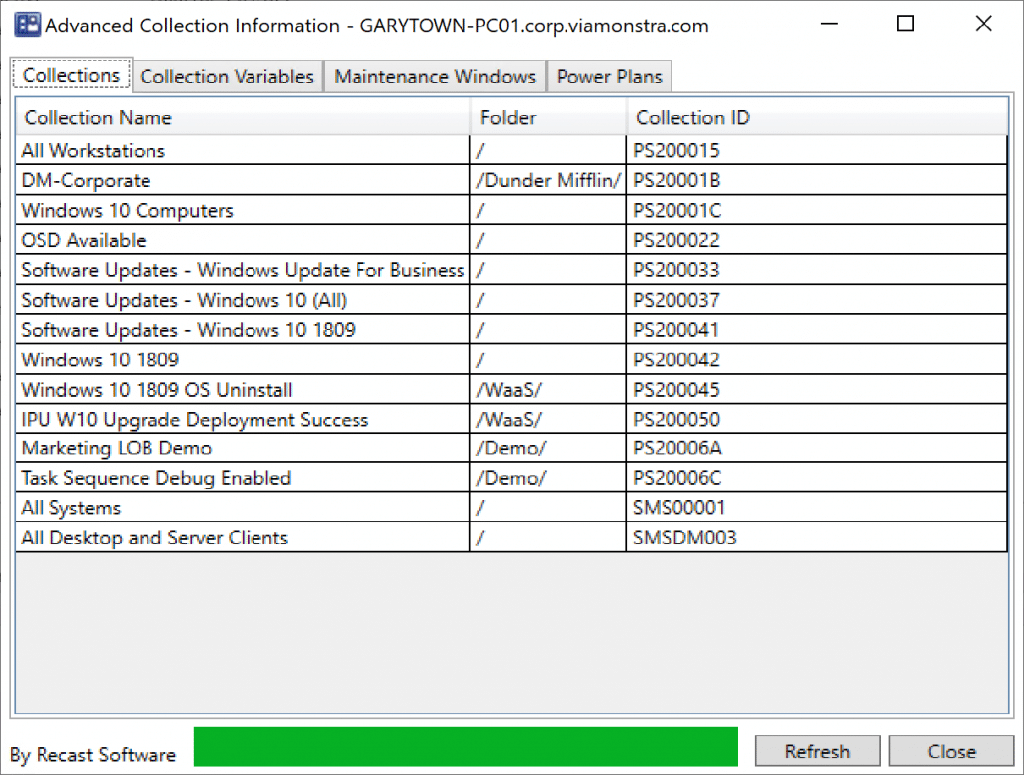
Another one of my Top 10 Right Click Tools is Advanced Collection Information. Right now you're thinking, ha, that tool is obsolete, in 1906, ConfigMgr now gives a list of collections a machine is in the lower pane. At first glance, you'd be right, however, once you launch the tool and take a closer look, you'll see some additional useful information.
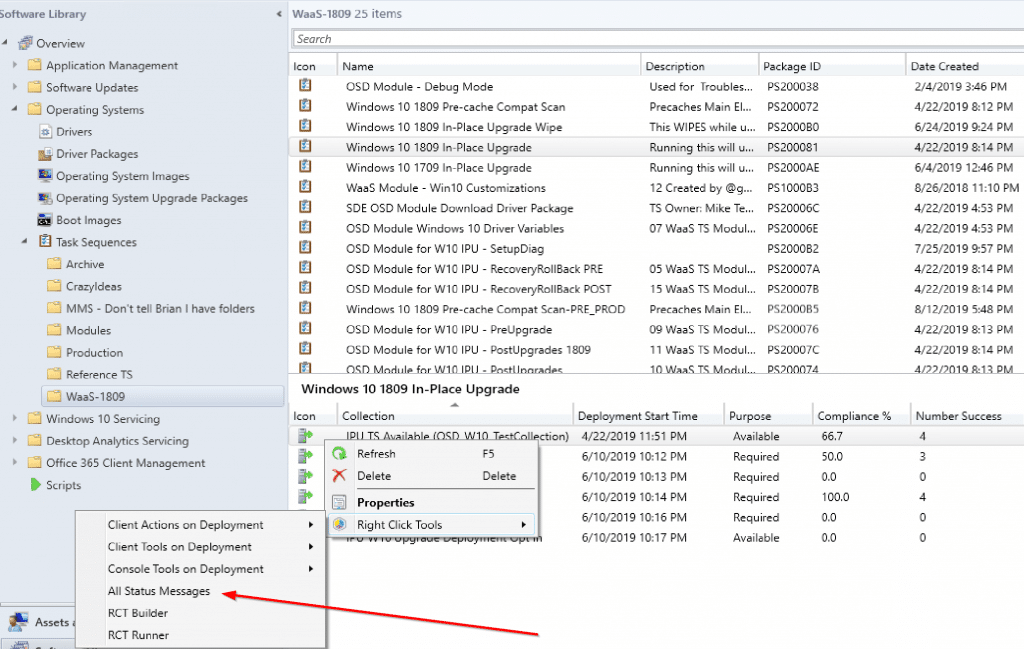
This week, we highlight another nifty little tool, which is great for troubleshooting and reporting. Before I tell you which one it is, I'm going to talk about something instrumental in ConfigMgr, but not something we often think about, Status Messages.
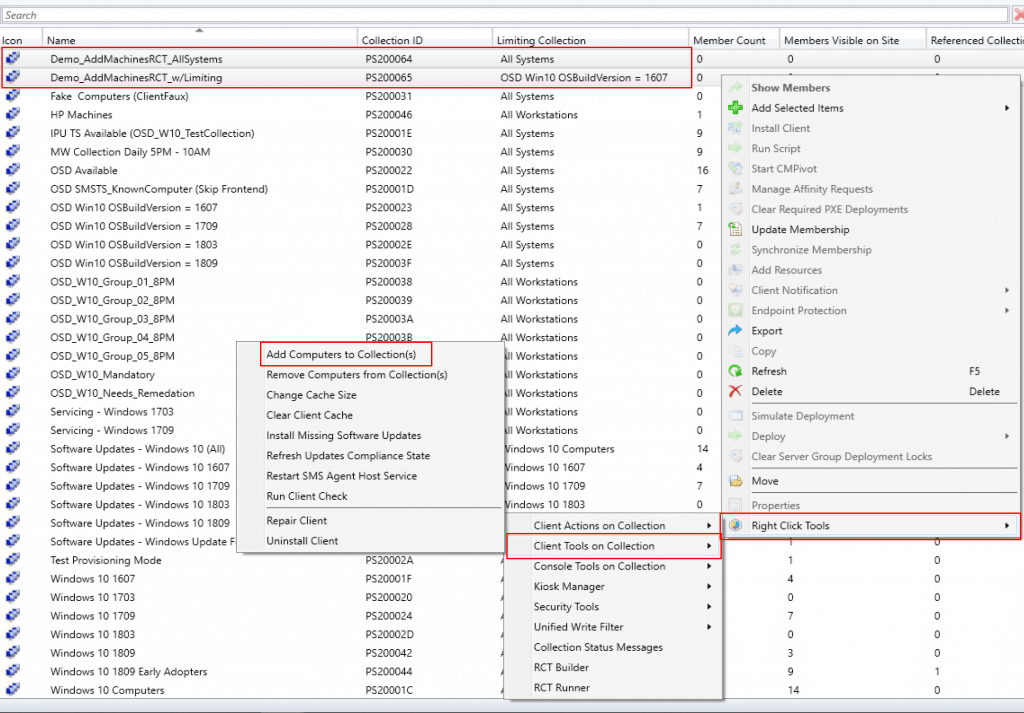
Hey Recast Right Click Tools users. This is a nifty tip that I often forget about, but is pretty powerful when adding or removing machines to and from collections.
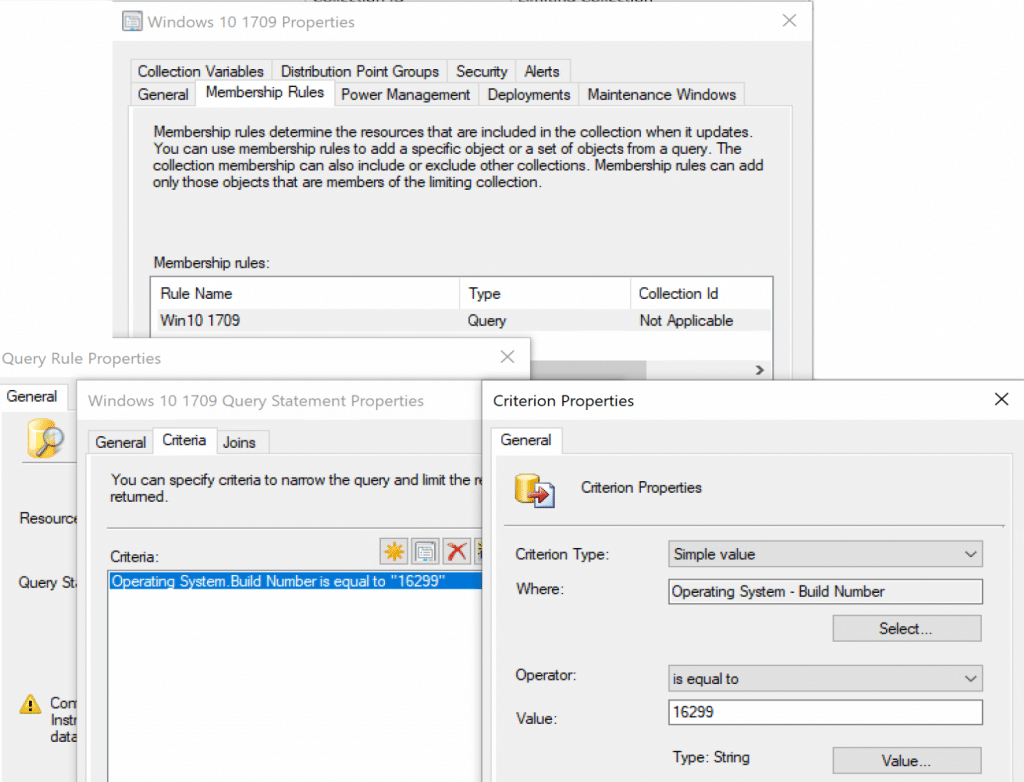
Ever wonder why a machine doesn't show up in a collection?
In this post we dive into how one school district saves hundreds of hours by using Kiosk Manager to more efficiently administer their state tests.
In a recent customer survey, we found that the use cases for locking down devices are wide and vary by industry, from healthcare to education to manufacturing. Right Click Tools’ Kiosk Manager (previously Lab Manager) allows customers to support common kiosk-style requirements, including Shell Replacement, Automatic Login, Restart on Idle, and more.