



Right Click Tools

Powerful Endpoint Management Software for ConfigMgr & Intune

See it. Fix it. Move on. Unify Intune and ConfigMgr tasks in a single, time-saving toolkit.
Choose the edition that is right for you.

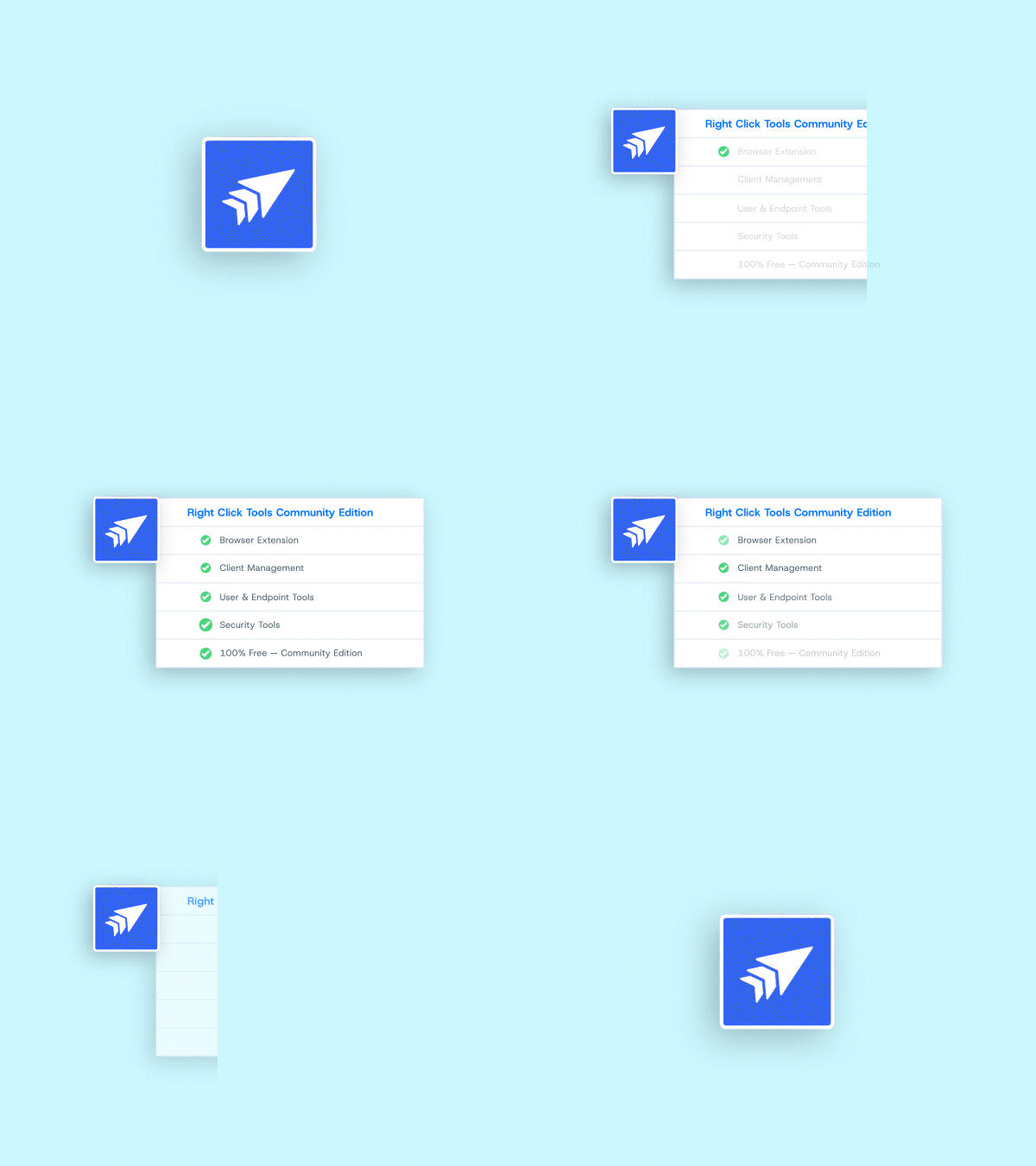
Choose the fit for your team. Start with Community(free) to explore essentials, or unlock Enterprise for advanced automation, security, and reporting—plus access to add-ons.

Features
Community Boost productivity with our free to use Community Edition.
Enterprise The most powerful ConfigMgr & Intune plugin on the market.
Features
Device Management
Easily accessible Client Actions, that can be run on single or multi-selected devices, plus evaluation and inventory cycle actions. Update Machine Policy, Hardware Inventory, start Software Update Scans, and more across multiple devices simultaneously.
Client Actions
Productivity actions for common administrative tasks, including 19 administrative functions on single or multi-select device collections. Troubleshoot and manage Windows settings at scale. Show installed software, list services, view running processes, and more.
Console Tools
Troubleshoot and manage the ConfigMgr client at scale. Manage client cache size, clear the cache, open logs, and more.
Client Tools
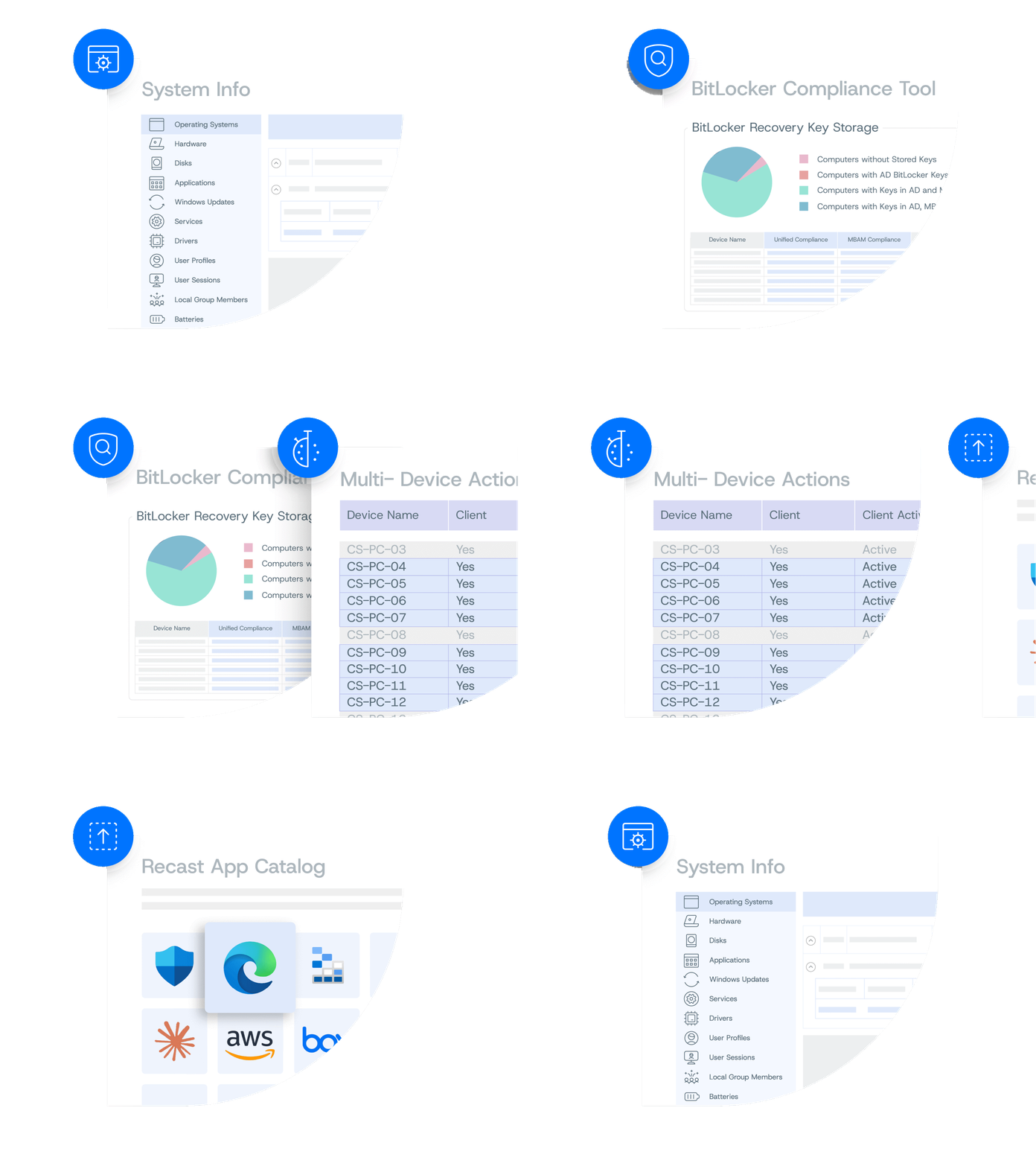
Show many computers at the same time to get an overall idea on what’s going on in your environment. Drill into hardware, drivers and more.
System Information Tool
Limited
Send a message/notification to users of one or more devices.
Send Notification Tool
Limited
Shows information pulled from the ConfigMgr client directly. Drill into cache on each machine, confirm items intended for pre-cache are on the client, clean out old versions and more.
Client Information Tool
Limited
All of your favorite device management tools, available to run at scale.
Device Collection Tools

Take a Self-Guided Look at Community vs. Enterprise Features

How Right Click Tools Transforms Endpoint Management

How Right Click Tools Transforms Endpoint Management

Hidden risks exist on every endpoint. Finding them manually wastes time and leaves critical gaps. Right Click Tools strengthens endpoint management by delivering instant visibility, automated remediation at scale, and consistent compliance across Intune and ConfigMgr. 

Right Click Tools modules

Supercharge your endpoint management toolkit with focused modules that patch faster, see deeper, and lock down admin rights—no extra consoles required. All three modules can be added to the Community and Enterprise editions of Right Click Tools.

Right Click Tools Patching Module

Keep every app current—automatically. Schedule, test, and deploy third-party updates in a few clicks.

Right Click Tools Insights Module

Turn raw data into instant answers. Expose hardware, software, warranty, and compliance insights you can act on—right inside ConfigMgr or Intune. 

Right Click Tools Privileged Access Module

Hand out admin rights only when needed, then snap them back the moment the job’s done. Zero standing privileges, zero headaches. 

See why IT teams trust Recast

Want the inside scoop? Read G2 reviews from admins who rely on Right Click Tools to simplify endpoint management and keep things running smoothly.  

Read Application Workspace reviews on G2

Free Right Click Tools for ConfigMgr and Intune

Extend Microsoft’s native tooling, shore up compliance, and win back time with our free Community Edition.

Questions? We're here to help.

Browse our FAQ for quick answers, or reach out and we’ll get you the details you need.