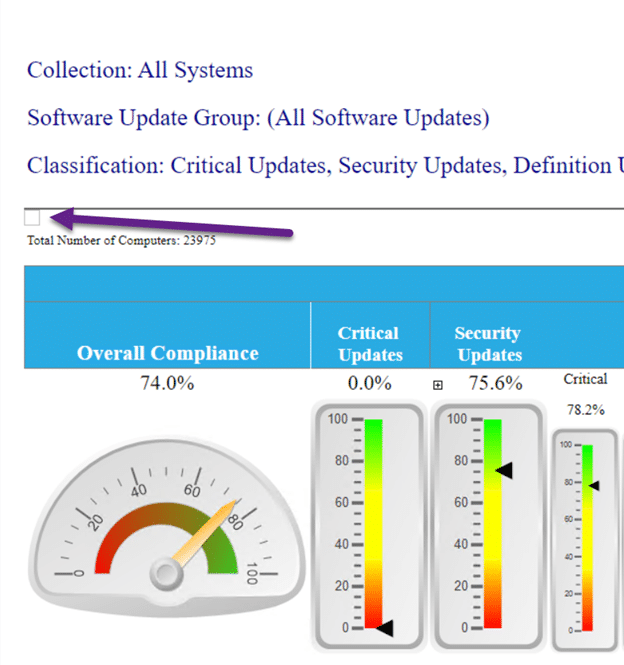
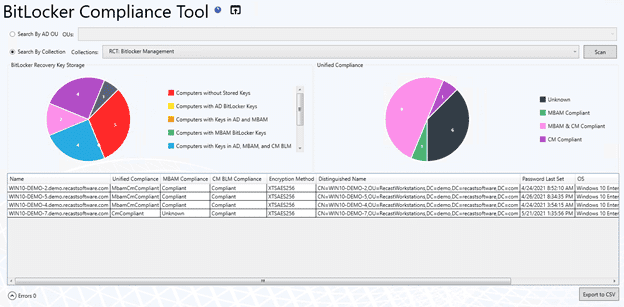
Many of you know Recast Software for the powerful dashboards in Right Click Tools Enterprise. However, you may be less aware of a very useful feature embedded within these dashboards. Our AD Cleanup, BitLocker Compliance, LAPS (Local Admin Password Solution) Compliance, and Software Updates dashboards all come with the ability to create a Trend Dashboard. These Trend Dashboards provide a historical look at each of the individual dashboards, which assists IT Managers and security teams by providing clear, trackable status updates.
Jörgen Nilsson is an IT Consultant with Onevinn, working since 1993 in that capacity. He also holds a Microsoft MVP in Enterprise Mobility and blogs at ccmexec.com.
We had so many questions during the webinar that we weren’t able to get to all of them. Our Solution Engineering duo Courtney Baty and Marty Miller have answered the remaining questions.
This version 5.0 release marks a significant shift in the backend infrastructure of the Recast Software product suite. We've rebuilt all our products from the ground up. This overhaul streamlines future update processes, while also paving the path for more secure 3rd-party integrations.
Recast Software has launched Recast Academy, a learning platform for Enterprise customers to train on our software’s features. Initial courses focus on Right Click Tools Enterprise and enable users to understand the vital features and functionality of our platform.
We recently covered Zero Trust principles broadly. Now let's talk more about how Privilege Manager contributes to certain areas of Zero Trust, including the principle of least privilege.
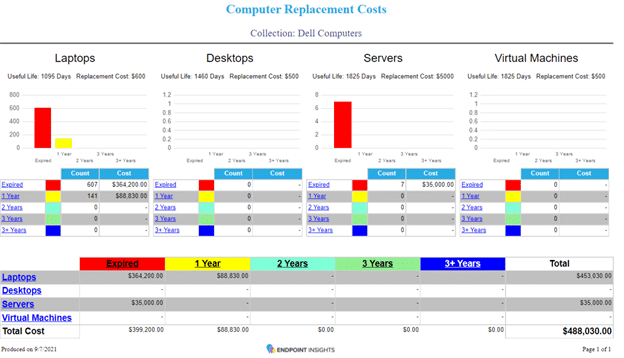
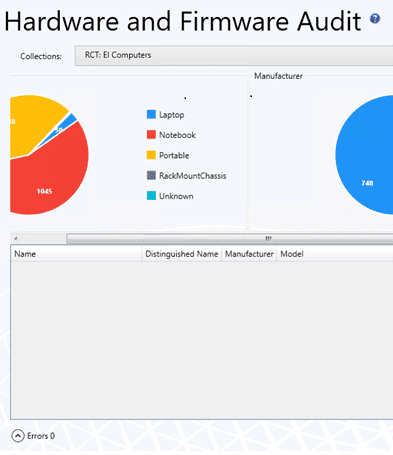
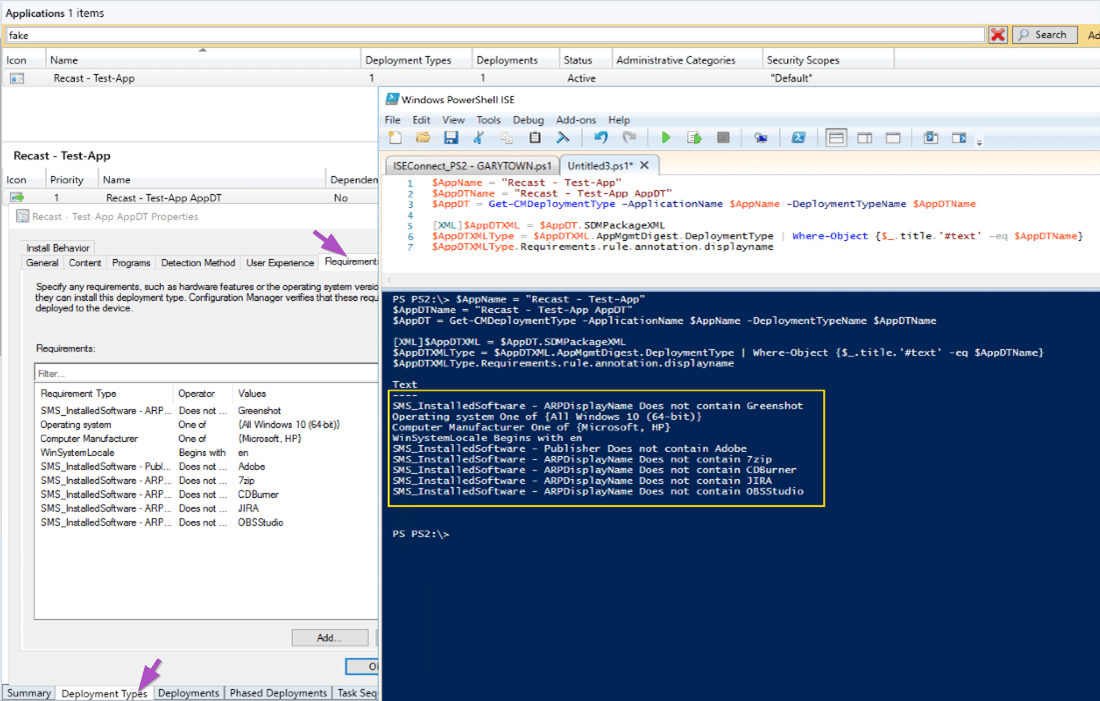
For many IT Administrators and SysAdmins, Recast Software is synonymous with Right Click Tools, our flagship product. Recast customers have more recently begun working with Endpoint Insights, our product folded into the Recast brand after the acquisition of Enhansoft in 2021. Endpoint Insights brings novel data into the MECM / SCCM environment to profoundly improve hardware and software management.
Why Third-Party Application Patching Needs to be Automatic
Kaspersky Labs identified software vulnerabilities as the leading cause of breaches in 2021, outpacing phishing for the first time ever. This data means that organizations need to add third-party patching to their cybersecurity position. If you aren’t patching third-party applications, it is important to get started now.
Principle of Least Privilege: The #1 Protection Against Security Threats in Windows
By Sami Laiho, Chief Research Officer at Truesec and Microsoft MVP in Windows and Devices for IT. Has applied the principle of least privilege in environments for over 20 years.
How to Manage Devices with the Active Directory Cleanup Tool
One of the tasks that often gets pushed to the wayside, but is very important, is managing devices in Active Directory (AD). As the Active Directory accumulates more Organizational Units (OUs), it’s easy to let objects become obsolete as time passes.
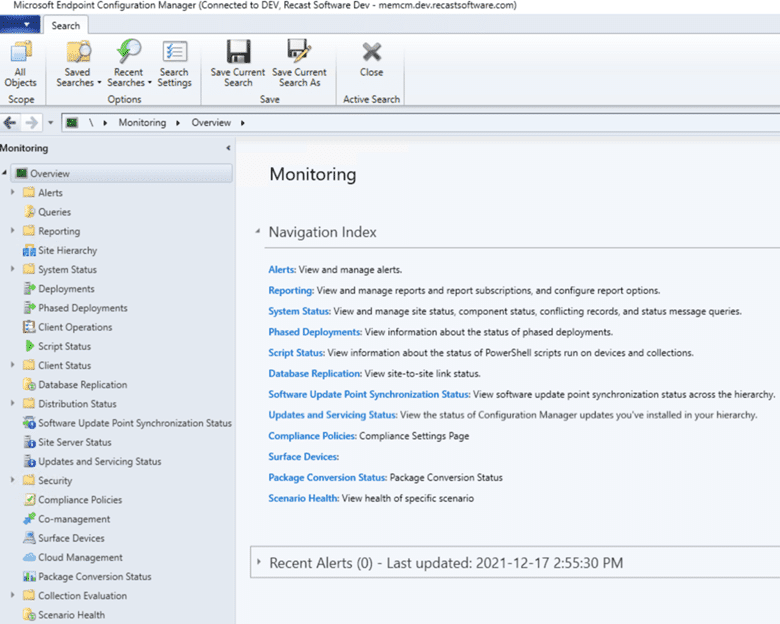
Did you know that Configuration Manager (ConfigMgr / MEMCM / SCCM) has over 500 built-in reports and dashboards? Yes, it is true! However, with so many to choose from and a lack of time for most to review all of them, finding the best SCCM reports can be challenging. So, I put together this list.
The User Manual for NT 3.1, published almost 30 years ago in 1993, explains that the security subsystem of the NT operating system is not built to withstand the use of local admin rights. Admins typically set settings and limited users can’t change them. When it comes to configuration, it’s supposed to work ...
Sami Laiho, a Microsoft MVP in Windows OS and a highly regarded security expert, recently collaborated with Recast Software to host a webinar, “Zero Trust with Sami Laiho.” Sami concisely made his case for Windows security in 2022.
What Is CMTrace and What Is It Used for? The Ultimate Guide
MTrace is a real-time log file viewer for Microsoft Endpoint Configuration Manager (MEMCM, formerly SCCM). I originally wrote a blog post about CMTrace back in 2014, so I thought that it was time to update it with new information about running it you can learn from.
Why would you want to download Report Builder (RB)? I must admit that I don’t use the application an awful lot, but I find it particularly useful when I can’t access my own laptop. When this happens, instead of using SQL Server Data Tools (SSDT), I can use Report Builder to create a reporting project and make quick edits to an existing report or dashboard from another workstation.
Overview of Microsoft LAPS (Local Administrator Password Solution)
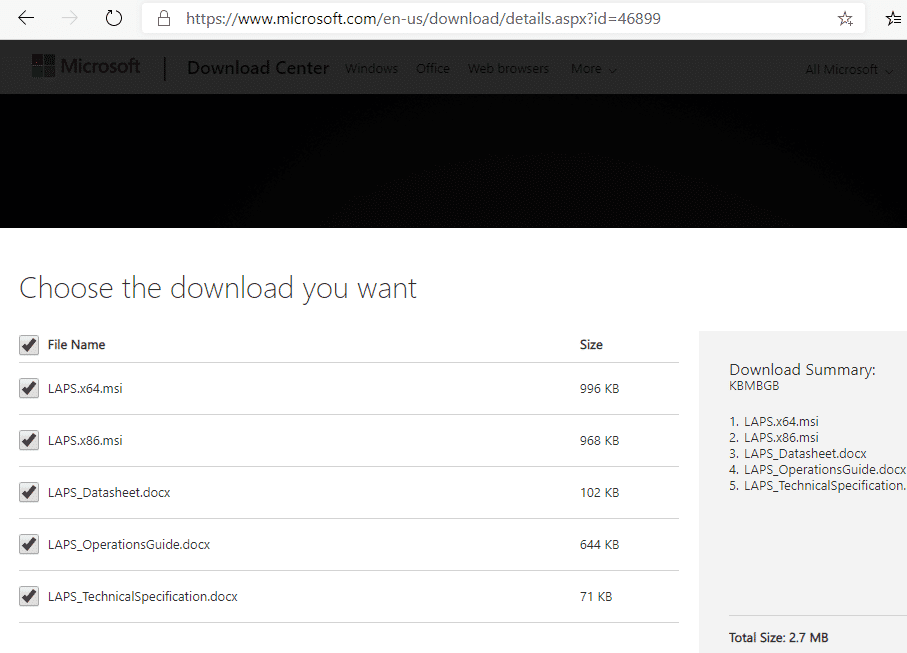
The "Local Administrator Password Solution" (LAPS) provides management of local account passwords of domain joined computers. Passwords are stored in Active Directory (AD) and protected by ACL, so only eligible users can read it or request its reset
Configuration Manager (ConfigMgr), currently Microsoft Endpoint Configuration Manager (MEMCM) formerly System Center Configuration Manager (SCCM), is a Microsoft solution designed to enhance the management of Windows enterprise devices.
For our second Q & A with SysAdmin Superstars, we interviewed Sami Laiho, an 11-time MVP in Windows OS. Sami is a leader in the Privileged Access Management (PAM) space, and specializes in troubleshooting, security, Active Directory, and penetration testing.
How to Remove Outdated Content from the CCM Cache Folder
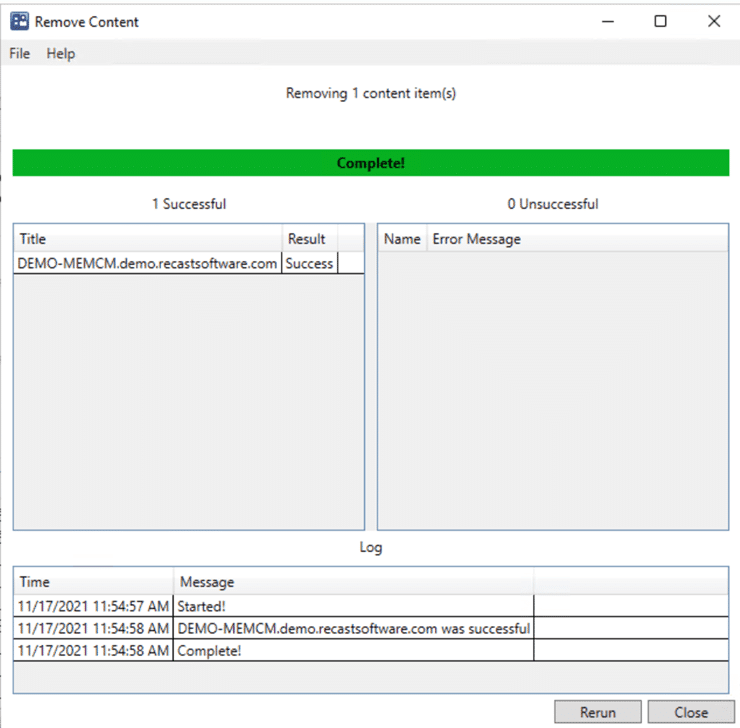
With Right Click Tools, clearing outdated content from the CCM cache folder is super easy. However, before I show you how to do this, let me tell you about a situation I once faced. Maybe you can relate.
Recast Version 4.9 Release Strengthens User Experience
Recast Version 4.9 includes software updates and bug fixes added to our products since the 4.8 version, which went live on October 2021. Ticket submissions by customers enable us to uncover and then prioritize updates and fixes.
This post is the first in a new series, Q & A with SysAdmin Superstars. We're excited to host Prajwal Desai for our first digital interview. Prajwal is an 8-time MVP in Enterprise Mobility and a vital content creator within the Configuration Manager / SCCM space.
Better Together: Endpoint Insights and Right Click Tools Webinar Highlights
Recast hosted Better Together: Endpoint Insights and Right Click Tools, the third webinar in a five-part series highlighting the many ways Endpoint Insights expands the capabilities of Right Click Tools and ConfigMgr.
When you know the warranty status for each of your computers, you can start budgeting for new ones and replacing older HP products based on your company’s computer lifecycle policy. Most large computer manufacturers, including HP Inc., provide support through sites where you can perform an HP warranty check for any computer device by inputting its serial number.
In a world where Zero Trust is becoming the industry standard, the last thing you want to do is give out unnecessary permissions. Striking a balance between empowering your employees and reigning in admin access can be challenging. While we often think of these issues in terms of our end users, IT employee accounts should be treated with the same level of scrutiny, providing just enough access to get the job done.
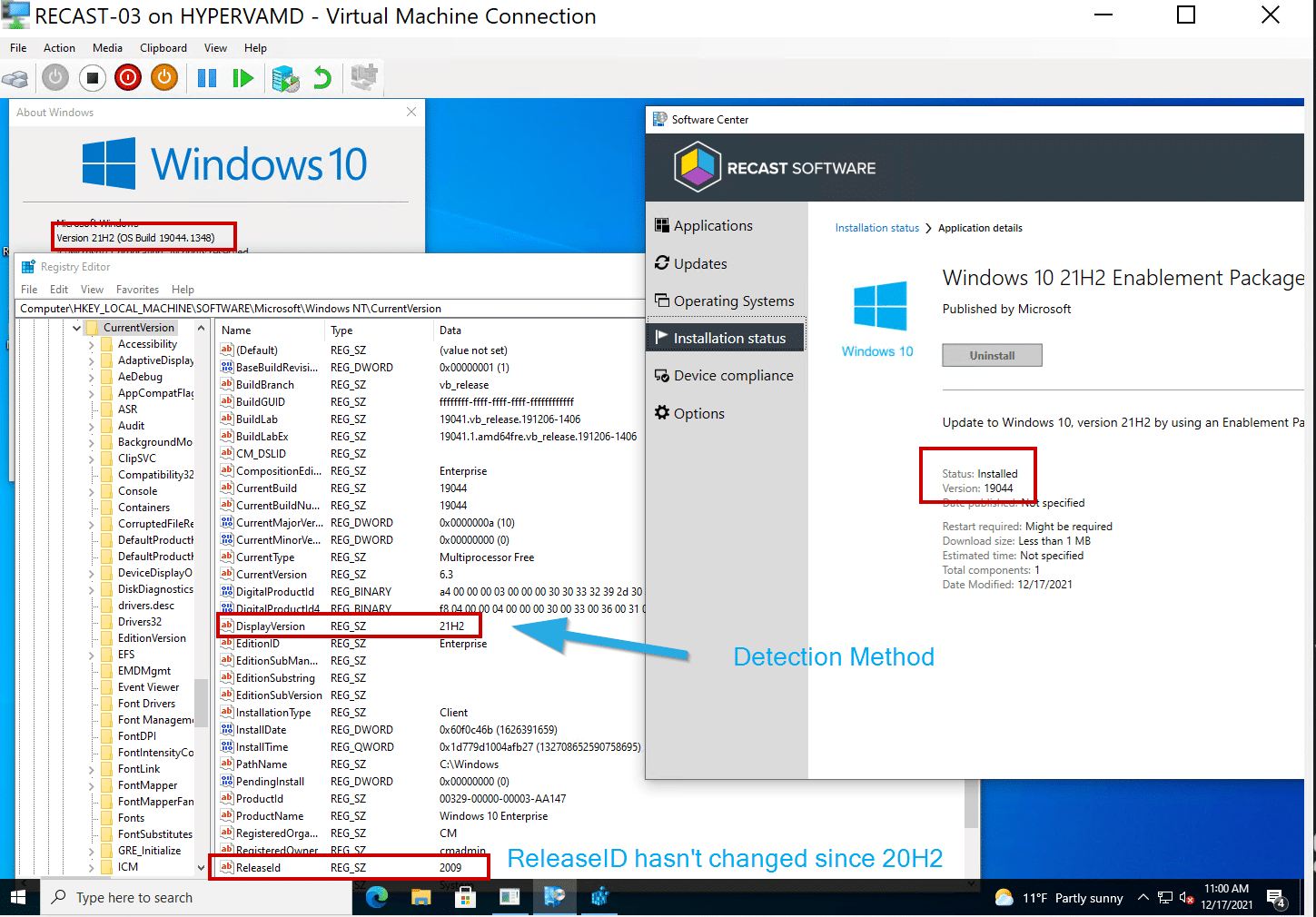
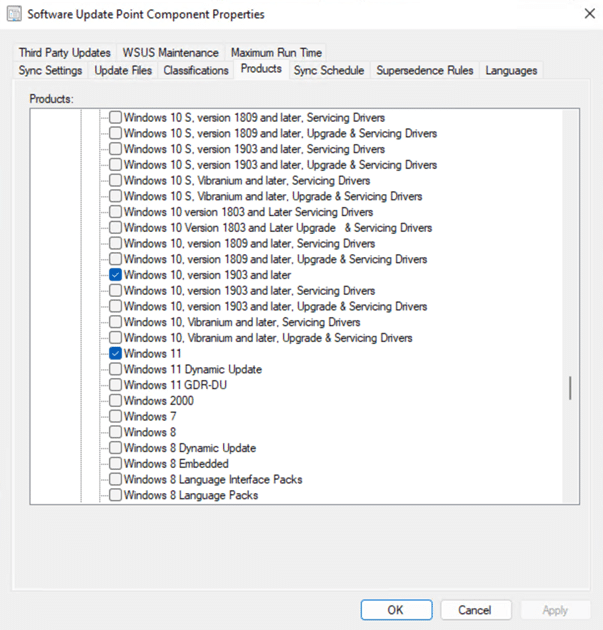
Windows 11 has been out for several months, and now I’m ready to give my initial review of Windows 11 and ConfigMgr OSD. I must say that I’m impressed. While I personally wouldn’t deploy Win 11 to production yet, call me conservative based on previous Windows releases, it’s always fun to play with in a lab.
You've done your research. Now, let's take the next step streamline your IT management in the modern workplace. Request a customized quote today for your organization.